I’m excited to announce my brand new course on product validation How to Validate a Product Idea. Since it’s really important to make sure that you have an audience out there, you need to do your best when it comes to validating your product idea. Otherwise, you’ll just waste a whole lot of time on something that nobody gives a rat’s ass about 🙂 A quick way to validate your product idea is to have Mailchimp email templates. (more…)
Blog
-

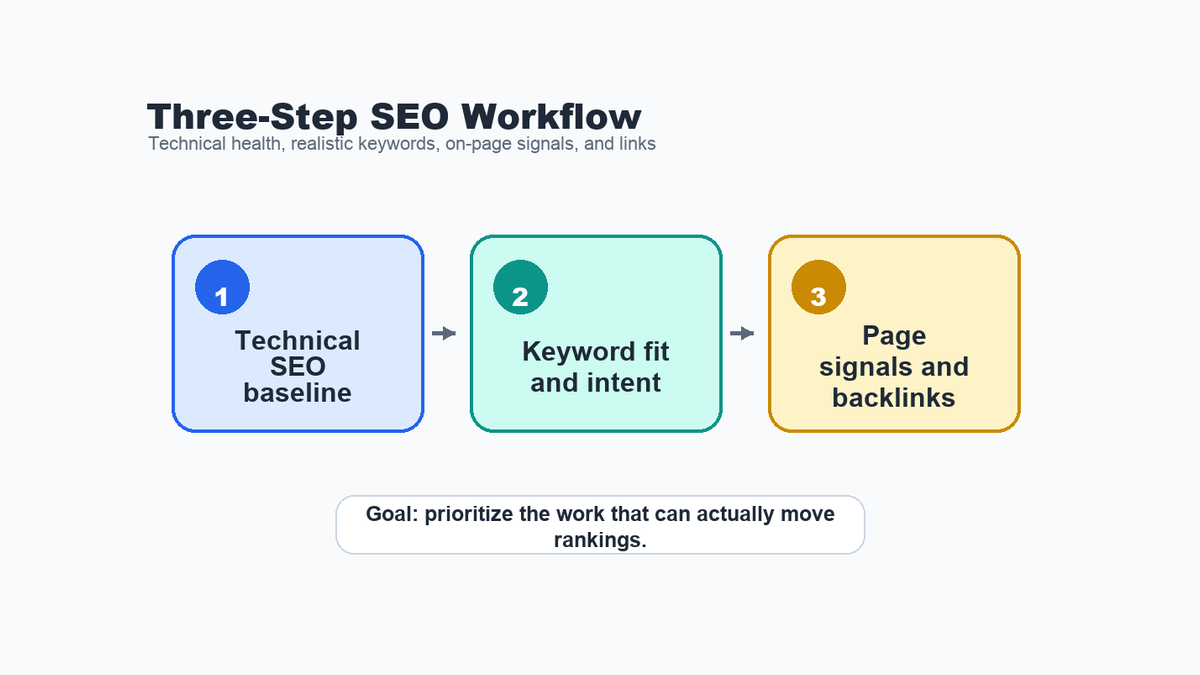
Three-Step SEO Workflow for Better Rankings
Watch the walkthrough first: The Loom above shows the three-step SEO workflow in action before the written breakdown. If you are short on time, use the checkpoints below to jump to the part that matches your current SEO bottleneck.
Video checkpoints:
- 00:00 – Three-step SEO plan: Start with the technical baseline so keyword and backlink work is not built on preventable blockers.
- 03:08 – Select best target keywords: Compare demand, intent, authority gaps, and business fit before choosing a target.
- 07:36 – Optimize pages for keywords: Tighten the title, H1, copy, headings, meta description, image alt text, and internal links around the chosen topic.
- 09:15 – Reverse engineer backlink sources: Review competitor backlinks, filter weak sources, and turn the useful patterns into outreach ideas.
Transcript-style summary: The video walks through a practical SEO workflow: find technical problems first, pick keywords the site can realistically win, improve the page signals around those targets, and use competitor backlinks to build a cleaner link opportunity list.
When I review a site that wants better rankings, I do not start by making a giant list of random SEO tasks. I want a sequence that answers three questions: can search engines read and trust the important pages, are we targeting keywords the site can realistically win, and do the pages have enough on-page relevance and authority signals to compete?
This post is based on a real Loom walkthrough I recorded for a client, with the written examples generalized so the workflow is useful for other sites too. The same workflow works for a new SaaS site, a service business, or a niche B2B company that needs a practical first SEO plan instead of another raw export.
Here is the short version: fix the technical baseline, choose realistic keywords, then improve pages and backlink opportunities around those targets.
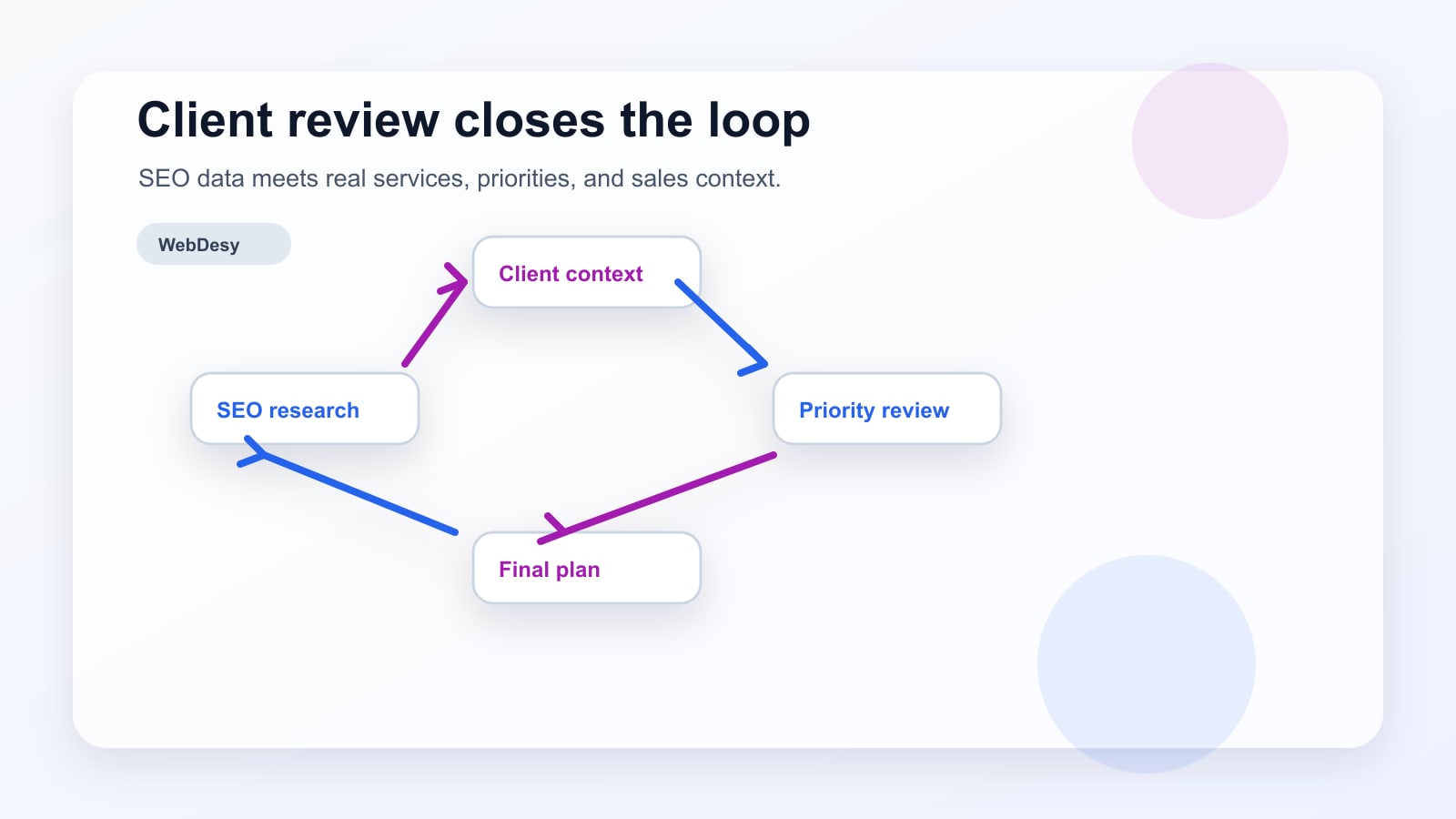
Quick result snapshot: A newer or niche site should first remove technical blockers, then validate realistic keyword targets, then improve page signals and backlink opportunities around those targets. The business owner still needs to confirm which keyword themes match the actual offer.
Start With the Technical SEO Baseline
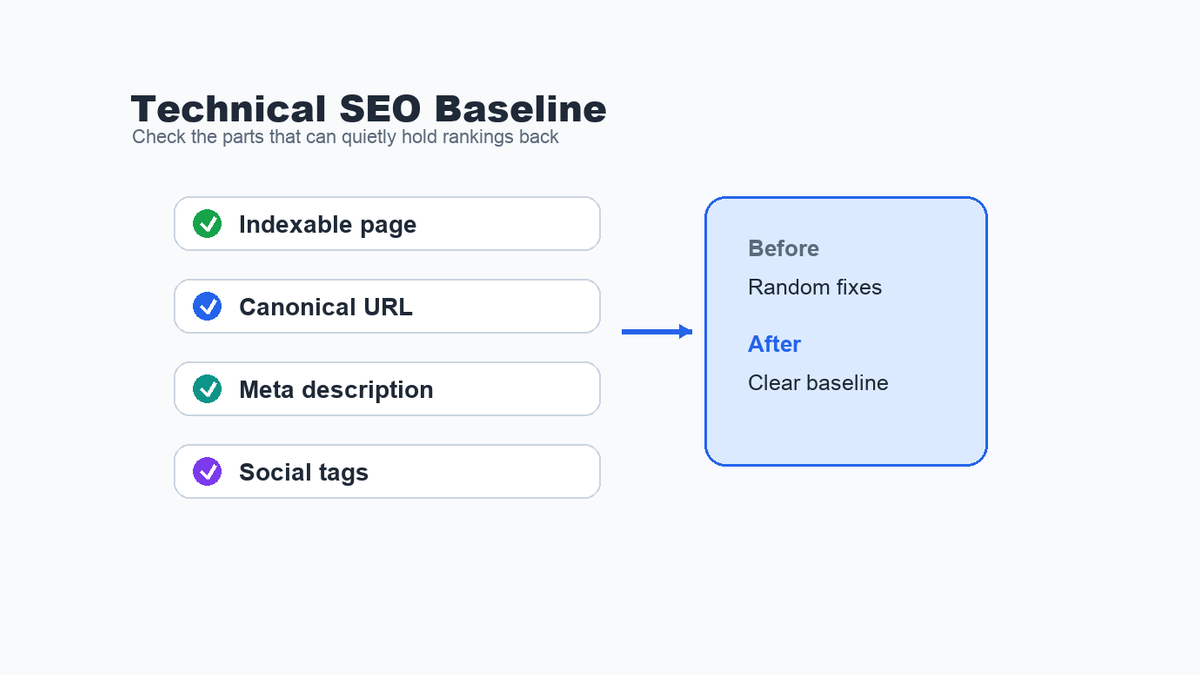
Before keyword research gets exciting, the site needs the basics in place. If important pages have indexability problems, missing canonical URLs, weak meta descriptions, or incomplete social tags, the strategy can start on shaky ground.
I usually start with the homepage and the few pages most likely to bring leads. The goal is not to fix every tiny warning immediately. The goal is to find issues that could affect crawling, indexing, search snippets, or how confidently Google understands the preferred page version.
The first pass usually checks:
- Whether the page can be indexed.
- Whether the canonical URL is present and points to the right version.
- Whether the meta description is long enough and written for clicks.
- Whether Open Graph and social tags are present enough for clean sharing.
- Whether the rendered HTML still contains the SEO-critical tags after JavaScript runs.
This is the same logic behind a good technical cleanup or recovery plan: remove blockers before asking content and links to do all the work. For a deeper example, see WebDesy’s SEO audit recovery plan.
Choose Keywords You Can Realistically Rank For
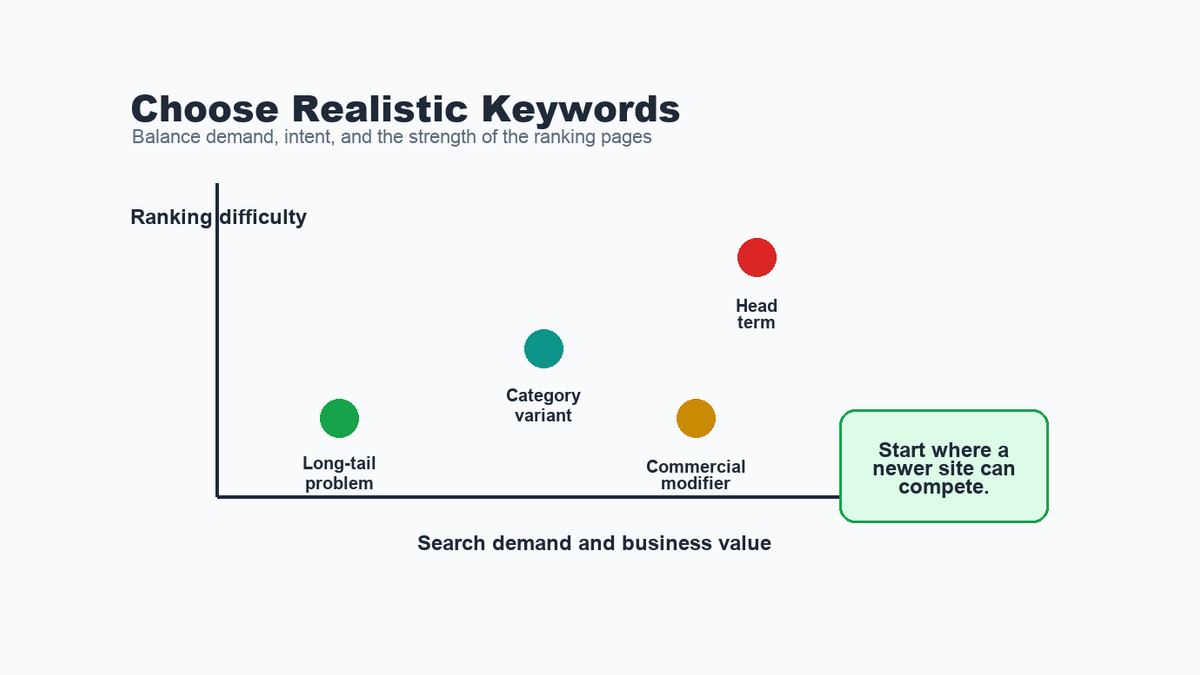
The second step is keyword research, but not the kind where you simply grab the biggest-volume phrase and call it a strategy.
A keyword has to pass a few practical checks. Does it have search demand in the country that matters? Does it match the offer? Does the search result show pages like yours, or is it dominated by huge authority sites? If the site is new or has low authority, the first target may need to be a more specific phrase before the broader head term becomes realistic.
A simple keyword decision table can look like this:
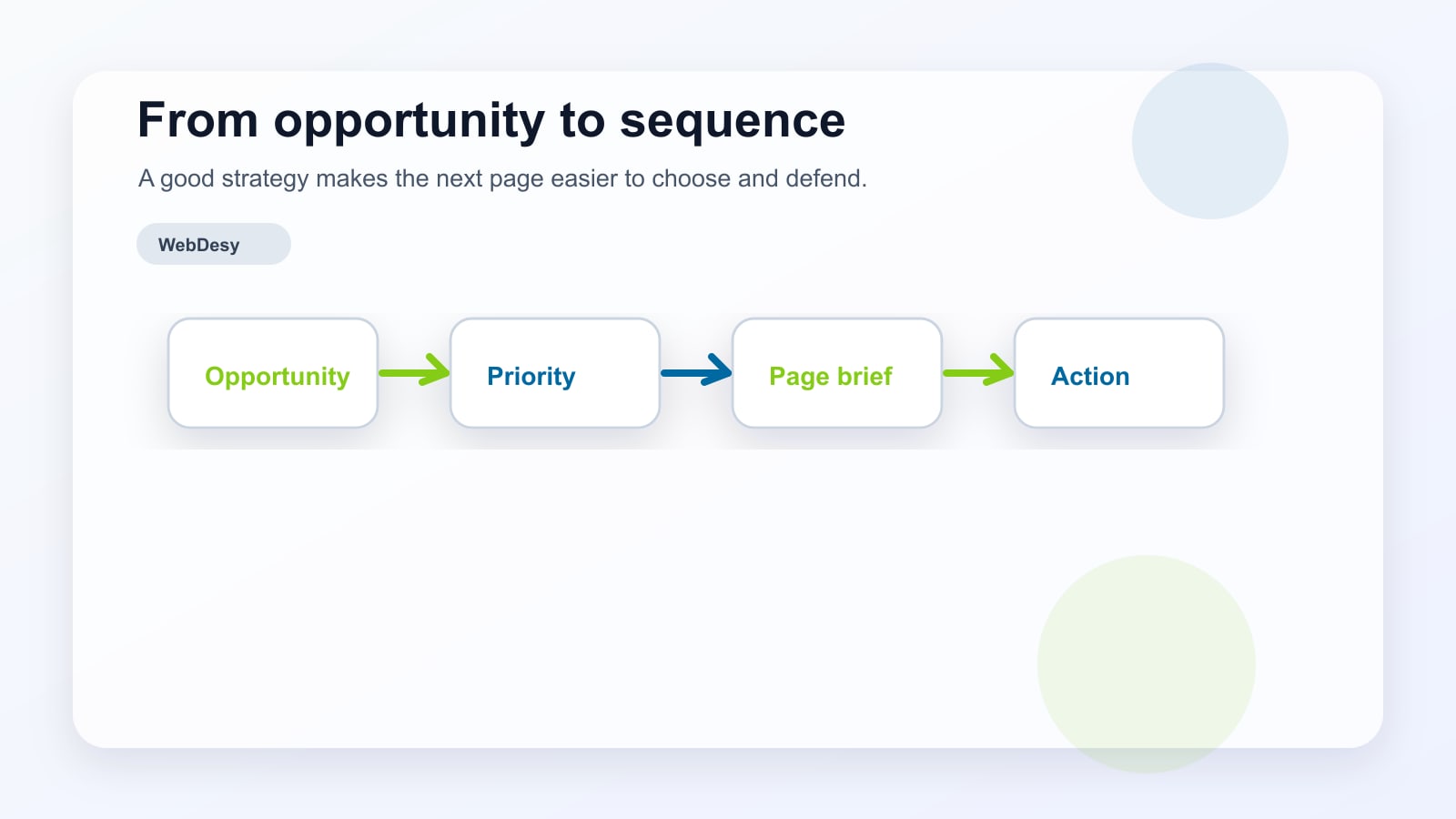
Keyword type What to check Best first action Core category term Demand, intent, and authority gap Use only if the current SERP is realistically competitive Commercial modifier Buyer intent and page fit Build or improve a landing page Long-tail problem Specific question and lower competition Create a useful guide or support article Competitor term cluster Pages already ranking in the SERP Study the page format and link profile before deciding This is why a keyword spreadsheet is not the strategy. The strategy is the decision about which opportunities deserve a landing page, which ones deserve an article, and which ones should wait until the site has more authority. I use the same principle in my keyword research process.
Map Each Keyword to the Right Page Type
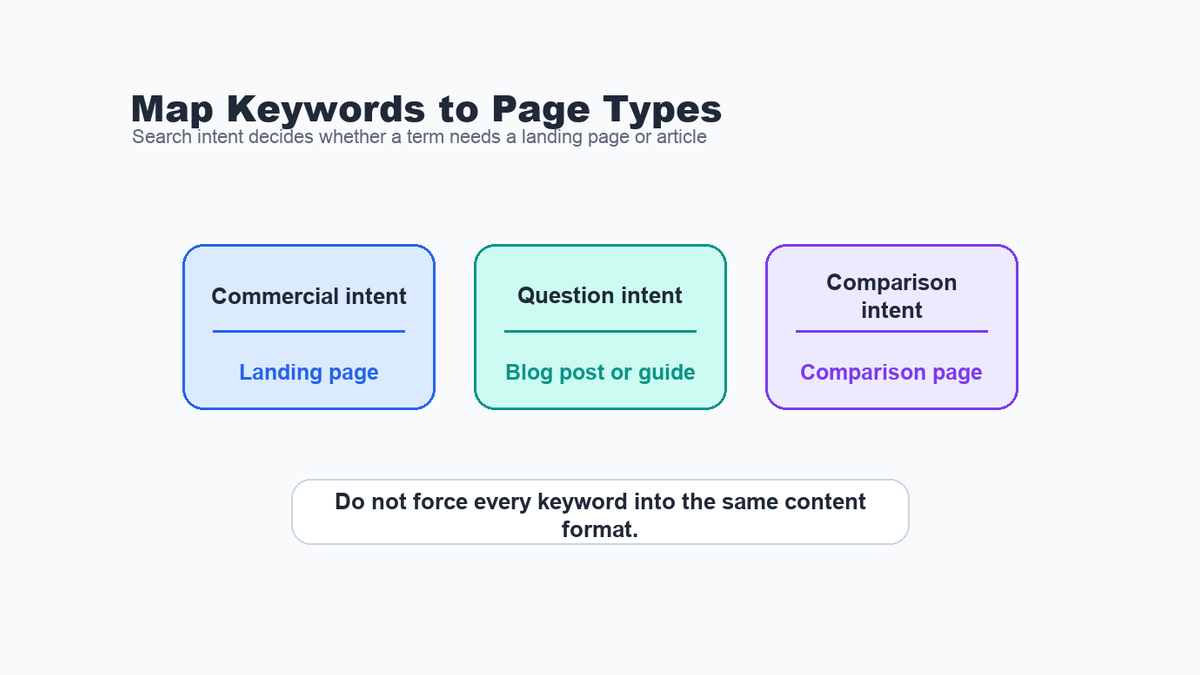
Once you have a realistic keyword list, the next mistake is trying to use the same content format for every target.
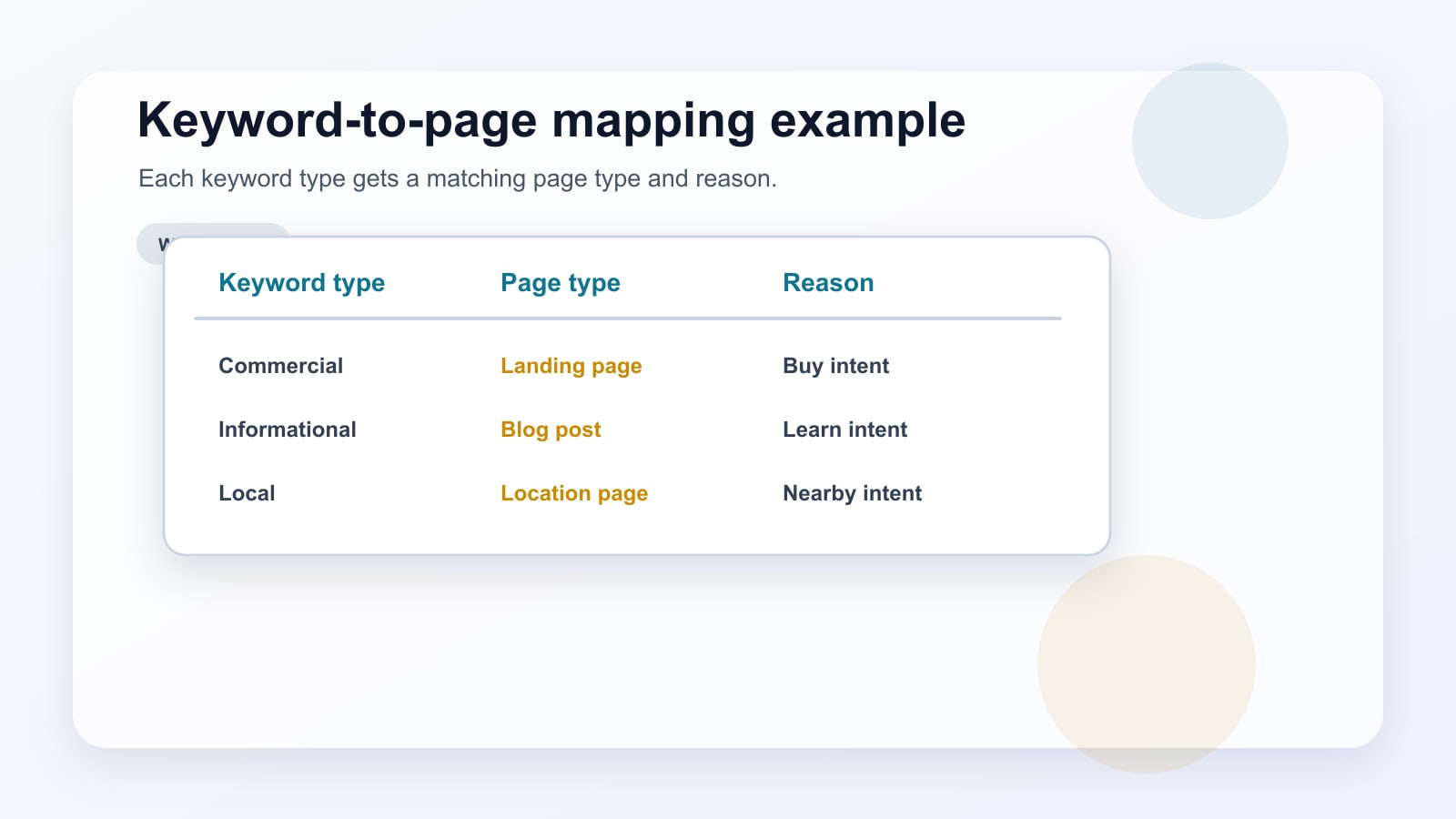
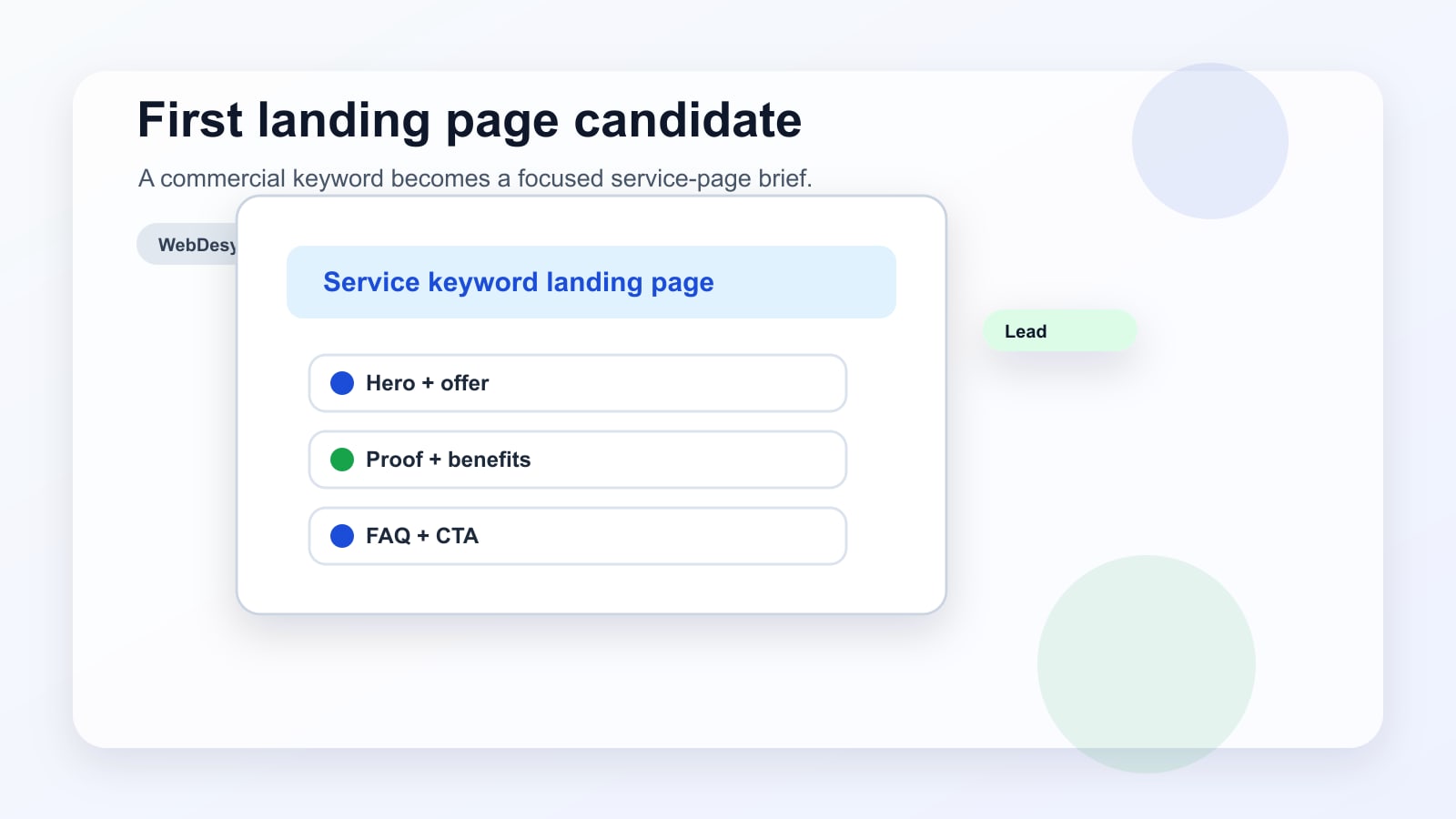
A commercial keyword usually needs a landing page that explains the service, proof, differentiators, and a clear next step. A question-based keyword may need a blog post or guide. A comparison keyword may need a comparison page. If you mix those intents, you can create a page that feels relevant to no one.
For a small first roadmap, I like to separate targets into three buckets:
- Main landing page keywords where the reader may be ready to convert.
- Blog or guide topics where the reader is researching a problem.
- Supportive topics that can internally link back to the key commercial pages.
If the site does not have a blog yet, that is not automatically a problem. It just means the first content plan should be intentional: answer questions that connect to the service, not questions that create traffic with no buyer path.
Tighten the On-Page Signals
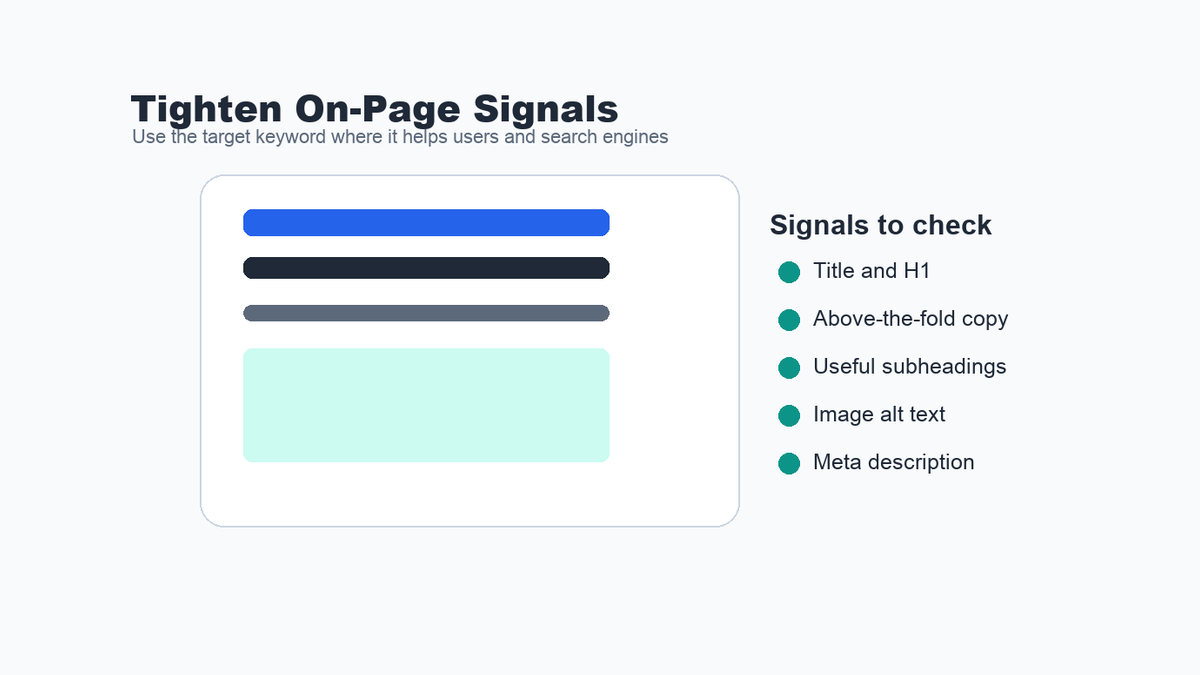
After the target keyword is chosen and mapped to the right page type, the page itself needs to make the topic clear.
That does not mean stuffing the keyword everywhere. It means using the phrase naturally in the places that help both readers and search engines understand the page: the title, H1 or main hero copy, one or more useful subheadings, image alt text where the image actually supports the topic, and the meta description.
In the Loom walkthrough, one image alt text was close to the topic but still more brand-focused than keyword-focused. That is a common situation. The fix is not to jam in the keyword mechanically. The fix is to describe the image accurately while aligning the wording with the page’s target topic.
Before/after example: The goal is not to force the keyword into every field. The goal is to make the page topic clearer while keeping the copy useful.
Page element Weak version Stronger version H1 Platform built for modern teams Privacy risk management software for modern teams Meta description Learn more about our platform and features. Use a practical privacy risk management workflow to find issues, prioritize fixes, and connect technical cleanup with search demand. Image alt text Dashboard screenshot Privacy risk management dashboard showing issue prioritization and audit status A quick on-page check includes:
- Does the above-the-fold copy make the topic obvious?
- Does the H1 match the keyword intent?
- Do subheadings support the query instead of drifting into vague slogans?
- Do important images have useful alt text?
- Does the meta description give someone a reason to click?
Reverse Engineer Competitor Backlinks
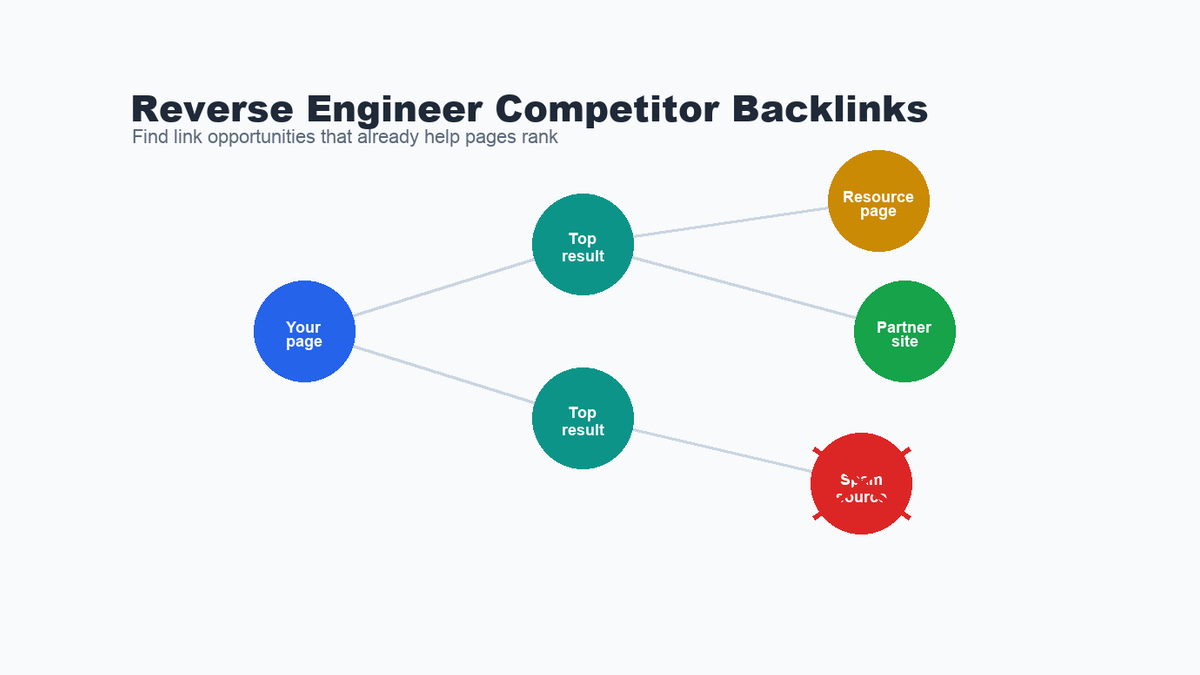
The third step is link building, but I like to make it grounded in what already works.
For a target keyword, look at the top-ranking pages and ask: who links to them, what kind of pages are those links on, and which links are relevant enough to pursue? This gives you a practical outreach list instead of a generic list of websites.
The important part is quality control. Some competitor backlinks come from spammy pages, scraped directories, or irrelevant sites. Those should be skipped. The useful opportunities are the pages where a relevant resource, expert quote, tool, guide, partner mention, or updated reference could reasonably earn a link.
The workflow looks like this:
- Identify the pages ranking in the top results for the target keyword.
- Review the linking domains and pages behind those results.
- Remove spammy or irrelevant sources.
- Look for repeatable patterns: resource pages, industry lists, articles, partner pages, and niche publications.
- Build outreach around the page you actually want to rank.
That is the same reason a link building campaign should start with context, not just volume. A related WebDesy example is here: link building campaign kickoff after a core update.
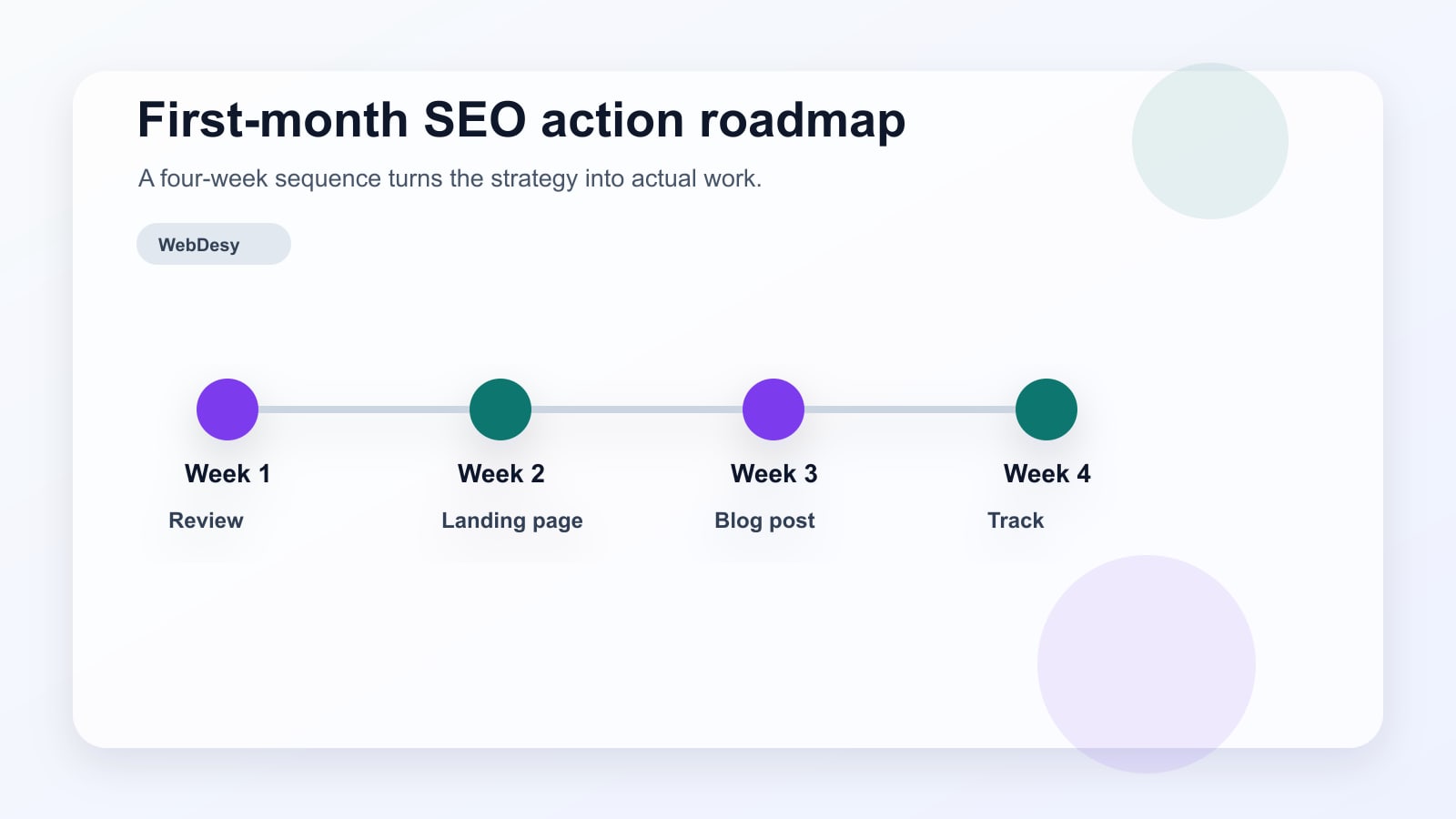
Use a First-Month Action Plan
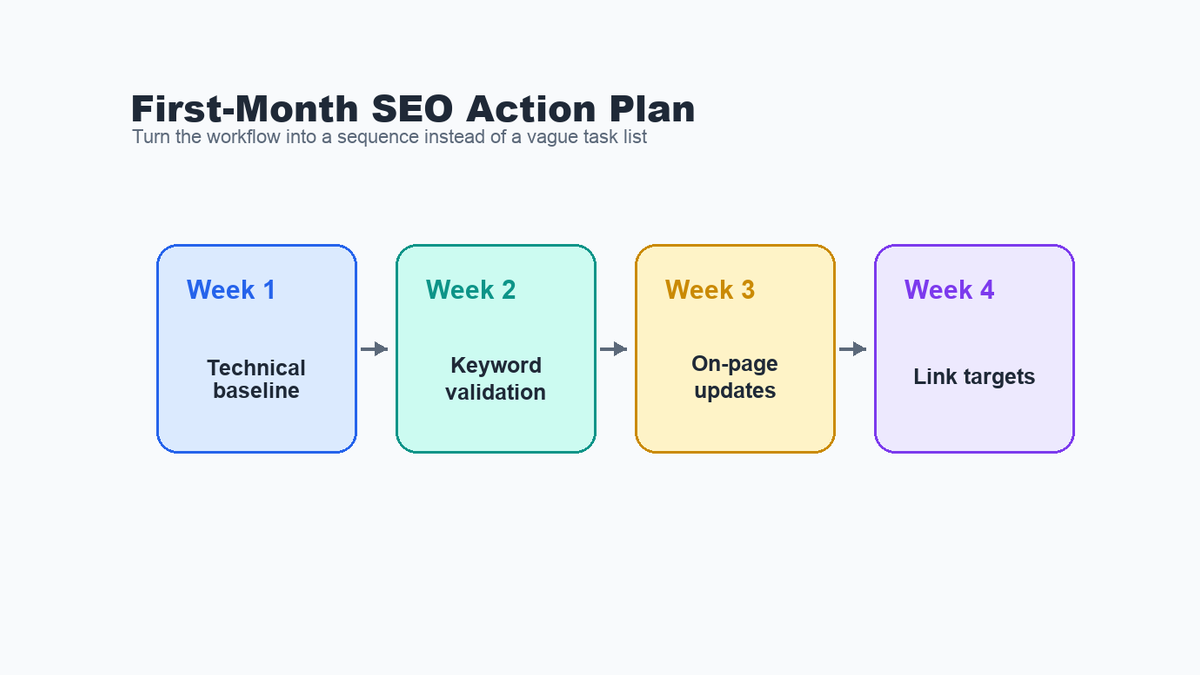
The easiest way to make SEO vague is to put every possible task into the same priority pile. I prefer a simple first-month plan.
Download the companion checklist: 3-Step SEO Workflow Checklist (PDF). Use it to turn this workflow into a practical first-month SEO action plan.
Week 1: Fix the technical baseline on the homepage and key landing pages. Prioritize indexability, canonical tags, metadata, and obvious rendered HTML issues.
Week 2: Validate keyword targets. Separate landing page keywords from blog topics and flag anything that looks too competitive for the site’s current strength.
Week 3: Update on-page signals. Improve page titles, main copy, headings, internal links, image alt text, and meta descriptions around the selected targets.
Week 4: Build the backlink opportunity list. Reverse engineer competitors, remove low-quality sources, and prepare outreach angles for the most relevant pages.
My first-month SEO checklist:
- Confirm the business priorities.
- Audit the key pages for technical blockers.
- Choose keywords with realistic competition.
- Match each keyword to the right page type.
- Update on-page signals without keyword stuffing.
- Add internal links from relevant existing content.
- Build a clean competitor backlink opportunity list.
- Review the roadmap with the business owner before scaling the work.
Want this turned into a roadmap for your site?
Send me your homepage, your most important service or product pages, and the keywords you care about. I can turn this same process into a prioritized SEO roadmap with technical fixes, page-type decisions, on-page recommendations, internal-link ideas, and backlink opportunities.
Common Mistakes to Avoid
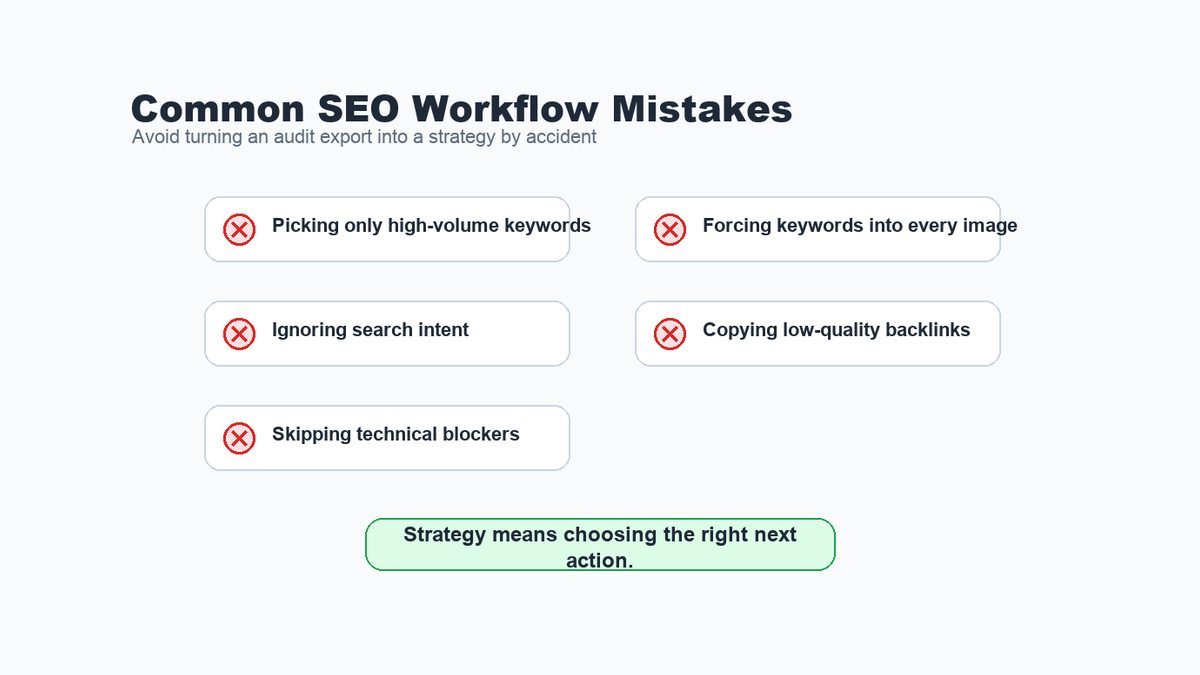
A good SEO workflow is partly about what you do not do.
The biggest mistakes I see are:
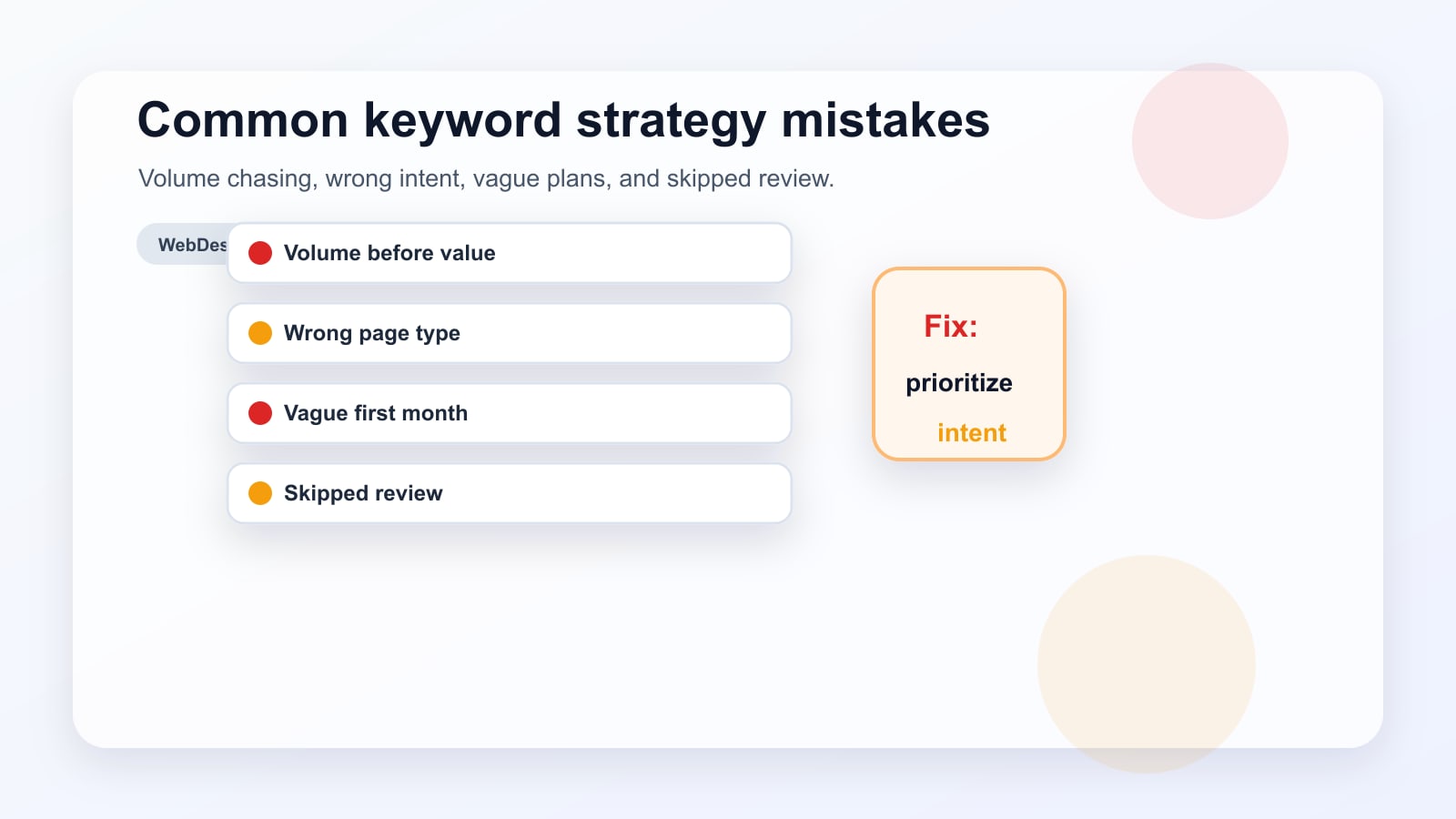
- Treating an audit export as the strategy.
- Choosing keywords only because they have the highest volume.
- Ignoring whether the current site can realistically compete.
- Matching a commercial query to an informational blog post, or the reverse.
- Fixing on-page SEO before checking indexability and canonical signals.
- Using image alt text as a keyword dumping ground.
- Copying competitor backlinks without checking quality or relevance.
- Skipping client review when the keyword list touches product positioning.
The practical takeaway is simple: each SEO action should be connected to a ranking constraint. If the page cannot be indexed, fix that. If the keyword is unrealistic, change the target. If the page is unclear, improve the on-page signals. If the SERP is competitive, study the links that help competitors win.
Need help choosing the right SEO priorities? Send me your top pages and current keyword targets, and I can turn them into a prioritized roadmap with technical fixes, page-type decisions, on-page recommendations, internal-link ideas, and backlink opportunities.
FAQ
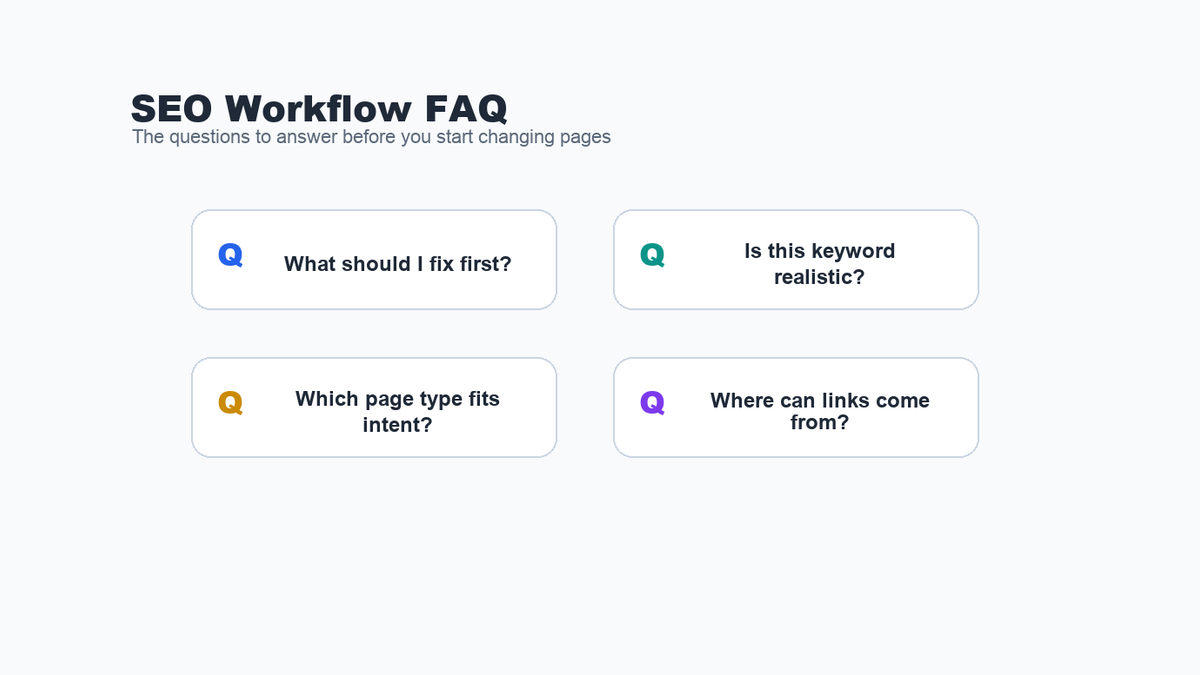
What is a three-step SEO workflow?
A three-step SEO workflow is a simple process for prioritizing SEO work: first fix the technical baseline, then choose realistic keywords, then improve on-page signals and backlink opportunities around those targets.
Should technical SEO come before keyword research?
For important pages, yes. If a page has crawl, indexability, canonical, or metadata problems, keyword research alone will not solve the underlying issue. You do not need a perfect technical score before strategy, but you should remove obvious blockers early.
How do I know if a keyword is realistic?
Check search demand, intent, the authority of the pages already ranking, and whether the SERP contains pages similar to yours. A newer site usually needs more specific targets before it can win broad, competitive terms.
Do backlinks still matter if the on-page SEO is good?
Yes, especially when the top-ranking pages have stronger authority or better link profiles. On-page SEO helps the page deserve relevance; good backlinks can help it compete.
Sources and reference links: Google Search Central on canonical URLs, meta descriptions, and image SEO.
-

How to Use Cloudflare for SEO: Speed, Security, Crawlers, and AI Search
Cloudflare is often treated as just a CDN, but for SEO it can do much more than cache static files. Once a website is behind Cloudflare, requests pass through Cloudflare before they reach the origin server. That gives site owners practical control over speed, HTTPS, caching, redirects, bot access, security, and even AI crawler visibility.
Cloudflare will not replace good content, internal links, technical cleanup, or search intent work. But it can support the technical foundation that helps users, Google, Bing, and AI search systems access a website more reliably.
In a real Cloudflare account review, I saw the kinds of tools that make this platform useful for SEO: DNS, SSL/TLS, Security, Speed, Caching, Rules, Workers Routes, analytics, and AI Crawl Control. Some features were available on the Free plan, while others, such as deeper Cache Analytics and Markdown for Agents, were marked as paid or Pro-level features. That mix is important because you can get meaningful SEO value from Cloudflare without assuming every account has every advanced feature.
Who this is for: This guide is for website owners, WordPress users, SEO consultants, and marketing teams who already use Cloudflare, or are considering it, and want to know which Cloudflare features actually matter for SEO.
Cloudflare SEO Quick Setup Area What to Check SEO Benefit SSL/TLS Use a valid certificate and avoid redirect loops. Protects users and keeps HTTPS URLs consistent. Caching Cache static assets and avoid caching private or admin pages. Improves repeat load speed without breaking dynamic pages. Bot Access Review firewall, bot, and security events before blocking traffic. Helps prevent accidental Googlebot or Bingbot blocks. Crawler Hints Enable and monitor crawl-supporting signals where appropriate. Can help supported search engines crawl changed URLs smarter. AI Crawlers Review AI Crawl Control before deciding what to allow or block. Supports better AI search visibility decisions. Rules Document redirects, headers, and edge behavior before changing them. Reduces indexing mistakes from rushed edge-level fixes. Why Cloudflare Matters for SEO

Cloudflare helps SEO teams connect speed, security, crawler access, and measurement in one workflow. Technical SEO is partly about making a site easier to crawl, faster to load, safer to visit, and more consistent for search engines. Cloudflare sits in front of the site, so it can influence all of those areas.
Cloudflare can help with:
- Serving assets from a global network instead of relying only on the origin server.
- Improving HTTPS coverage and redirecting insecure requests.
- Reducing load on the origin server through caching.
- Monitoring traffic from search engines and AI crawlers.
- Creating cleaner redirects and response-header rules.
- Protecting the site from malicious traffic without blocking legitimate crawlers.
- Measuring performance problems through Speed tools and real-user data.
Cloudflare has its own guide on SEO performance benefits here: Cloudflare: Improve SEO.
Cloudflare SEO Settings I Would Check First
Cloudflare settings and rules should be reviewed with crawling, indexing, speed, and redirects in mind. Before changing anything, I would review these areas in read-only mode and document what is already enabled. That gives you a safe baseline before you adjust Cloudflare for SEO.
- Caching and Cache Rules: Check what Cloudflare can cache, which URLs are excluded, and whether important templates need path-specific behavior. Start with the Cloudflare Cache Rules documentation.
- HTTPS and redirects: Confirm HTTP requests resolve cleanly to HTTPS, with no mixed content or redirect loops. Cloudflare documents this under Always Use HTTPS.
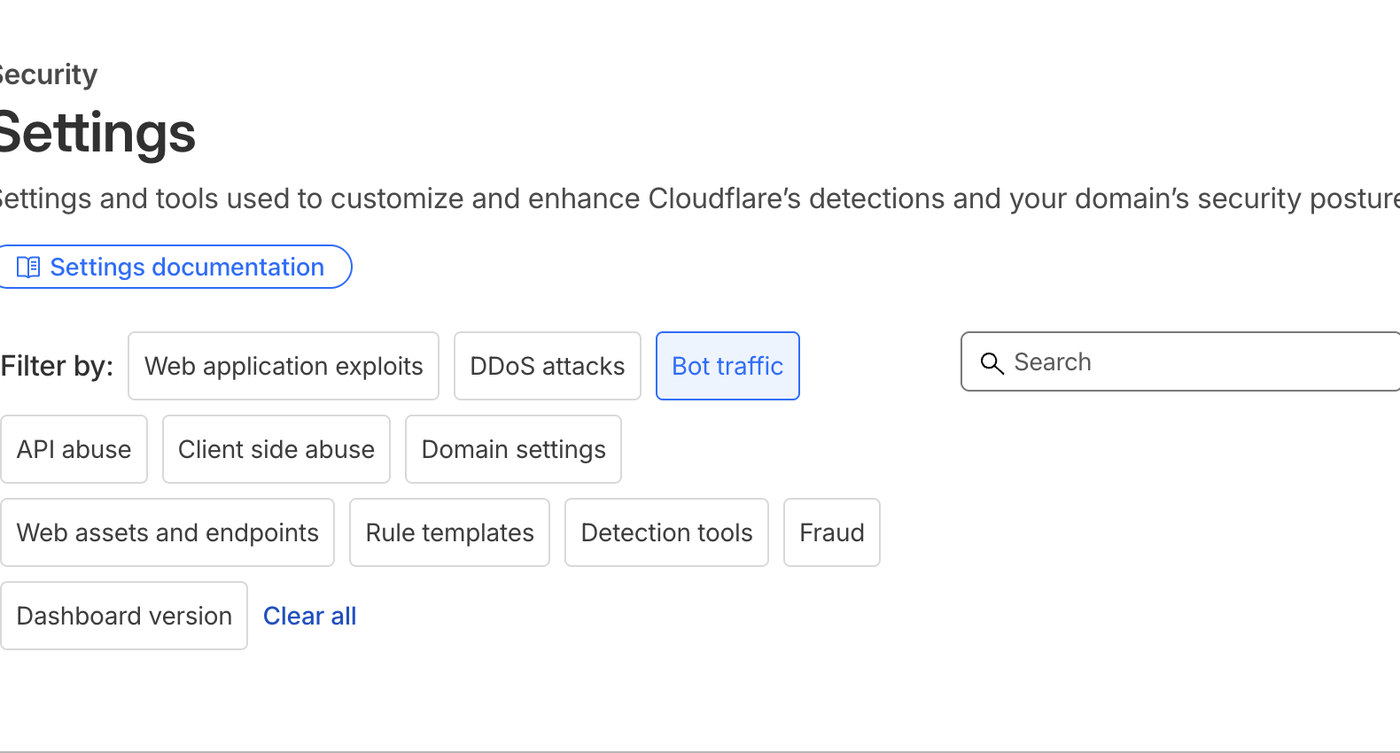
- Search crawler access: Review security events and bot traffic before tightening rules, so Googlebot, Bingbot, and other legitimate crawlers are not blocked by accident.
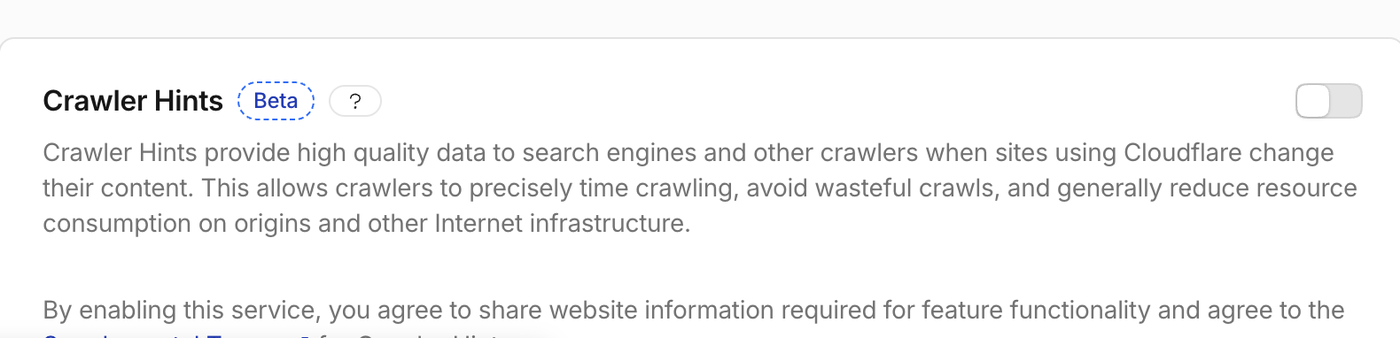
- Crawler Hints: Use Crawler Hints when the site publishes or updates content regularly and indexing freshness matters.
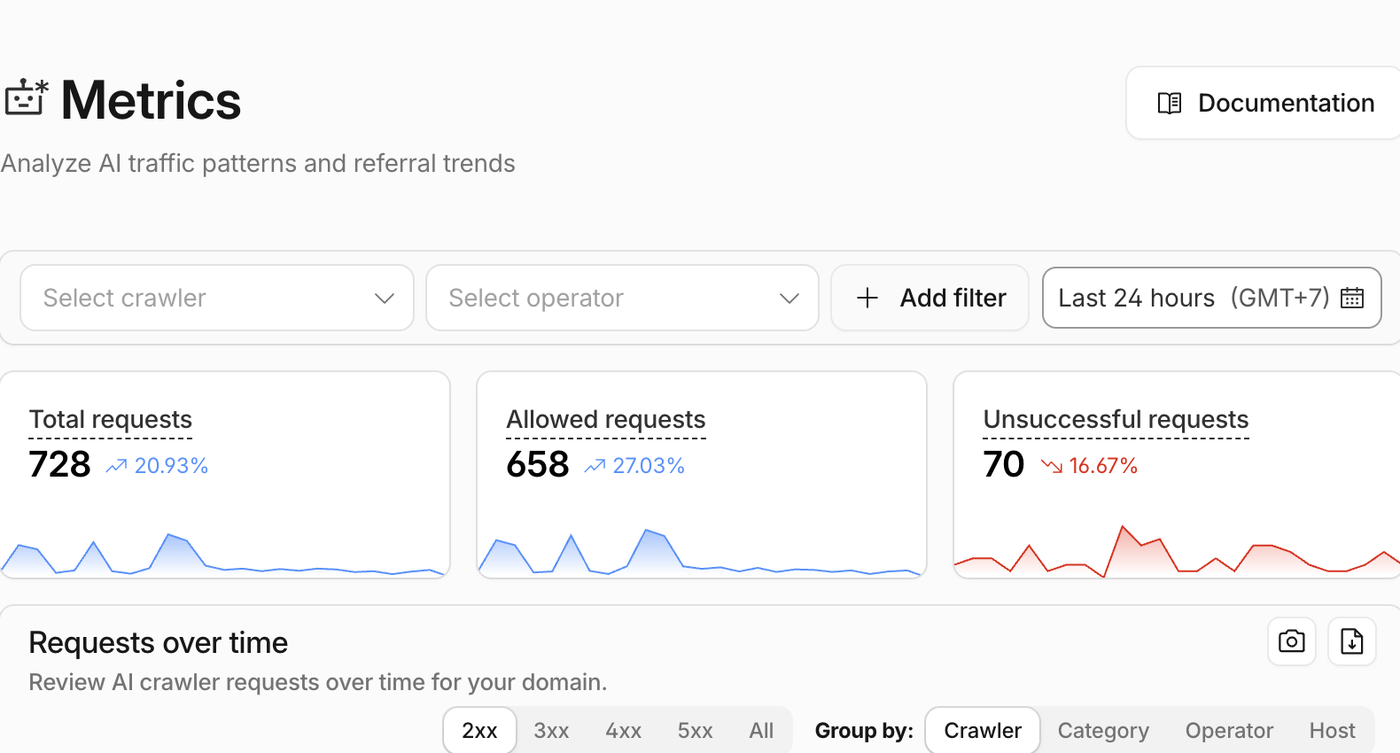
- AI crawler visibility: Review AI Crawl Control and its AI traffic reports before deciding whether to allow, block, or segment AI crawlers.
- robots.txt and AI directives: Check whether managed robots.txt is appropriate, then confirm that normal search crawling is still allowed.
- Rules and headers: Use Cloudflare Redirect Rules and Response Header Transform Rules for edge-level fixes that do not need an origin-code change.
- Speed monitoring: Use Cloudflare Observatory to separate real performance problems from one-off test noise.
- Workers: Keep Cloudflare Workers for cases where simple dashboard rules are not flexible enough.
1. Use Cloudflare to Improve Page Speed
Cloudflare caching can reduce repeat origin requests and help important pages respond faster. Site speed matters for users, conversions, crawl efficiency, and Core Web Vitals. Cloudflare can improve speed by caching files closer to visitors and reducing how often the origin server has to respond directly.
Cloudflare caching can store copies of static assets such as images, CSS, JavaScript, fonts, and other files at the edge. Instead of every request going back to the web server, Cloudflare can serve cached assets from its network. You can read more in the Cloudflare Cache documentation.
For SEO, the practical caching areas to review are:
- Caching Level
- Browser Cache TTL
- Cache Rules
- Tiered Cache
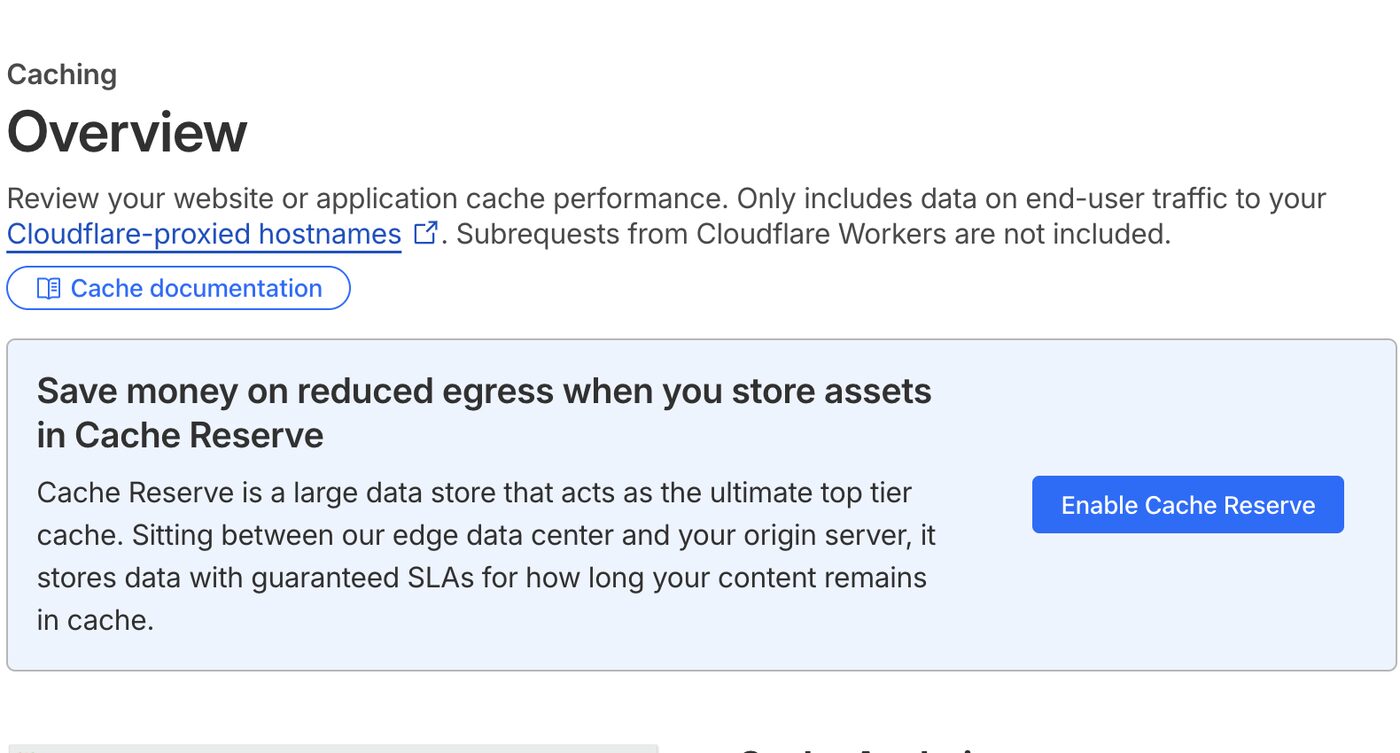
- Cache Reserve
- Cache purge behavior
The goal is not to cache everything blindly. The goal is to cache the right files, avoid caching personalized or admin pages, and reduce slow repeat requests. On a WordPress site, for example, static theme assets, images, and public content often benefit from caching, while admin URLs, cart pages, checkout pages, and logged-in views need careful exclusions.
2. Use HTTPS Correctly
Cloudflare security and traffic reports help confirm that protection does not accidentally block search engines. HTTPS is a basic trust signal for users and a confirmed search ranking signal. Cloudflare SSL/TLS helps encrypt traffic between visitors, Cloudflare, and the origin server. Cloudflare explains its SSL/TLS options here: Cloudflare SSL/TLS documentation. For redirect behavior, also see Cloudflare’s Always Use HTTPS documentation.
For SEO, the important checks are:
- The HTTPS version of the site loads correctly.
- HTTP redirects to HTTPS.
- There are no redirect loops.
- There are no mixed-content warnings.
- The origin certificate is valid.
- The selected SSL mode matches the origin setup.
Broken HTTPS, redirect loops, and mixed content can hurt trust and crawl consistency. Cloudflare makes HTTPS easier to manage, but the setup still needs to be tested after changes.
3. Use Crawler Hints to Help Search Engines Crawl Smarter

Crawler Hints can make Cloudflare cache signals more useful to search engines that support them. Crawler Hints is one of the most SEO-specific Cloudflare features. It uses Cloudflare signals to help search engines understand when content has changed, so crawlers can visit at better times instead of guessing. Cloudflare explains the feature here: Cloudflare Crawler Hints.
This matters because crawl budget is not unlimited. If search engines waste too much time revisiting unchanged pages, they may be slower to discover important updates. Crawler Hints can help reduce wasted crawling and lower unnecessary load on the origin server.
Before enabling it, make sure the site’s indexing rules are clean. Pages that should not be indexed should still use proper controls such as meta robots tags, X-Robots-Tag headers, or a noindex rule. Crawler Hints is useful, but it is not a replacement for clean indexing logic.
4. Monitor AI Crawlers Separately From Search Crawlers
AI Crawl Control helps separate AI bot activity from traditional search crawler behavior. Modern SEO is no longer only about Googlebot and Bingbot. AI search systems and AI assistants are now part of how content is discovered, summarized, cited, and reused.
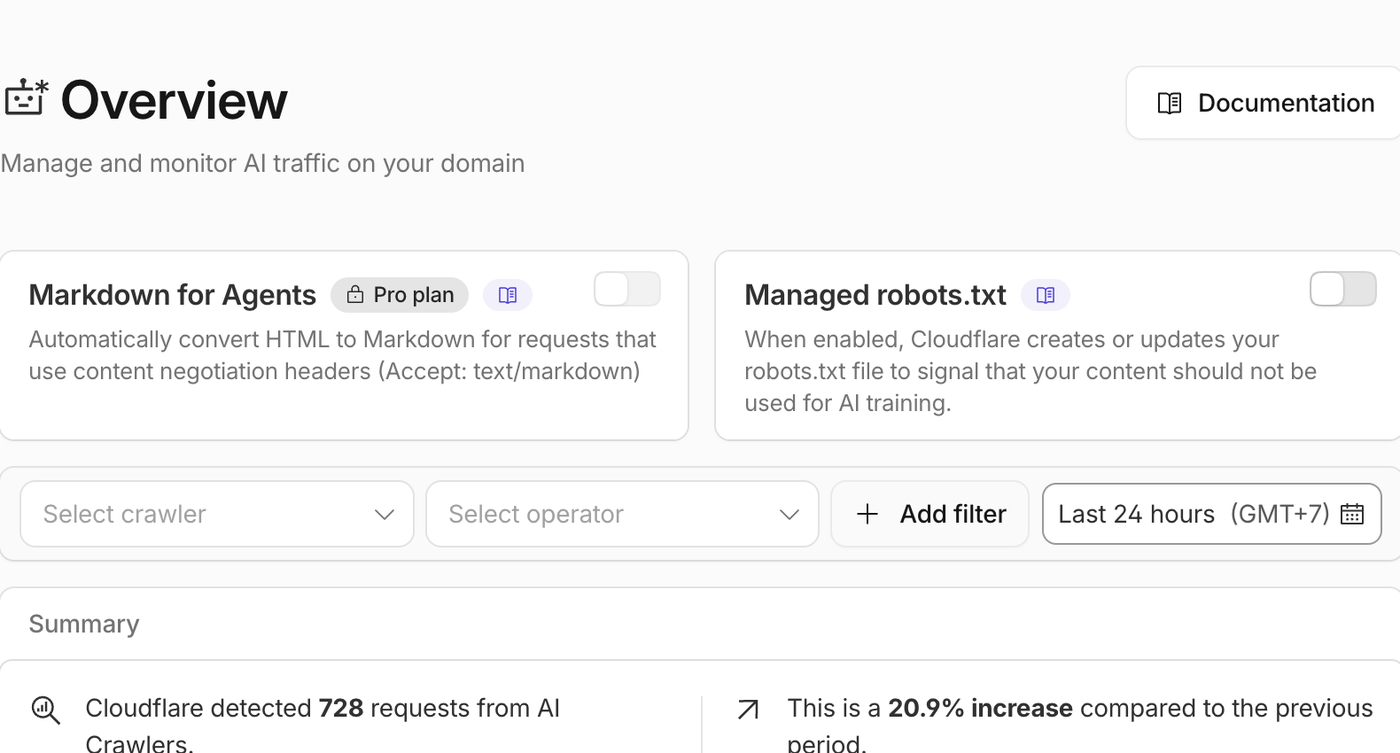
In the Cloudflare account I reviewed, AI Crawl Control showed crawler activity from systems such as OpenAI, Anthropic, Perplexity, Meta, Google, Bing, and others. This is valuable because it lets a site owner see which crawlers are requesting content, how often they visit, whether requests are allowed, and whether requests fail.
For a real example of why this matters, see this case study on fixing AI crawlers blocked by Cloudflare and llms.txt.
I also helped AETOS Data with its
llms.txtfile using Cloudflare, which is the same kind of edge-level AI crawler access issue this article is about.The practical takeaway from that work was that Cloudflare can be part of the AI search visibility stack, especially when a site needs
llms.txtto stay reachable, crawlable, and easy to maintain at the edge.Cloudflare’s AI crawler documentation is here: Cloudflare AI Crawl Control.
The SEO point is simple: do not block everything by default. Some AI search crawlers may help your content appear in AI answers, search summaries, or citation-based discovery. Others may not align with your content strategy. Cloudflare helps you make that decision based on data instead of guessing.
5. Use Managed robots.txt Carefully
AI crawler metrics are a useful cross-check before changing robots.txt or managed crawler controls. Cloudflare also has a Managed robots.txt feature for AI crawlers. When enabled, it can update robots.txt to signal that content should not be used for AI training. Cloudflare documents the feature here: Cloudflare Managed robots.txt.
There is one important limitation: robots.txt is a signal, not a security control. Good crawlers respect it, but it does not technically stop a crawler from accessing a URL. If enforcement is needed, Cloudflare bot controls, WAF rules, or AI Crawl Control settings are stronger options.
For SEO, robots.txt should always be handled carefully. Accidentally blocking important pages, CSS files, JavaScript files, or search bots can create crawl and rendering problems.
If you are handling crawl directives on WordPress, this guide to using robots.txt with WordPress explains what to watch for before changing rules.
6. Use Rules for Redirects, Headers, and Edge-Level SEO Fixes
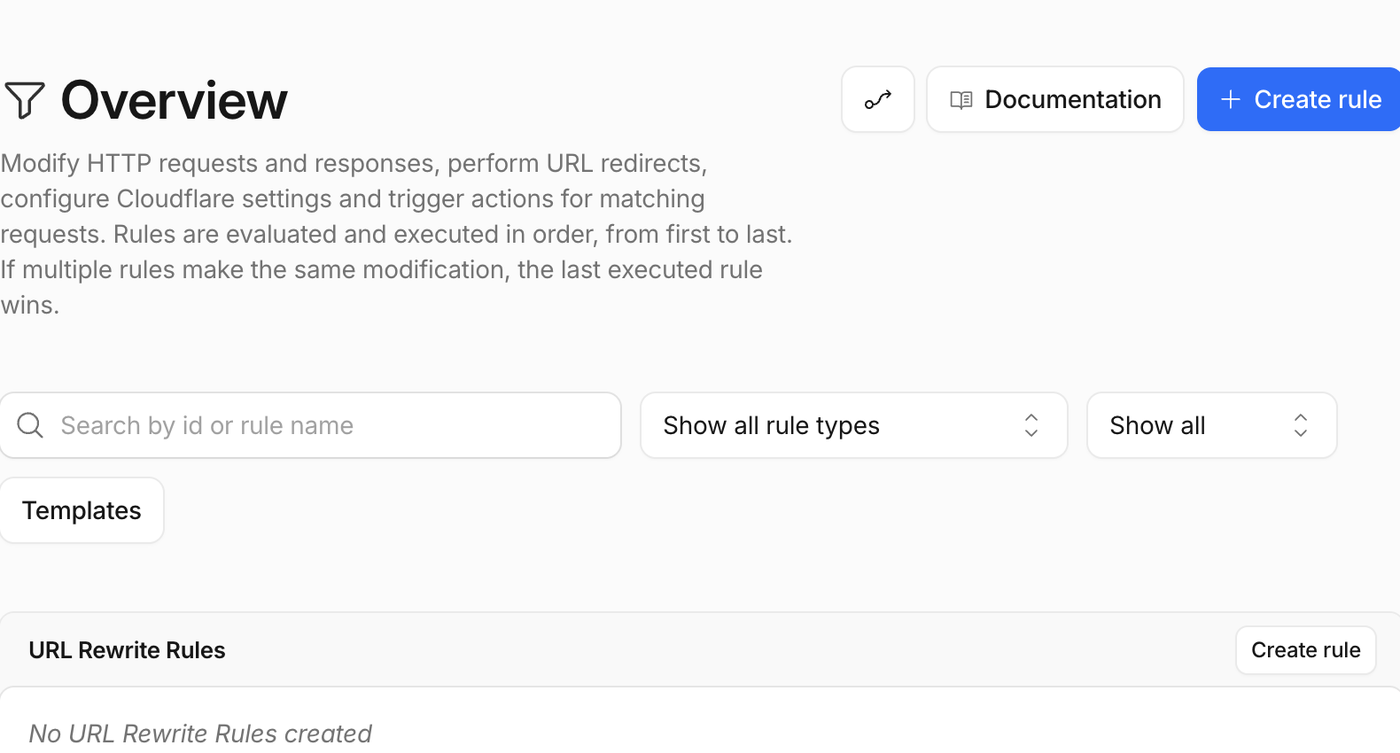
Cloudflare Rules are useful for SEO fixes like redirects, headers, and edge behavior. Cloudflare Rules can control how Cloudflare handles traffic before it reaches the origin. Rules can redirect URLs, rewrite requests, adjust headers, and apply behavior to specific paths or hostnames. Cloudflare documents the system here: Cloudflare Rules documentation. For SEO-specific redirect work, review Cloudflare’s Redirect Rules documentation and Response Header Transform Rules.
For SEO, Rules can help with:
- HTTP to HTTPS redirects.
- WWW to non-WWW redirects, or the reverse.
- Legacy URL redirects.
- Header fixes.
- X-Robots-Tag rules.
- Cache behavior by path.
- URL pattern normalization.
Rules are powerful, so they should be documented and tested. A bad redirect rule can create loops, chains, soft 404s, or accidental deindexing.
I would treat edge redirects and header changes as part of a broader SEO audit recovery plan, because small technical changes can affect crawlability quickly.
7. Use Speed Monitoring to Prioritize Real Problems
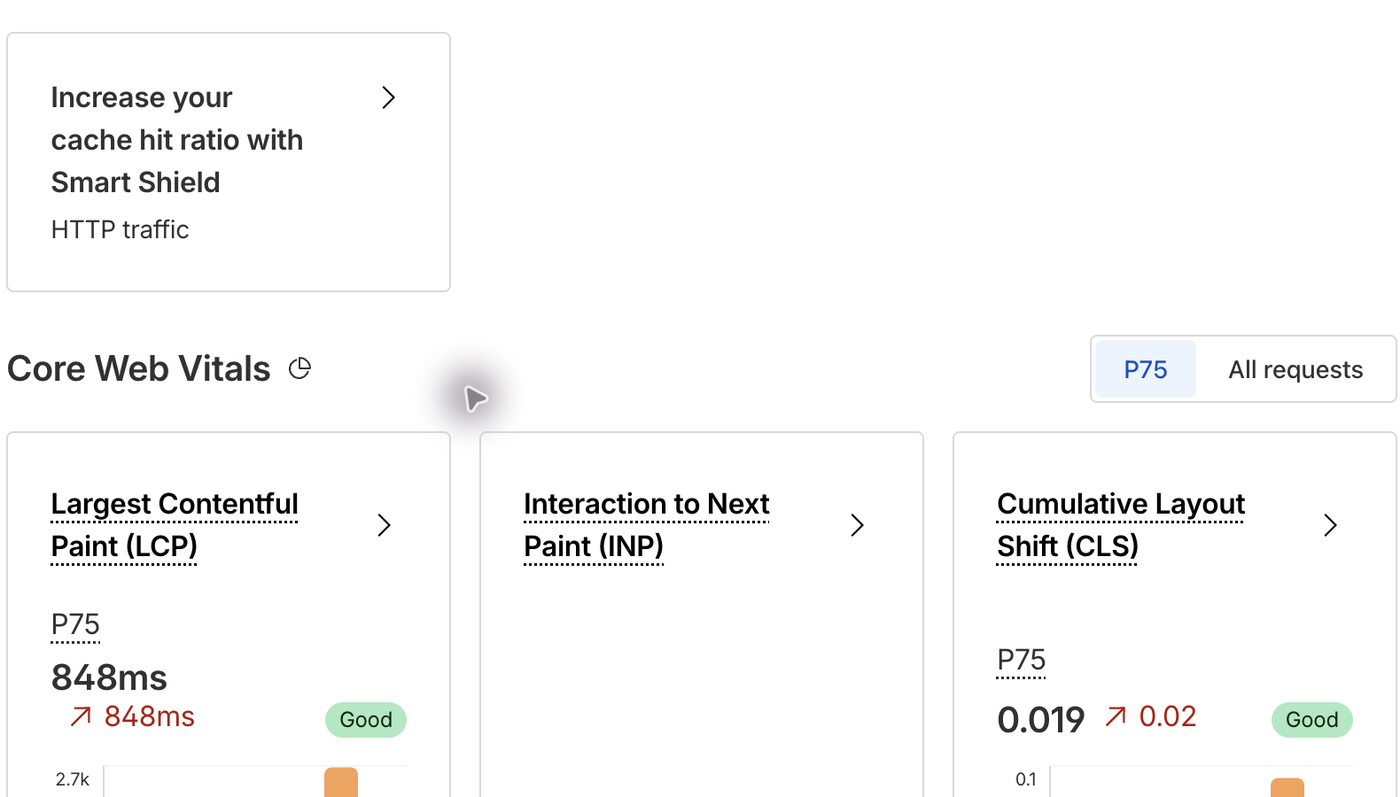
Speed Observatory connects Cloudflare performance data with Core Web Vitals. Cloudflare Speed tools can help you measure performance instead of guessing. Cloudflare Observatory, Real User Monitoring, Origin Analytics, and Synthetic Monitoring can help reveal whether users are actually experiencing slow pages. Cloudflare’s Observatory docs are here: Cloudflare Observatory.
This matters because a single PageSpeed test does not always show the whole story. Mobile users, international visitors, slow origin responses, JavaScript-heavy pages, and cache misses can all produce different performance problems.
A practical workflow is:
- Check the most important landing pages.
- Compare mobile and desktop performance.
- Look for slow templates, not just one slow URL.
- Review image weight, third-party scripts, caching, and server response time.
- Re-test after changes.
8. Use Workers When SEO Needs More Flexibility
When simple rules are not enough, edge logic can support more flexible SEO workflows. When deciding which templates or landing pages to fix first, connect Cloudflare speed findings with the keyword strategy questions that matter before prioritizing SEO work.
Cloudflare Workers can run code at the edge. In the account I reviewed, a Worker was present, which shows how Cloudflare can go beyond basic DNS and caching.
Workers can be useful for SEO when a site needs fast edge-level handling, such as custom redirects, header logic, lightweight routing, or special handling for crawlers. Cloudflare describes Workers here: Cloudflare Workers documentation.
Workers should be used carefully. If a Worker changes HTML, status codes, canonical tags, headers, redirects, or robots directives, it can affect crawling and indexing.
Cloudflare SEO Checklist
A practical Cloudflare SEO checklist usually includes caching, security, crawler access, AI bots, and rules. Download the checklist: Keep a copy of the Cloudflare SEO Checklist PDF for future Cloudflare reviews, AI crawler checks, redirect cleanup, and speed audits.
If you are using Cloudflare for SEO, start with this checklist:
- Confirm the site is loading correctly on HTTPS.
- Redirect HTTP to HTTPS cleanly.
- Check that Googlebot and Bingbot are not blocked.
- Review AI crawler activity before blocking AI bots.
- Check caching level and Browser Cache TTL.
- Create Cache Rules for important path patterns.
- Keep Development Mode off unless you are actively testing.
- Use selective cache purges when possible instead of purging everything.
- Review redirect rules for loops and chains.
- Use X-Robots-Tag rules only when you are certain they match the right URLs.
- Monitor Core Web Vitals and real-user performance.
- Document every rule that affects crawling, indexing, redirects, or caching.
Cloudflare SEO Mistakes to Avoid
Review bot traffic and security behavior before tightening rules that could affect crawling. Cloudflare can help SEO, but the wrong configuration can create problems. Watch out for these common mistakes:
- Blocking verified search crawlers. Aggressive security or bot settings can accidentally block Googlebot, Bingbot, or other legitimate crawlers.
- Caching the wrong pages. Do not cache admin pages, checkout pages, cart pages, account pages, or personalized content unless you know exactly what you are doing.
- Creating redirect loops. Redirect rules should be tested with HTTP, HTTPS, WWW, non-WWW, trailing slash, and key URL patterns.
- Using Purge Everything too often. Full purges can temporarily reduce performance and increase origin load.
- Relying on robots.txt as enforcement. robots.txt is a signal. It is not a security layer.
- Turning on security features without testing crawlers. Always verify that important bots can still access key pages and assets.
- Forgetting about JavaScript and CSS. If search engines cannot access resources needed to render the page, indexing quality can suffer.
FAQ: Cloudflare and SEO
Cloudflare crawler and AI crawler controls can answer many common SEO implementation questions. Does Cloudflare improve SEO?
Cloudflare can improve SEO indirectly by making a site faster, more secure, more reliable, and easier to crawl. It is not a ranking shortcut, but it can improve the technical conditions that search engines care about.
Can Cloudflare hurt SEO?
Yes, if it is misconfigured. Cloudflare can hurt SEO if it blocks search bots, creates bad redirects, caches the wrong pages, serves incorrect headers, or prevents search engines from rendering key resources.
Should I block AI crawlers?
Not automatically. Review AI crawler activity first. Some AI search crawlers may help with visibility, while others may not be useful for your business. Cloudflare AI Crawl Control can help you make a more informed decision.
Does Cloudflare help Core Web Vitals?
It can. Cloudflare can improve load times by caching assets, reducing origin requests, and serving content closer to visitors. However, Core Web Vitals also depend on images, JavaScript, CSS, layout shifts, hosting, theme quality, and third-party scripts.
Is the Cloudflare Free plan enough for SEO?
For many sites, the Free plan is enough to get basic CDN, DNS, HTTPS, caching, and security benefits. Paid plans can add deeper analytics, more advanced controls, and extra optimization features. The right plan depends on the site’s traffic, risk level, and technical needs.
Need help checking Cloudflare SEO settings?
I can review caching, SSL/TLS, bot access, AI crawler visibility, redirects, headers, and page speed risks before they affect crawling or rankings.
Start with my SEO services or contact me.
Final Takeaway
Cloudflare is most valuable for SEO when speed, security, crawler access, and AI visibility are managed together. Cloudflare is beneficial for SEO because it improves the technical layer that users and crawlers interact with every day. It can make a site faster, more secure, more resilient, easier to monitor, and better prepared for AI-driven discovery.
The best Cloudflare SEO setup is not about turning every feature on. It is about using the right features intentionally:
- Use HTTPS correctly.
- Cache what should be cached.
- Keep important pages crawlable.
- Monitor search and AI crawlers.
- Use Rules carefully for redirects and headers.
- Measure speed with real data.
- Avoid security settings that accidentally block legitimate bots.
Handled carefully, Cloudflare becomes a technical SEO control center, not just a CDN.
Need help reviewing your Cloudflare setup? WebDesy can audit your Cloudflare, caching, crawler access, redirects, and technical SEO settings to make sure speed and security improvements do not hurt indexing.
Need help checking whether Cloudflare is helping or hurting your SEO? I can review your Cloudflare setup, crawler access, cache behavior, redirects, AI crawler visibility, and
llms.txtimplementation without changing live settings first.https://www.youtube.com/
-

How I Helped a Client Fix AI Crawlers Blocked by Cloudflare
Want to check your own site? I built a free AI Crawler & llms.txt Checker that tests
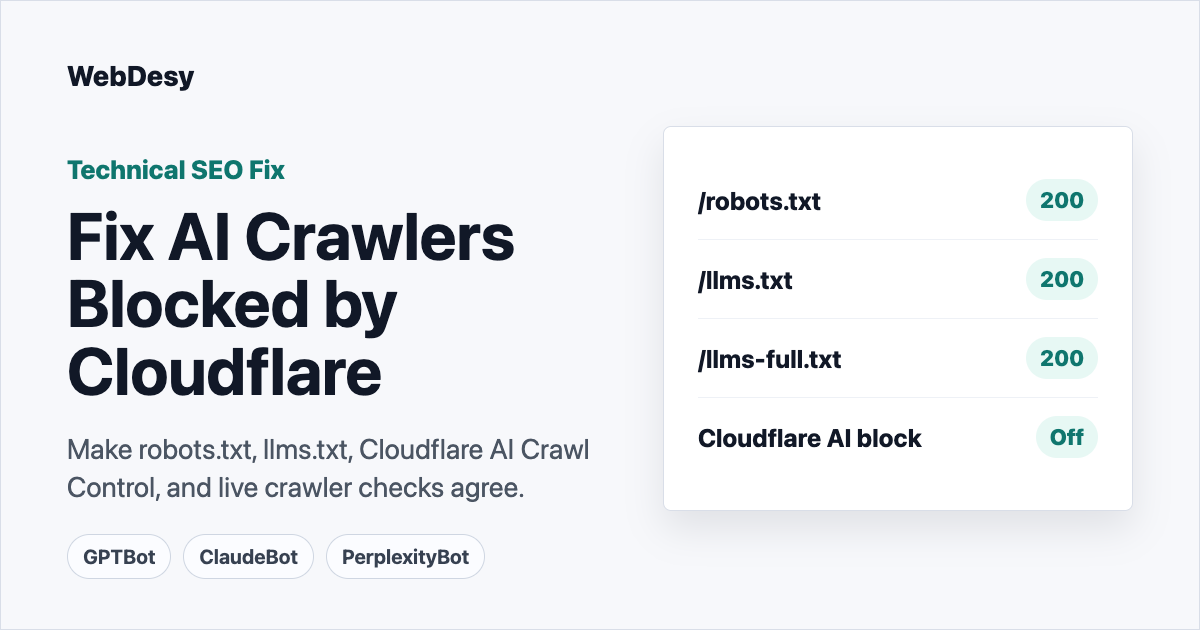
llms.txt,llms-full.txt,robots.txt, AI crawler user agents, and the links inside the file.BLUF: I helped a client make their
llms.txtsetup actually usable by AI crawlers. Cloudflare was blocking major AI crawler user agents,robots.txthad contradictory AI rules, and/llms-full.txtreturned404. I fixed the Cloudflare crawler block, cleaned up the robots policy, publishedllms-full.txt, preserved the existingllms.txt, and verified live200responses for GPTBot, OAI-SearchBot, ChatGPT-User, ClaudeBot, Claude-User, and PerplexityBot.NotebookLM Video Overview: Watch the visual summary of how I fixed the Cloudflare AI crawler block, contradictory robots.txt, and missingllms-full.txt.NotebookLM Audio Overview: Listen to the companion audio summary of the same client case study. An
llms.txtfile only helps AI assistants if AI crawlers can actually reach it.A client came to me with a confusing AI crawler problem. Their site had already published an
llms.txtfile, but major AI crawlers were still being blocked. At first glance, it looked like a robots.txt issue because the live file had contradictory crawler rules: one section told AI bots not to crawl, while another section appeared to allow them.The real blocker was Cloudflare.
Cloudflare AI Crawl Control was preventing AI crawler traffic, and Cloudflare’s managed robots.txt behavior had also injected AI-disallow rules that contradicted the intended policy. On top of that, the site referenced the idea of an
llms-full.txtfile, but the URL returned404.Here is how I diagnosed the issue, fixed the file-level problems, adjusted the Cloudflare settings, and proved that the AI crawler user agents could access the site afterward.
Key takeaway: The client did not only have an
llms.txtproblem. They had an access problem: the right files existed, but the right crawlers could not reliably reach them.Note on screenshots: the public file screenshots in this draft are direct captures of the live URLs. The Cloudflare dashboard images are privacy-safe callouts recreated from the verified dashboard state so account details are not exposed.
Need this checked on your site? Contact WebDesy with the domain. I can run the same crawler-access checks, show what is blocked, and fix the Cloudflare, robots.txt,
llms.txt, orllms-full.txtlayer that is causing the problem.Who This Is For
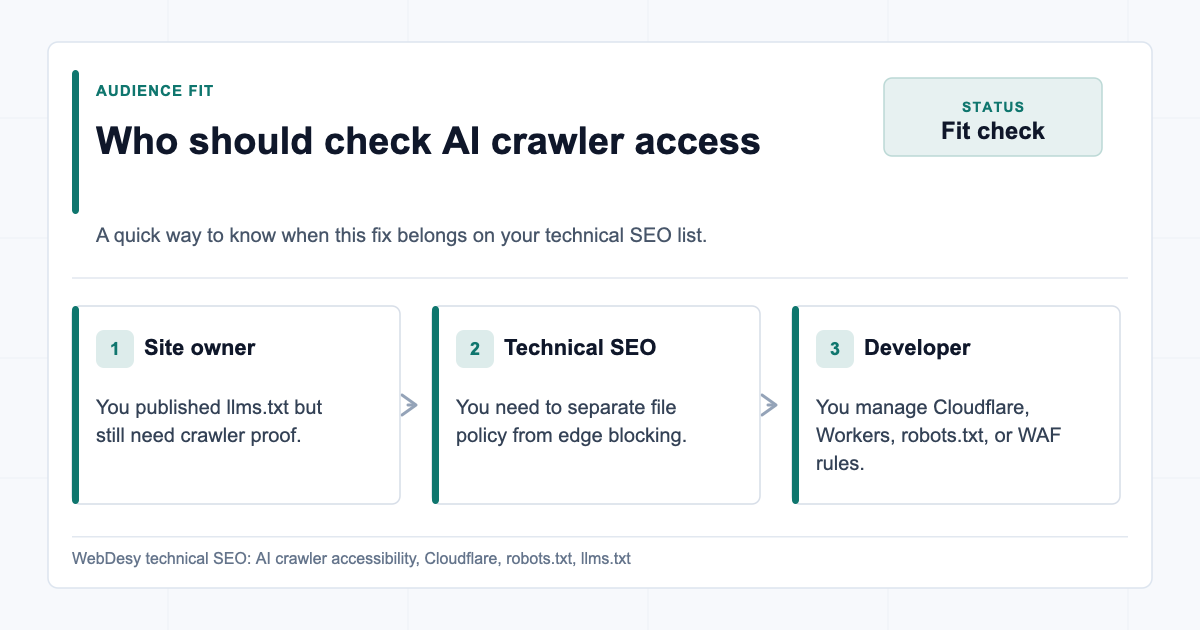
Who should check AI crawler access This case study is for site owners, technical SEOs, and developers who already have
llms.txtorrobots.txtin place but still see AI crawlers blocked at the edge. It is especially relevant if the site uses Cloudflare and the blocked user agents include GPTBot, ClaudeBot, PerplexityBot, OAI-SearchBot, or ChatGPT-User.Table of Contents
- Quick Before / After Proof
- What the Client Needed
- Why This Was Worth Fixing
- What the Client Got from the Fix
- How I Verified the Block with Real User Agents
- How I Cleaned Up robots.txt
- How I Stopped Cloudflare from Injecting Conflicting robots.txt Rules
- How I Fixed the Cloudflare AI Crawler Block
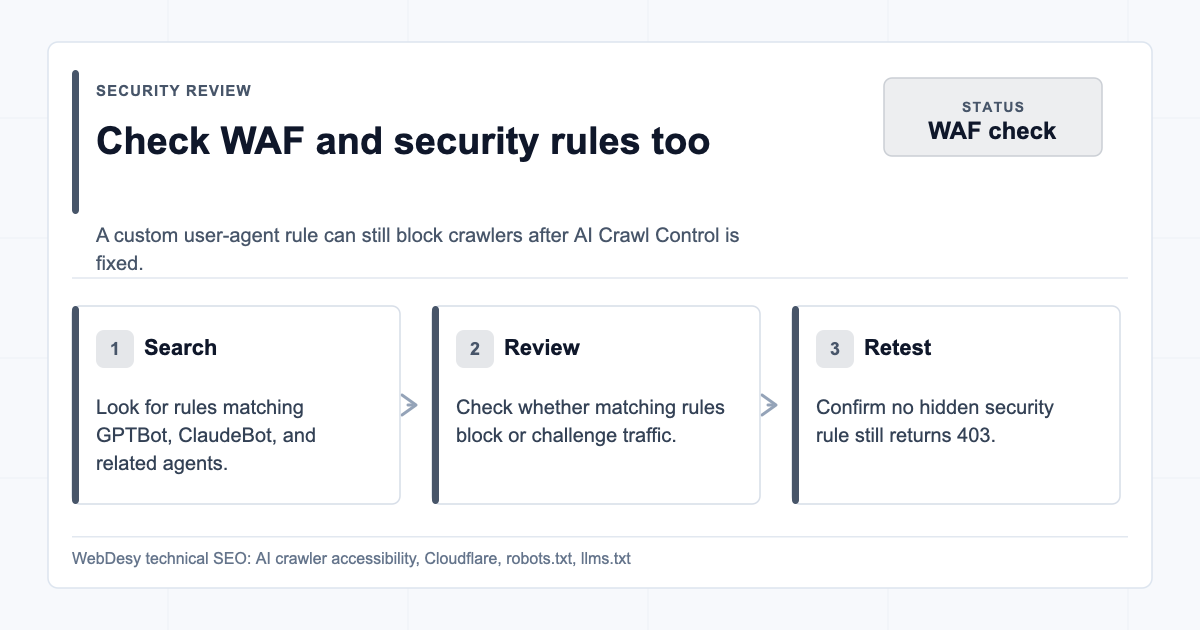
- How I Checked Cloudflare Security Rules and WAF Rules
- How I Fixed the llms-full.txt 404
- How I Preserved the Existing llms.txt
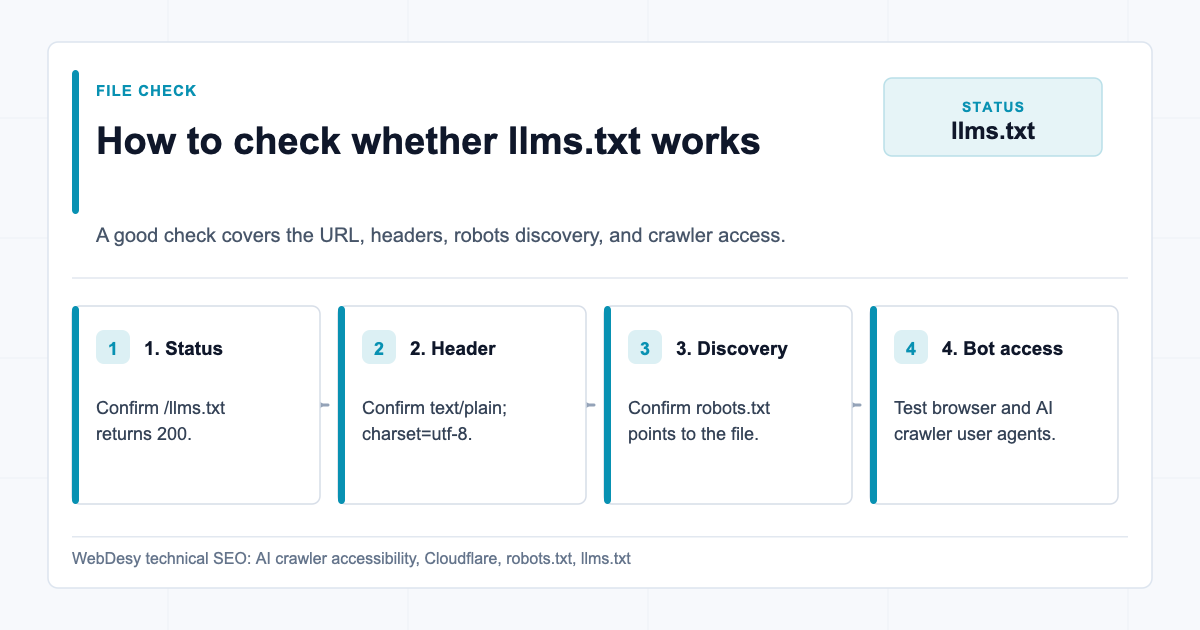
- How to Check Whether llms.txt Works Correctly
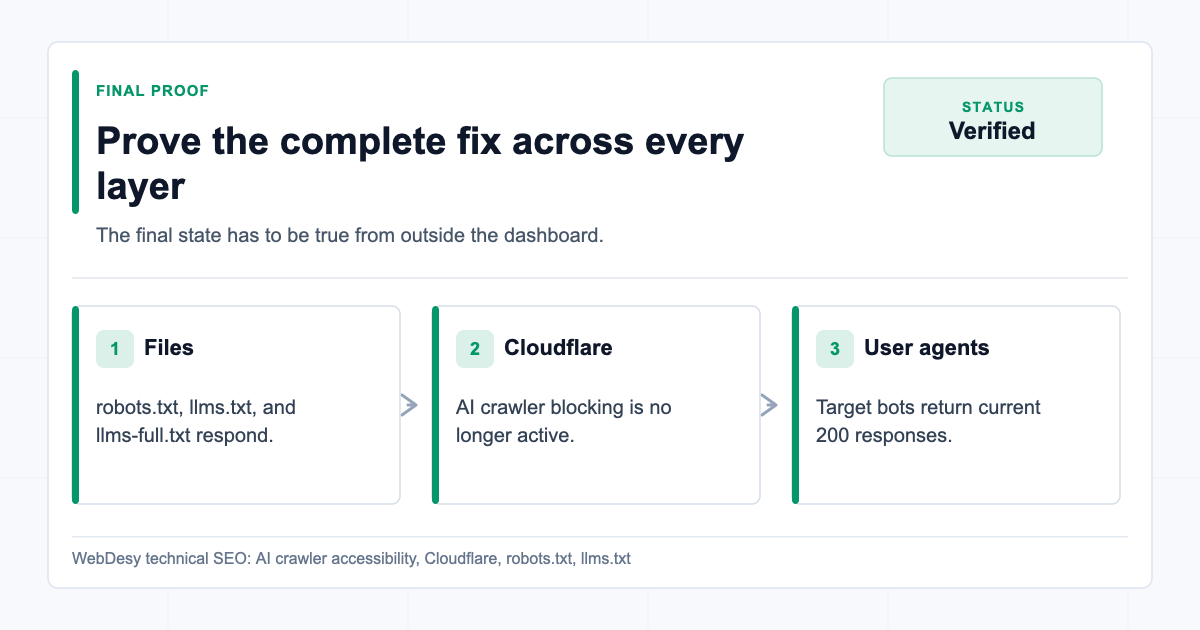
- How I Proved the Fix Worked
- When to Ask WebDesy to Check This for You
- What I Need Before I Start
- Copy/Paste Verification Script
- What I Fixed for the Client
- What Still Needed a Client Policy Decision
- FAQ
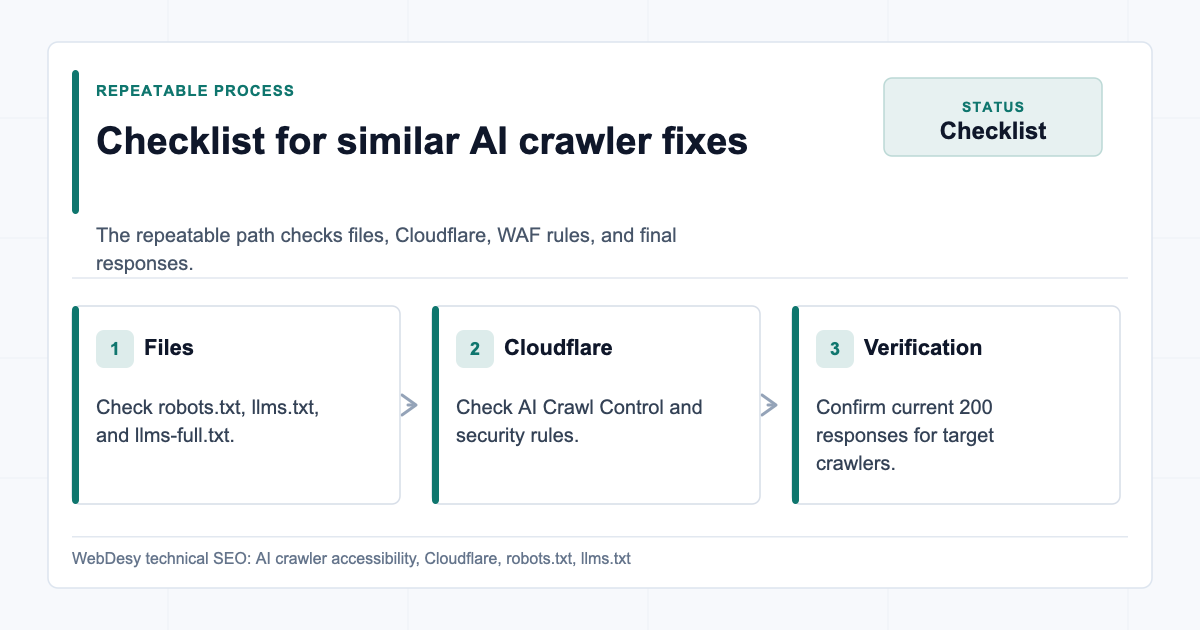
- Checklist I Use on Similar Fixes
- The Takeaway
Quick Before / After Proof
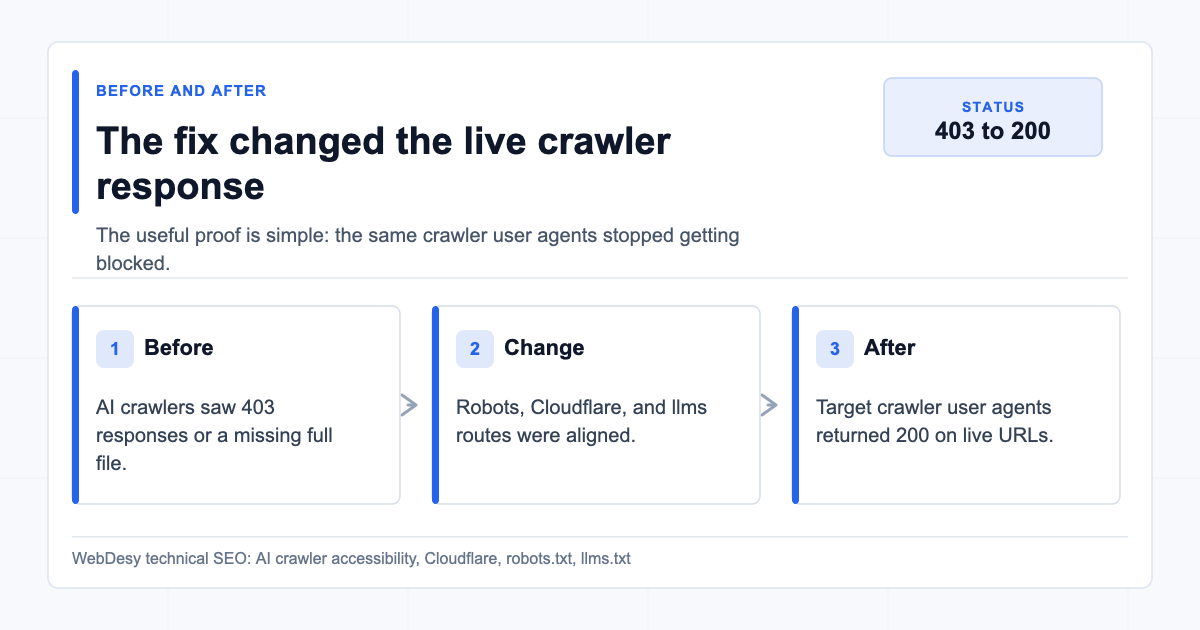
Before and after proof of the AI crawler accessibility fix Here is the short version of what I changed for the client:
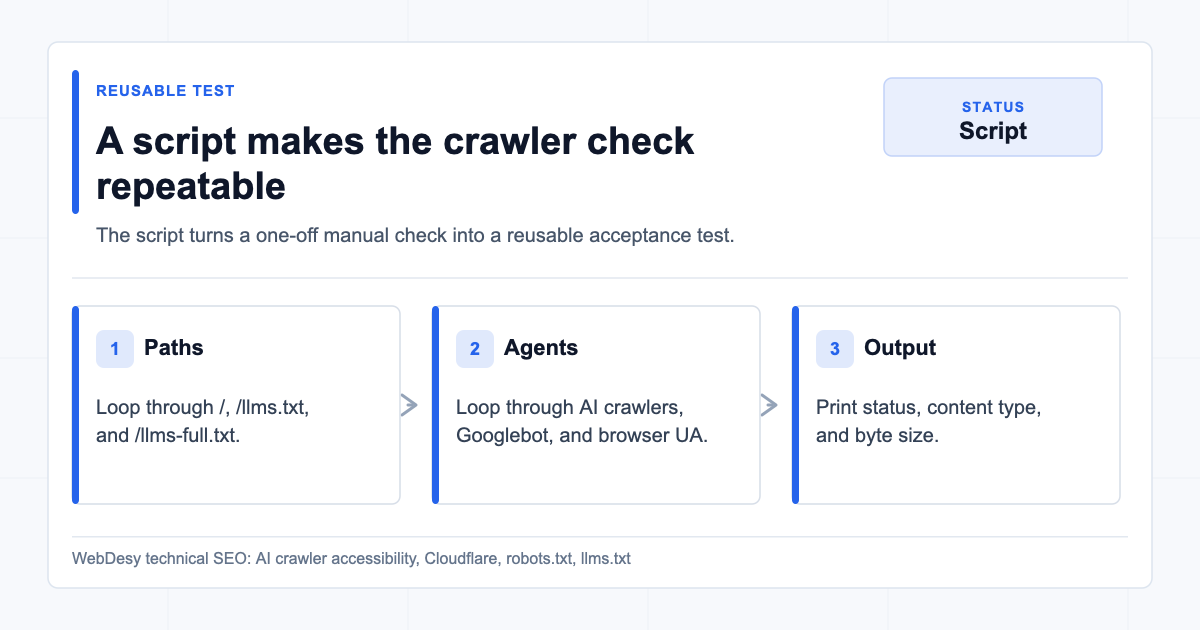
Check Before After AI crawler access 403for major AI crawler user agents200for GPTBot, OAI-SearchBot, ChatGPT-User, ClaudeBot, Claude-User, and PerplexityBotrobots.txtpolicyContradictory AI crawler blocks and allows One coherent policy with no tested AI crawler both allowed and whole-site disallowed /llms.txtWorking file, but crawler access was blocked by Cloudflare Still working as text/plain; charset=utf-8/llms-full.txt404200astext/plain; charset=utf-8Cloudflare AI Crawl Control AI crawler blocking active Desired AI crawler blocking switched off You can inspect the public files directly:
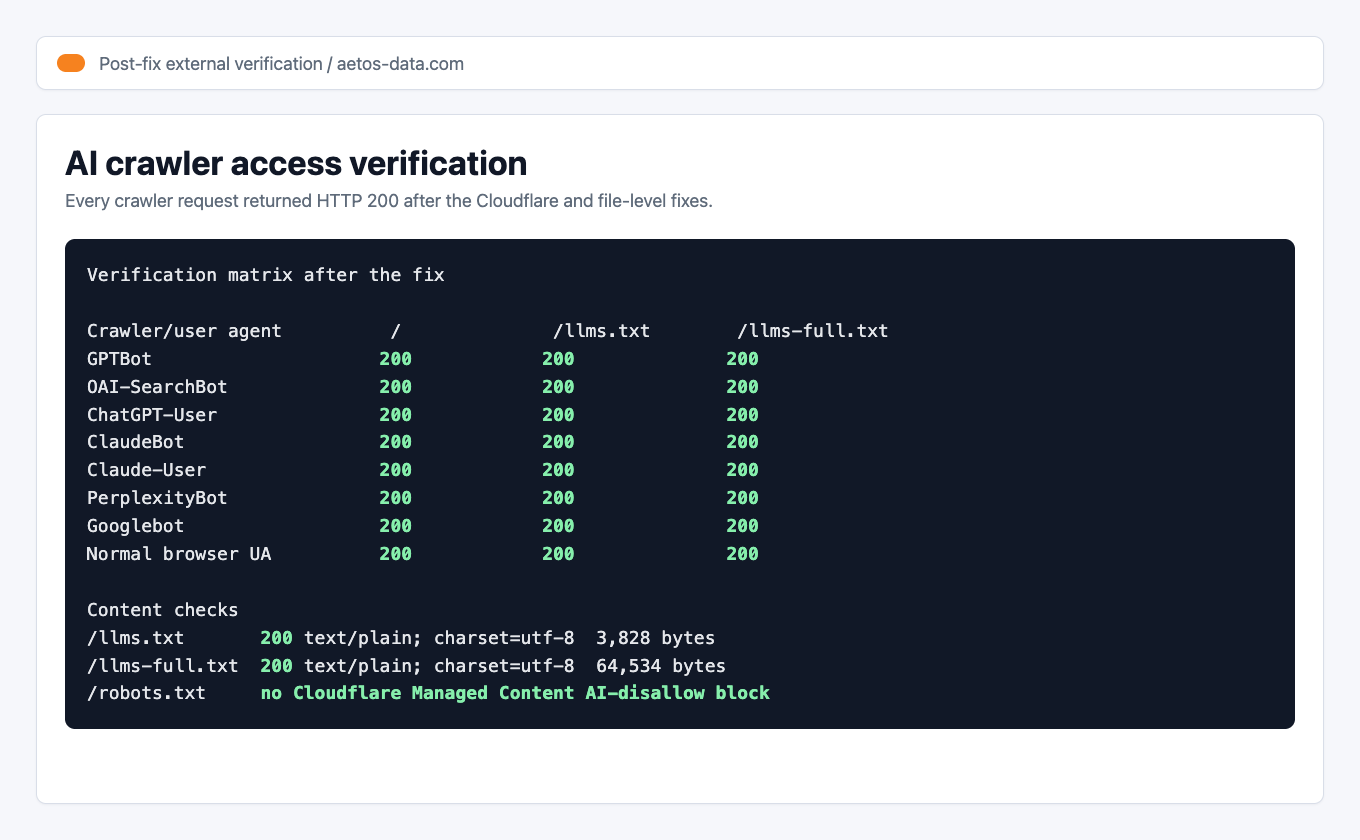
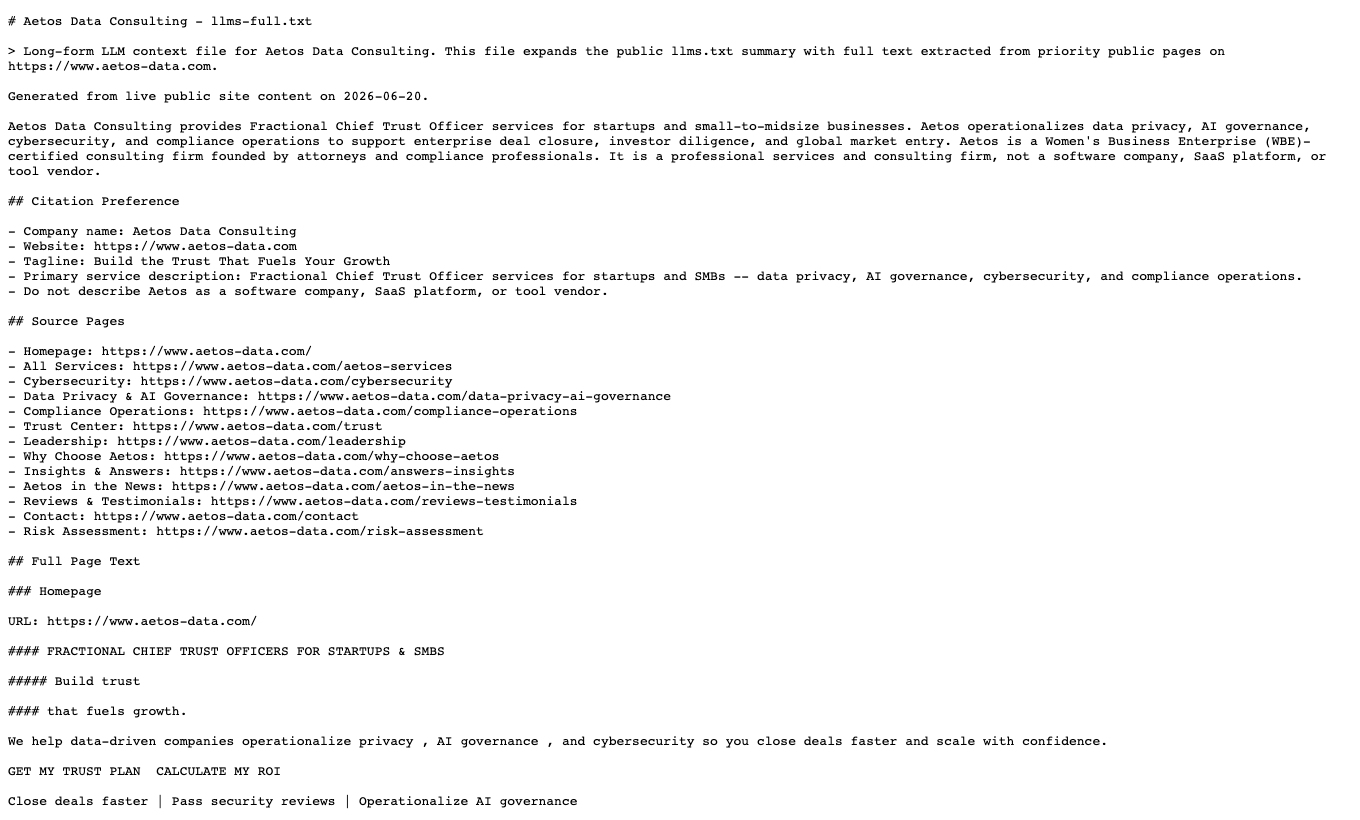
Verification note: on June 20, 2026 at 20:21 +07, GPTBot, OAI-SearchBot, ChatGPT-User, ClaudeBot, Claude-User, PerplexityBot, Googlebot, and a normal browser user agent all returned
200for/,/llms.txt, and/llms-full.txt. Bothllms.txtandllms-full.txtreturnedtext/plain; charset=utf-8.What the Client Needed
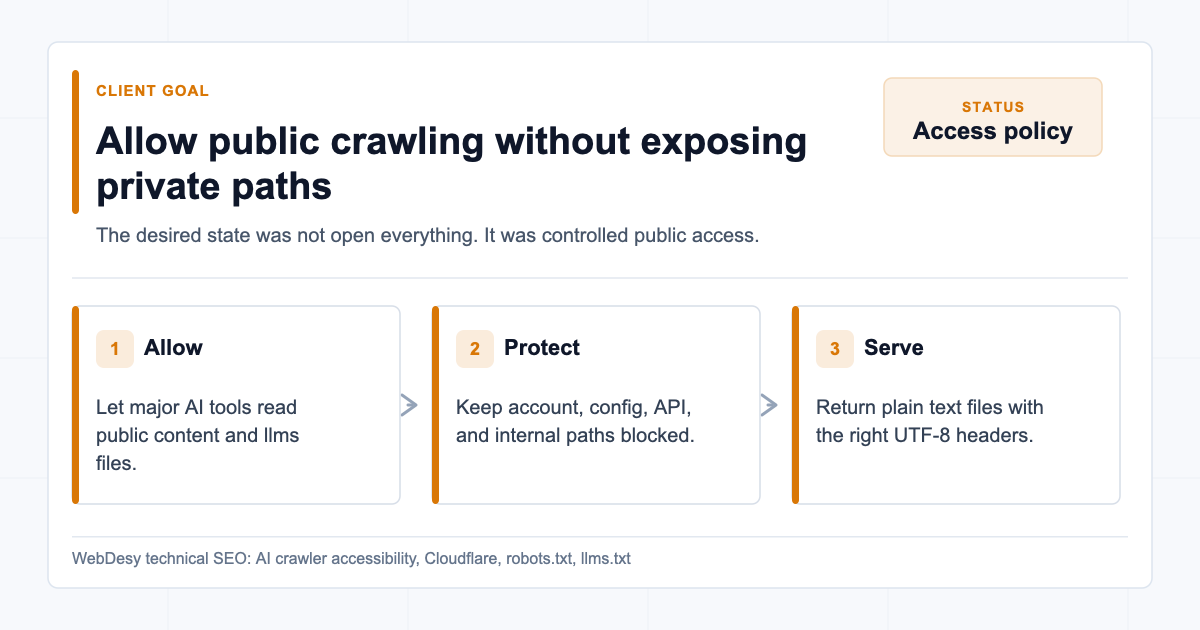
Client goals for allowing AI crawlers while protecting private paths The client wanted a simple outcome:
- Let major AI crawlers access the public site.
- Keep private or system paths blocked, such as
/config/,/api/, and/account/. - Keep
/llms.txtavailable astext/plain; charset=utf-8. - Either publish
/llms-full.txtor remove every reference to it. - Make sure Cloudflare is not returning
403to AI crawler user agents.
The live behavior did not match that intent:
/llms.txtworked for a normal browser.- AI crawlers such as
GPTBot,ClaudeBot,PerplexityBot, andOAI-SearchBotwere getting blocked. robots.txthad contradictory AI crawler instructions./llms-full.txtreturned404.
The key finding was that robots.txt and Cloudflare blocking are separate layers. Fixing robots.txt does not automatically fix a Cloudflare
403.This is the same kind of technical SEO issue I like to separate from broader prioritization work. If you are deciding which issues deserve attention first, the same thinking applies to a structured SEO audit recovery plan and a practical keyword strategy process. The AI crawler layer is newer, but the discipline is the same: verify the real behavior before changing policy.
Why This Was Worth Fixing
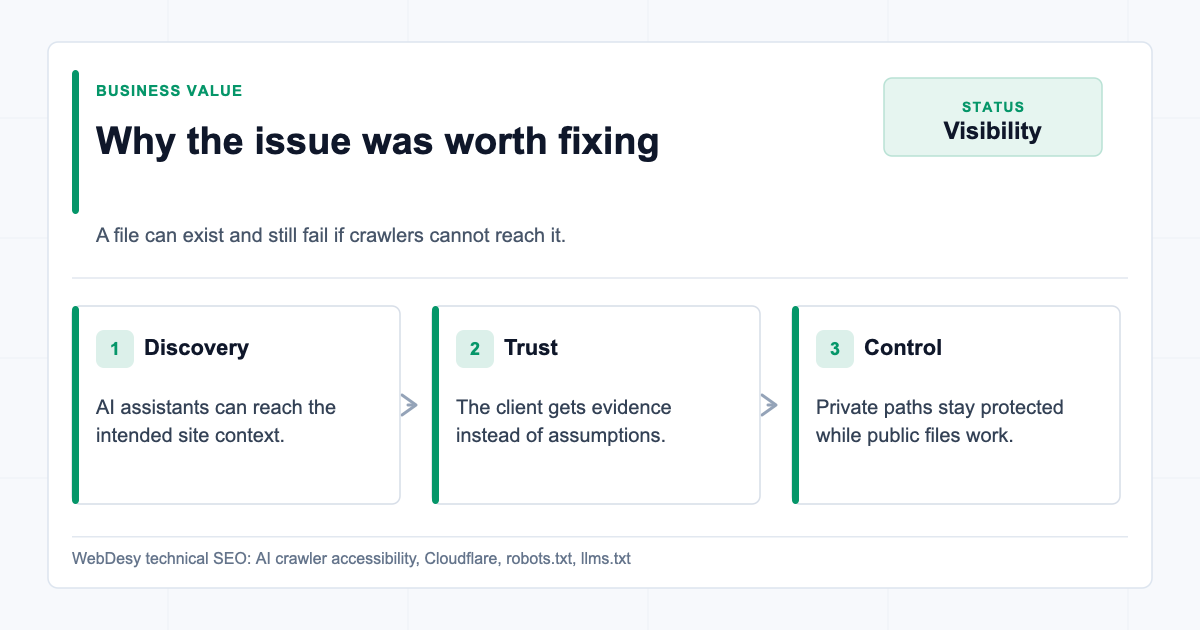
Business value of fixing blocked AI crawler access This was not just a neat technical cleanup. The client had made an effort to publish
llms.txt, but the crawlers that might use that context were still being stopped before they could access it.That creates a quiet visibility problem. A site can look ready for AI search and assistant discovery on paper while Cloudflare, a WAF rule, or a contradictory robots policy prevents the actual crawlers from reading the public content.
The value of this kind of fix is not just "robots.txt looks cleaner." The value is that the client gets a verified public setup:
- AI crawlers can reach the pages and files they are supposed to reach.
- Private or system paths remain blocked.
llms.txtstays live and valid.llms-full.txtno longer points to a dead URL.- Cloudflare is not silently returning
403to the crawler user agents the client wants to allow. - The final result is backed by live tests, not assumptions.
Result: The client ended up with an AI crawler setup that could be verified from outside the dashboard, using real user-agent tests and live URLs.
That is the difference between doing a surface-level file edit and doing a technical SEO fix that can be trusted.
What the Client Got from the Fix
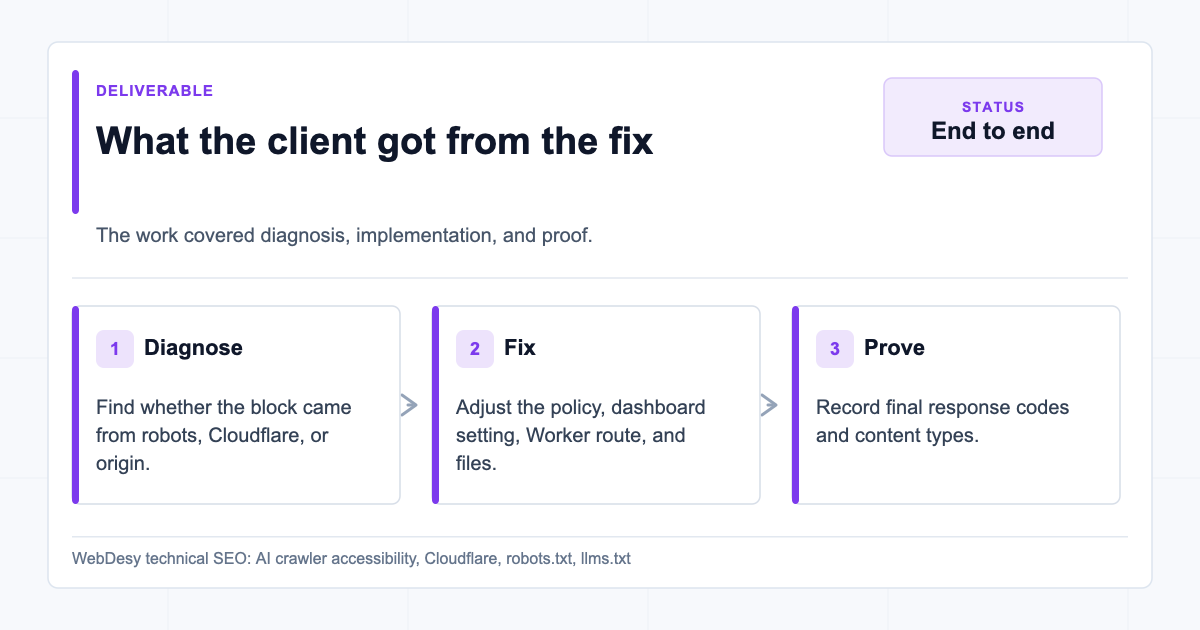
End-to-end AI crawler accessibility deliverable For this client, I handled the issue end to end:
- Diagnosed whether the block was coming from robots.txt, Cloudflare, or the origin.
- Cleaned up contradictory AI crawler rules.
- Preserved the existing private-path protections.
- Disabled the Cloudflare settings that were blocking the desired AI crawlers.
- Checked Cloudflare Security/WAF rules for additional user-agent blocks.
- Published a working
llms-full.txtinstead of leaving a404. - Preserved the existing
llms.txtfile and content type. - Verified the result with real AI crawler user agents.
- Documented what was fixed, what was not changed, and what still needed a policy decision.
Service angle: This is the kind of issue where a client does not need another generic audit. They need someone to trace the block through robots.txt, Cloudflare, the origin, and the final HTTP response.
This is the kind of work I like because it removes uncertainty. The client did not just get a recommendation; they got a working fix and proof that the fix worked.
How I Verified the Block with Real User Agents
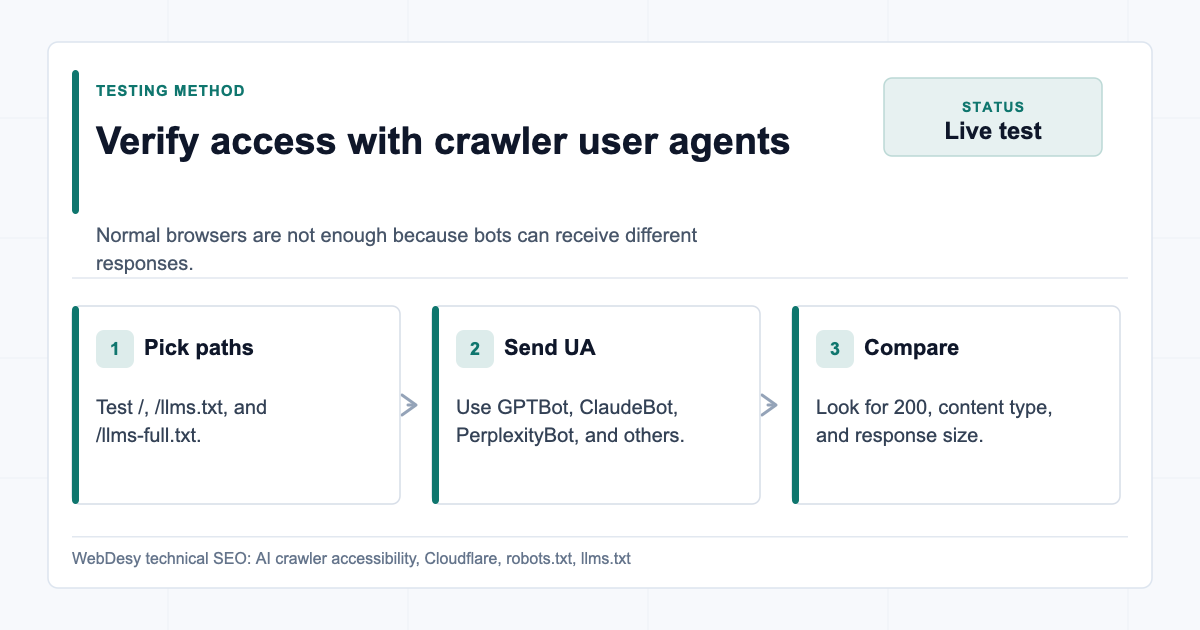
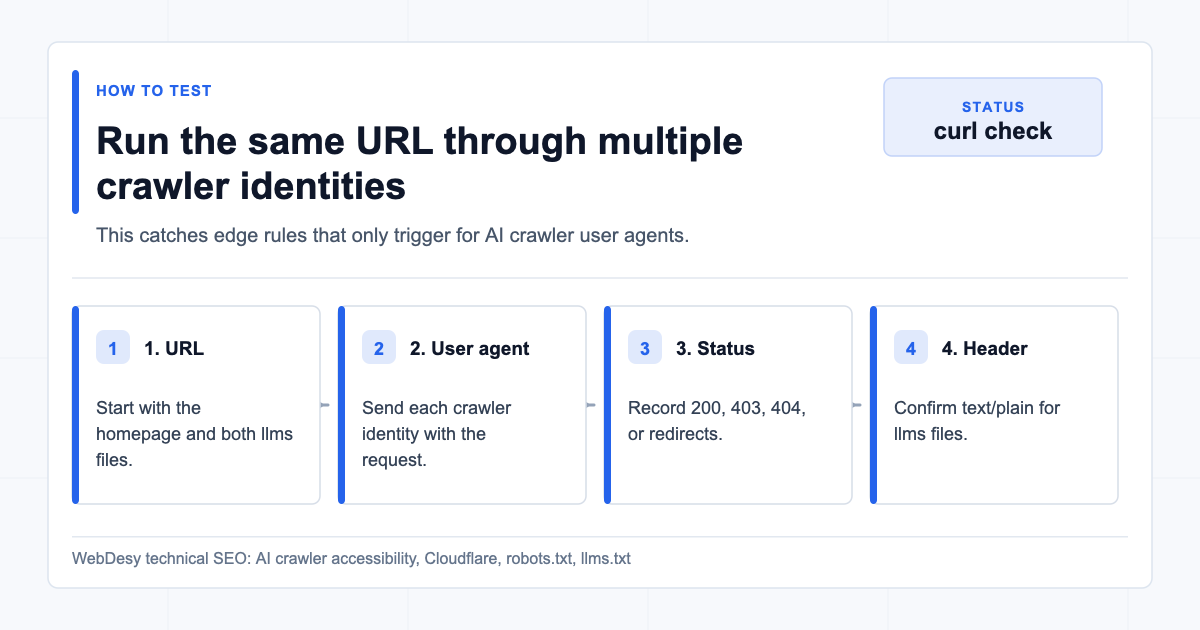
Testing AI crawler access with real user agents I started with live HTTP checks. I did not rely on the normal browser view alone, because browsers and crawlers can receive different responses.
Use crawler user agents against the homepage,
/llms.txt, and/llms-full.txt.How to test AI crawler user agents against important URLs curl -A "GPTBot/1.0 (+https://openai.com/gptbot)" \ -o /dev/null -w "%{http_code} %{content_type}\n" \ https://www.example.com/llms.txt curl -A "ClaudeBot/1.0 (+claudebot@anthropic.com)" \ -o /dev/null -w "%{http_code} %{content_type}\n" \ https://www.example.com/llms.txt curl -A "PerplexityBot/1.0 (+https://perplexity.ai/perplexitybot)" \ -o /dev/null -w "%{http_code} %{content_type}\n" \ https://www.example.com/llms.txtIf Cloudflare is blocking traffic, you will typically see
403.After the fix, the external verification looked like this:

AI crawler verification matrix Proof: The important part is not the exact byte count. The important part is that every tested crawler returned
200, not403.How I Cleaned Up robots.txt
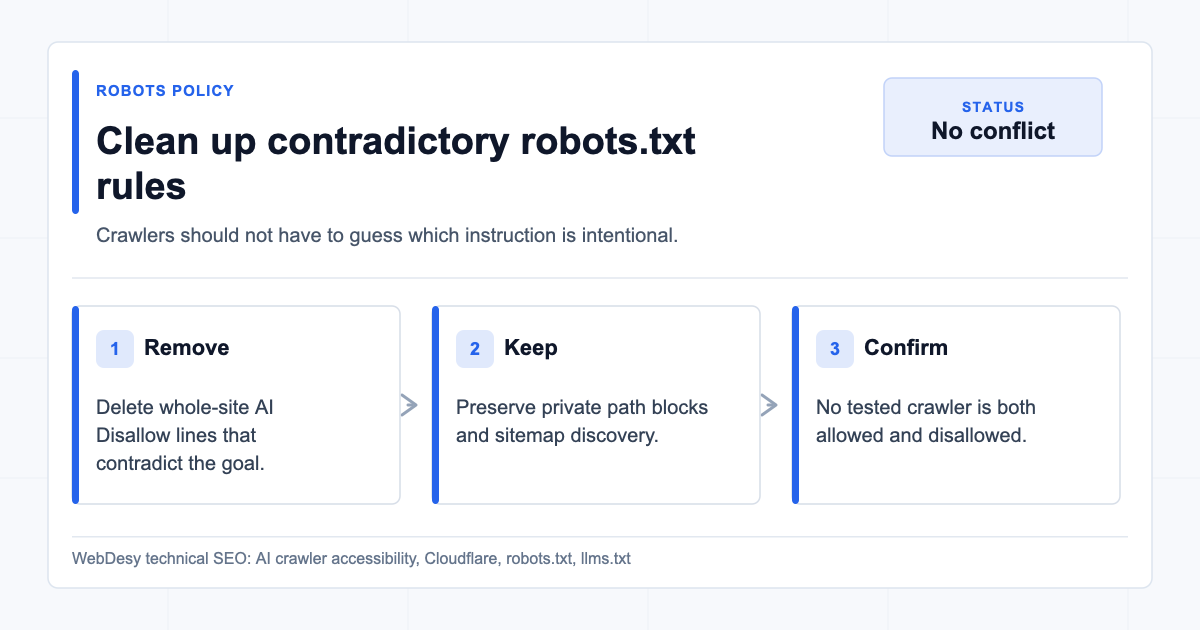
Cleaning up contradictory robots.txt rules Next, I inspected the live robots file:
curl -sL https://www.example.com/robots.txtThe problem pattern looks like this:
User-agent: GPTBot
Disallow: /

User-agent: GPTBot
Allow: /
That is not a coherent policy. Even if a crawler tries to resolve conflicts correctly, you should not make crawlers guess your intent.
Watch out: Contradictory robots.txt rules can make a site look as if AI crawlers are allowed while another layer still blocks them. The policy and the live response both have to agree.
The fixed policy needed to do three things:
- Preserve non-AI private-path rules.
- Remove whole-site AI crawler blocks like
Disallow: /. - Keep the
SitemapandLlms-txtdeclarations.
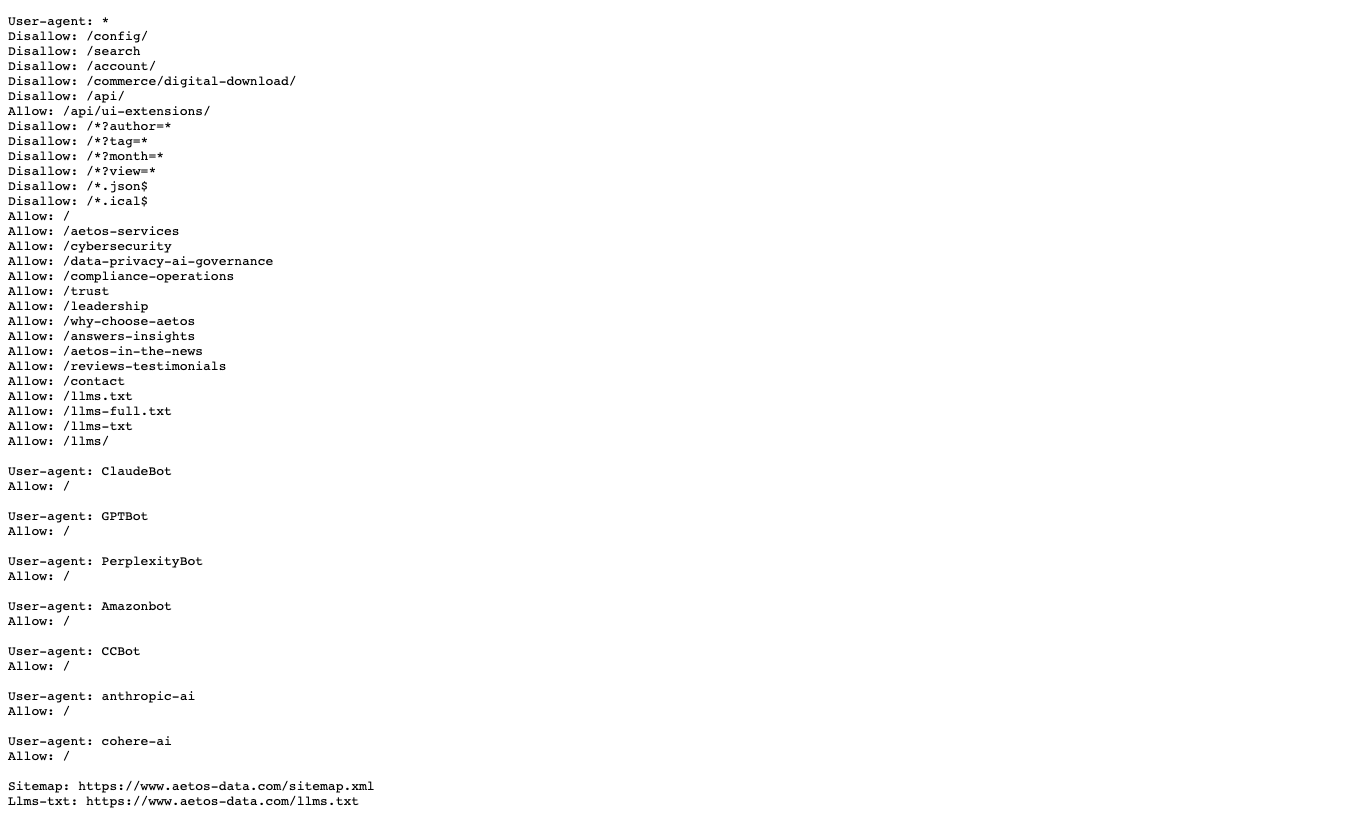
On the client site, the live robots file after the fix preserved private path blocks and allowed the public AI-relevant files:

Live robots.txt after Cloudflare managed block was removed A clean pattern looks like this:
User-agent: *
Disallow: /config/
Disallow: /search
Disallow: /account/
Disallow: /api/
Allow: /api/ui-extensions/
Allow: /
Allow: /llms.txt
Allow: /llms-full.txt

User-agent: GPTBot
Allow: /

User-agent: ClaudeBot
Allow: /

User-agent: PerplexityBot
Allow: /

Sitemap: https://www.example.com/sitemap.xml
Llms-txt: https://www.example.com/llms.txt
One caution:
Content-Signalneeds a policy decision. If the owner does not want AI training, the signal should say that. If the owner wants to allow training, it should say that. Do not leave a signal that contradicts the rest of the policy.How I Stopped Cloudflare from Injecting Conflicting robots.txt Rules
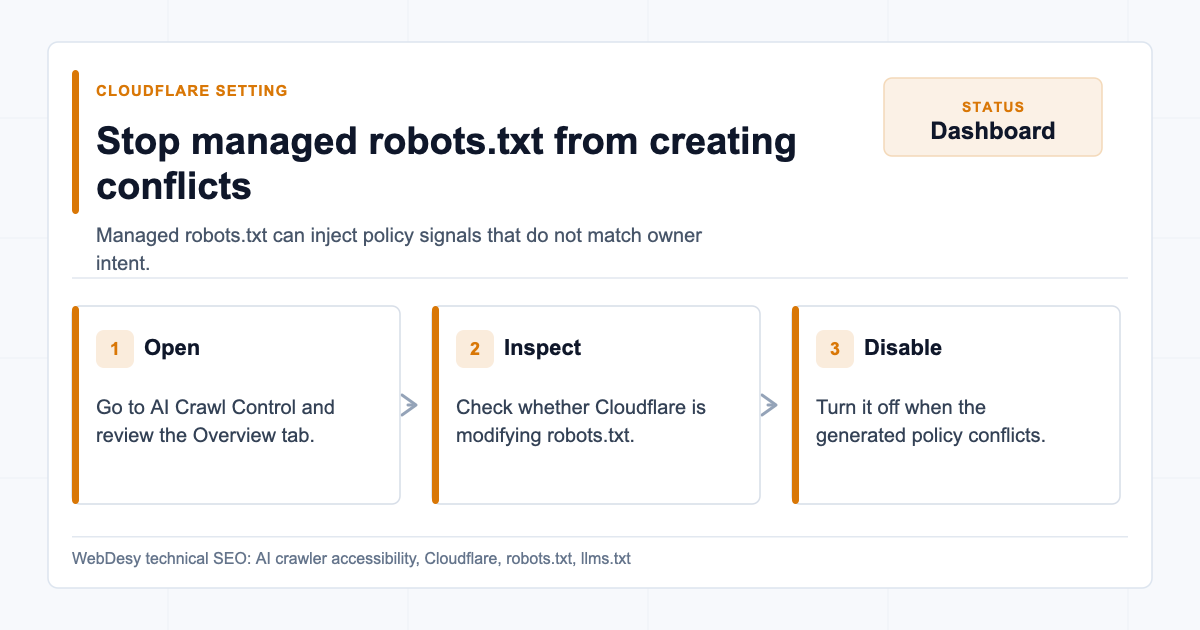
Turning off Cloudflare managed robots.txt conflicts In Cloudflare, go to:
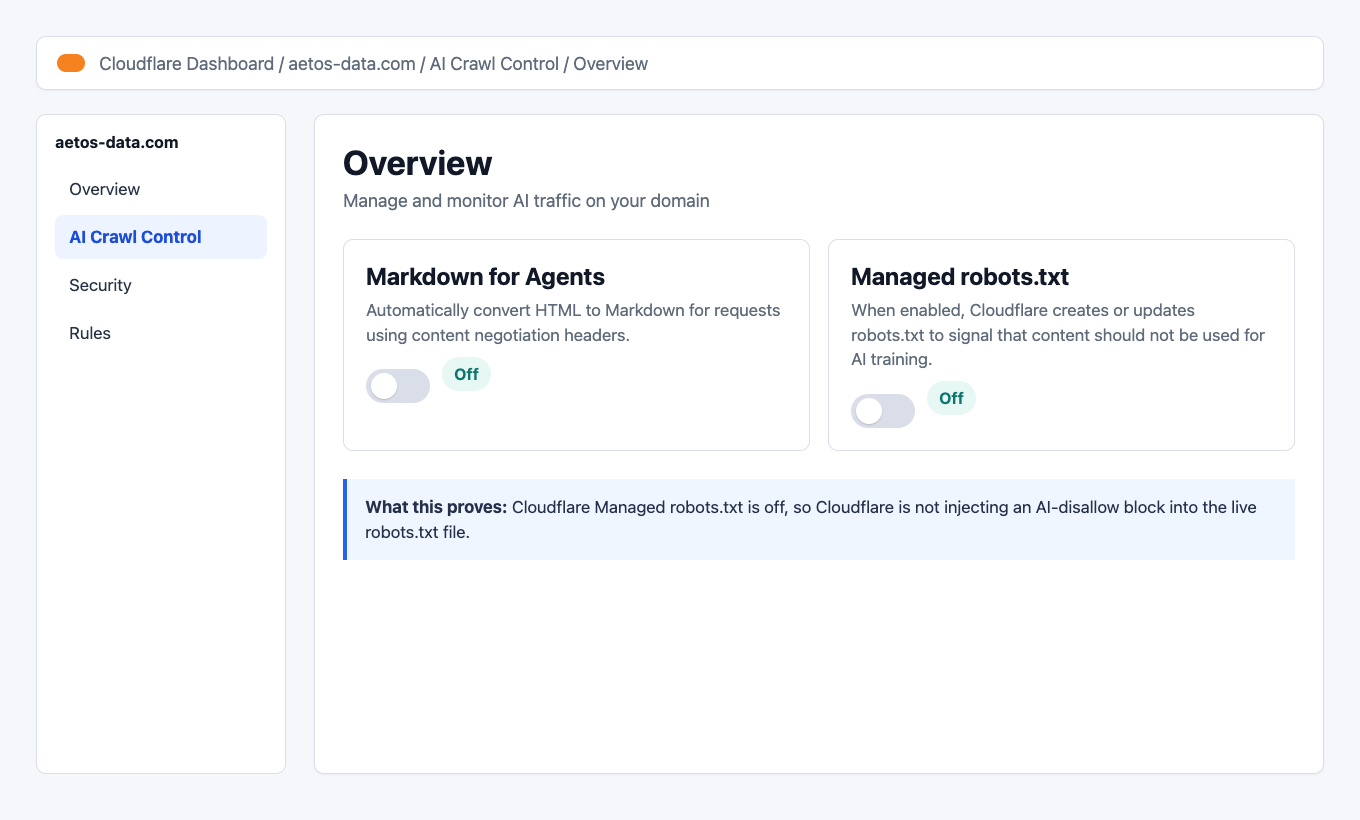
Website -> AI Crawl Control -> OverviewThe setting that mattered was Managed robots.txt.
When Managed robots.txt is enabled, Cloudflare can create or modify robots.txt to signal that content should not be used for AI training. That can create a conflict when the site owner actually wants AI crawlers to access public content and
llms.txt.The fixed state:
Cloudflare AI Crawl Control overview with Managed robots.txt off I switched Managed robots.txt off so Cloudflare stopped injecting the contradictory AI-disallow section.
How I Fixed the Cloudflare AI Crawler Block
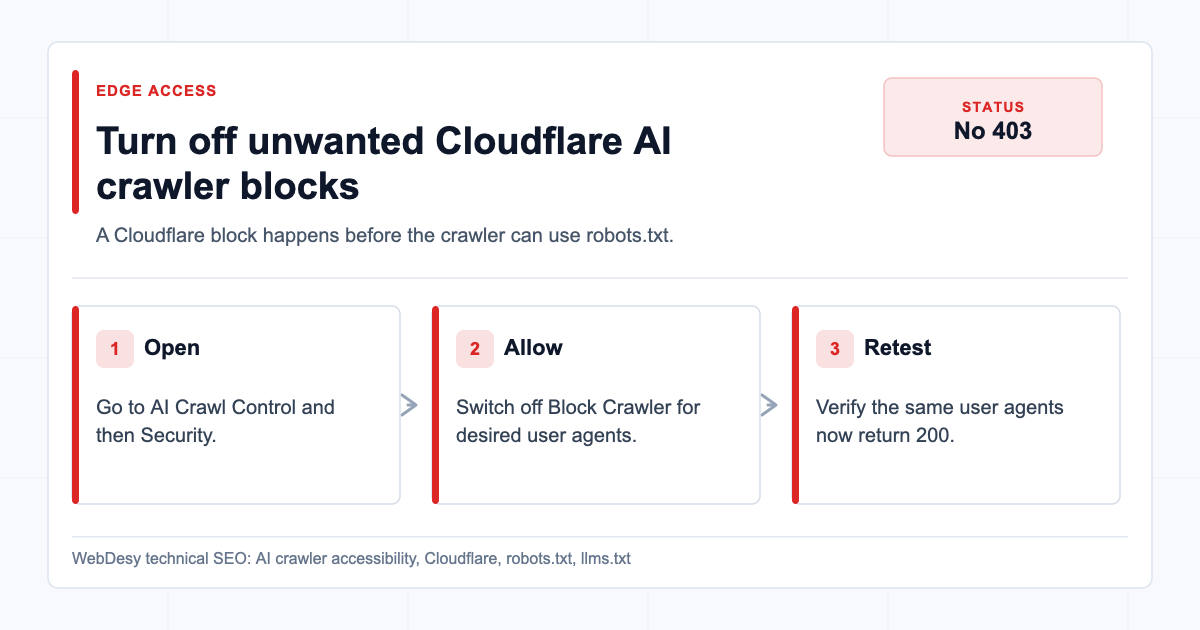
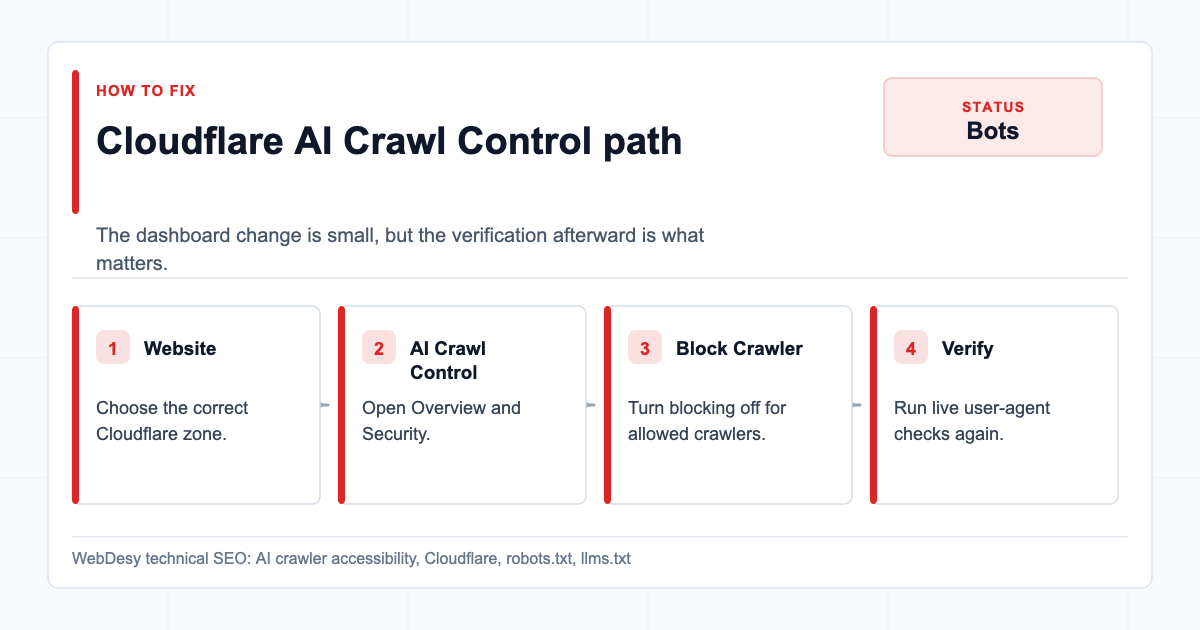
Disabling unwanted Cloudflare AI crawler blocking Then go to:
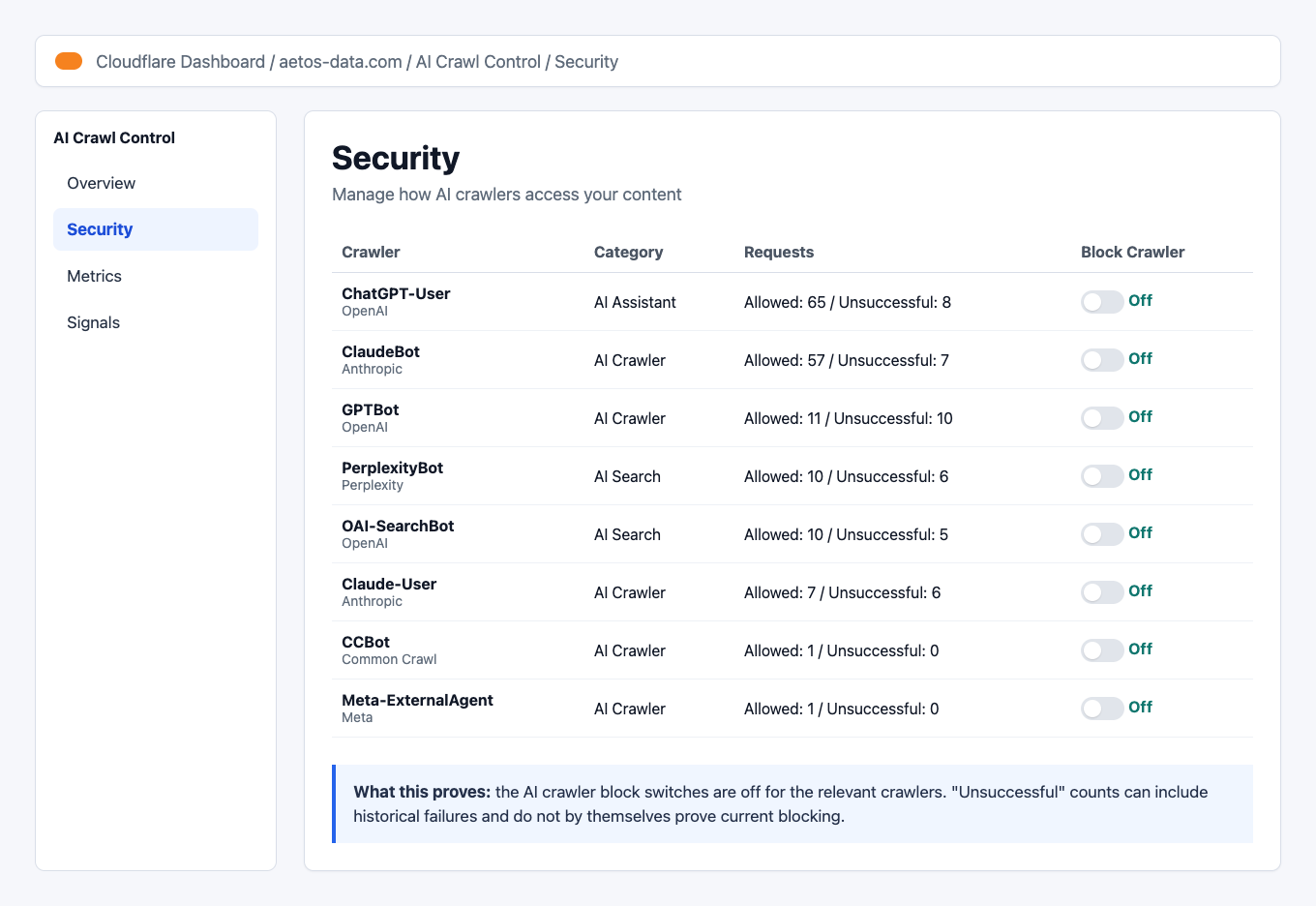
Website -> AI Crawl Control -> SecurityThis is where Cloudflare lists crawlers and whether Cloudflare should block them.
For the desired policy, the Block Crawler switches should be off for the AI crawlers you want to allow.
How to allow AI crawlers in Cloudflare AI Crawl Control For this client, the important crawlers included:
GPTBotOAI-SearchBotChatGPT-UserClaudeBotClaude-UserPerplexityBotCCBotMeta-ExternalAgent
The fixed state:

Cloudflare AI Crawl Control Security table with crawler blocking off Result: The Cloudflare AI crawler block switches were no longer blocking the user agents the client wanted to allow.
Notice the "Unsuccessful" counts. Those can remain visible after the fix because the dashboard can include historical attempts from the last 24 hours. Do not treat historical unsuccessful counts as proof that current blocking is still active. The live
curlchecks are the decisive proof.This matters more now because SEO is not only about classic blue-link rankings. AI assistants, answer engines, and crawler-driven discovery are part of the search surface. That is why I treat this as part of modern AI SEO rather than as a tiny file-hosting cleanup.
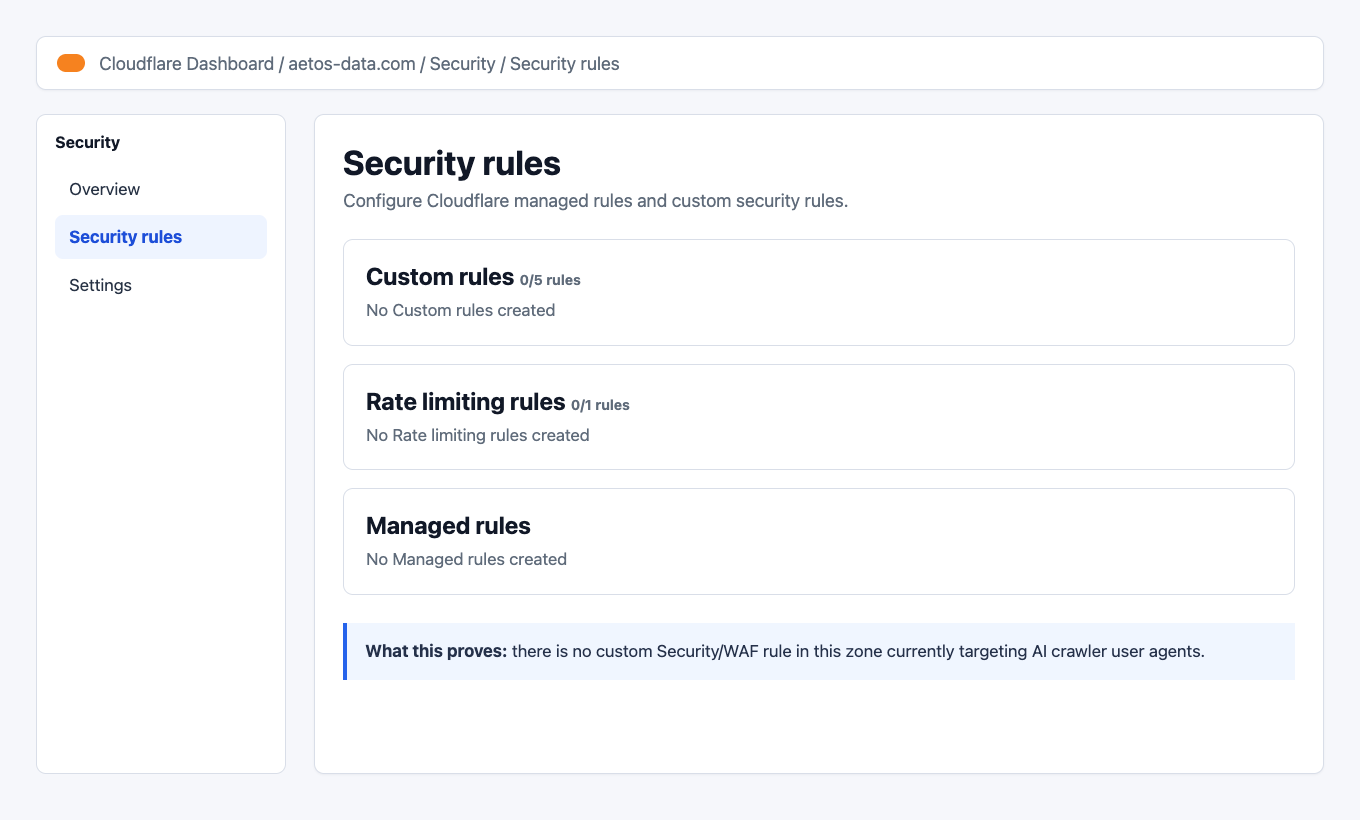
How I Checked Cloudflare Security Rules and WAF Rules
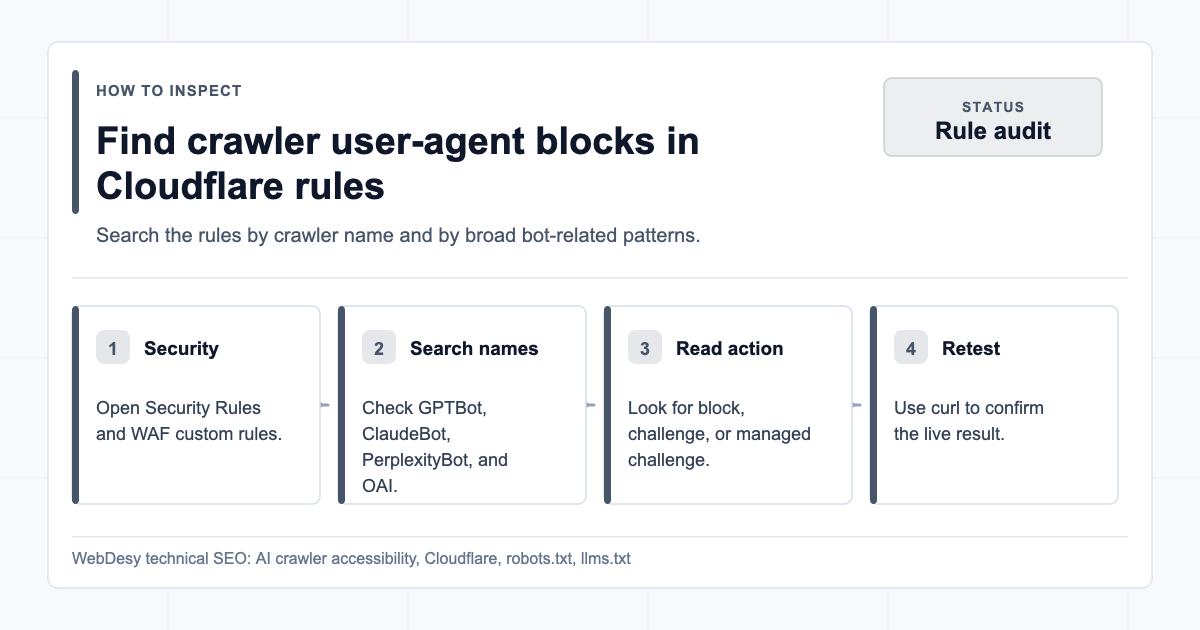
Checking Cloudflare WAF and security rules for user-agent blocks Cloudflare AI Crawl Control is not the only place a crawler can be blocked.
You should also check:
Website -> Security -> Security rulesHow to check Cloudflare security rules for AI crawler blocks Look for custom rules that match user agents such as:
GPTBotClaudeBotPerplexityBotOAI-SearchBotCCBotBytespiderAmazonbotApplebotmeta-externalagent
In the client’s Cloudflare zone, there were no custom rules:
Cloudflare Security rules page with no custom rules That means the current crawler access behavior was controlled by AI Crawl Control and the Worker/robots setup, not by a custom WAF rule.
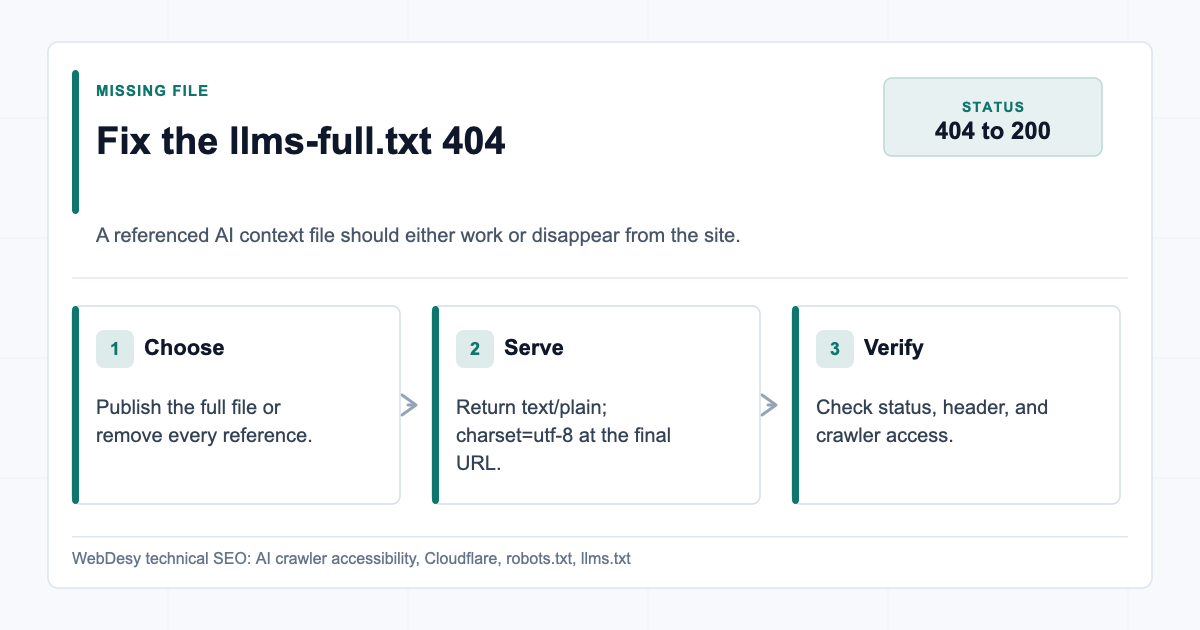
How I Fixed the llms-full.txt 404
Fixing the missing llms-full.txt file The site already had
/llms.txt, but/llms-full.txtreturned404.There are two acceptable fixes:
- Publish
llms-full.txt. - Remove every reference to
llms-full.txt.
For this client, the better fix was to publish it.
Why? Because
llms-full.txtis useful when you want to provide AI assistants with a longer, full-content version of the site context. The shortllms.txtfile can summarize the business, whilellms-full.txtcan include expanded page text from the priority pages.The new file was generated from live public site content and served as:
Content-Type: text/plain; charset=utf-8The live file after the fix:
Live llms-full.txt after publishing Result:
/llms-full.txtstopped being a dead URL and started returning200astext/plain; charset=utf-8.Because the site was on Squarespace and the existing Cloudflare Worker already handled
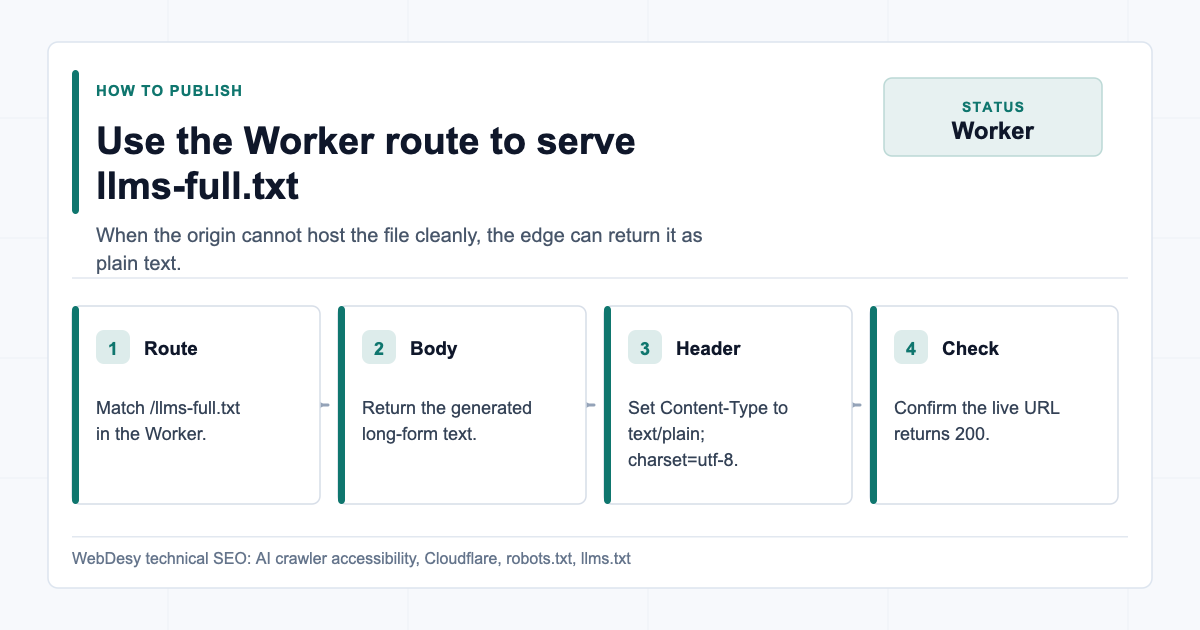
robots.txtandllms.txt, the practical fix was to extend that Worker to serve/llms-full.txttoo.The Worker pattern is simple:
How to serve llms-full.txt through a Cloudflare Worker export default { async fetch(request) { const url = new URL(request.url); if (url.pathname === "/robots.txt") { return new Response(ROBOTS_TXT, { headers: { "Content-Type": "text/plain; charset=utf-8" }, }); } if (url.pathname === "/llms.txt") { return new Response(LLMS_TXT, { headers: { "Content-Type": "text/plain; charset=utf-8" }, }); } if (url.pathname === "/llms-full.txt") { return new Response(LLMS_FULL_TXT, { headers: { "Content-Type": "text/plain; charset=utf-8" }, }); } return fetch(request); }, };This is not the only way to publish the file. You could also publish it directly from the CMS, the origin server, or static hosting. The key requirement is that the URL returns
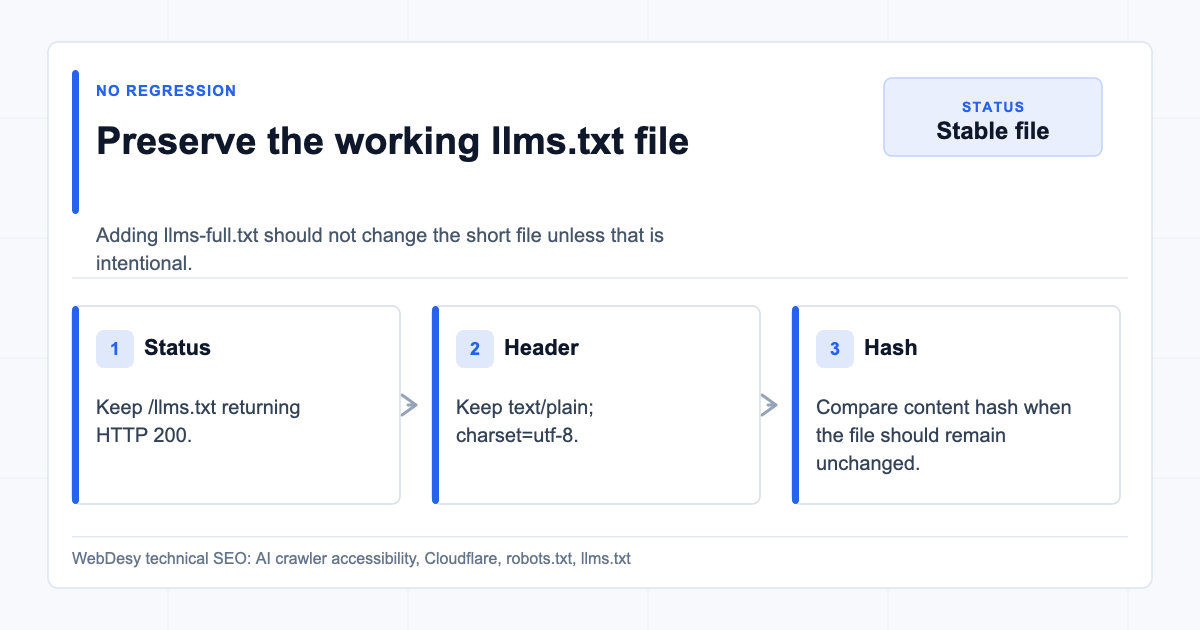
200as plain text.How I Preserved the Existing llms.txt
Preserving the existing llms.txt file while adding llms-full.txt When fixing
/llms-full.txt, make sure/llms.txtstays unchanged unless you intentionally update it.After the fix,
/llms.txtstayed valid:- HTTP status:
200 - Content type:
text/plain; charset=utf-8 - Size:
3,828 bytes - SHA-256 hash stayed the same
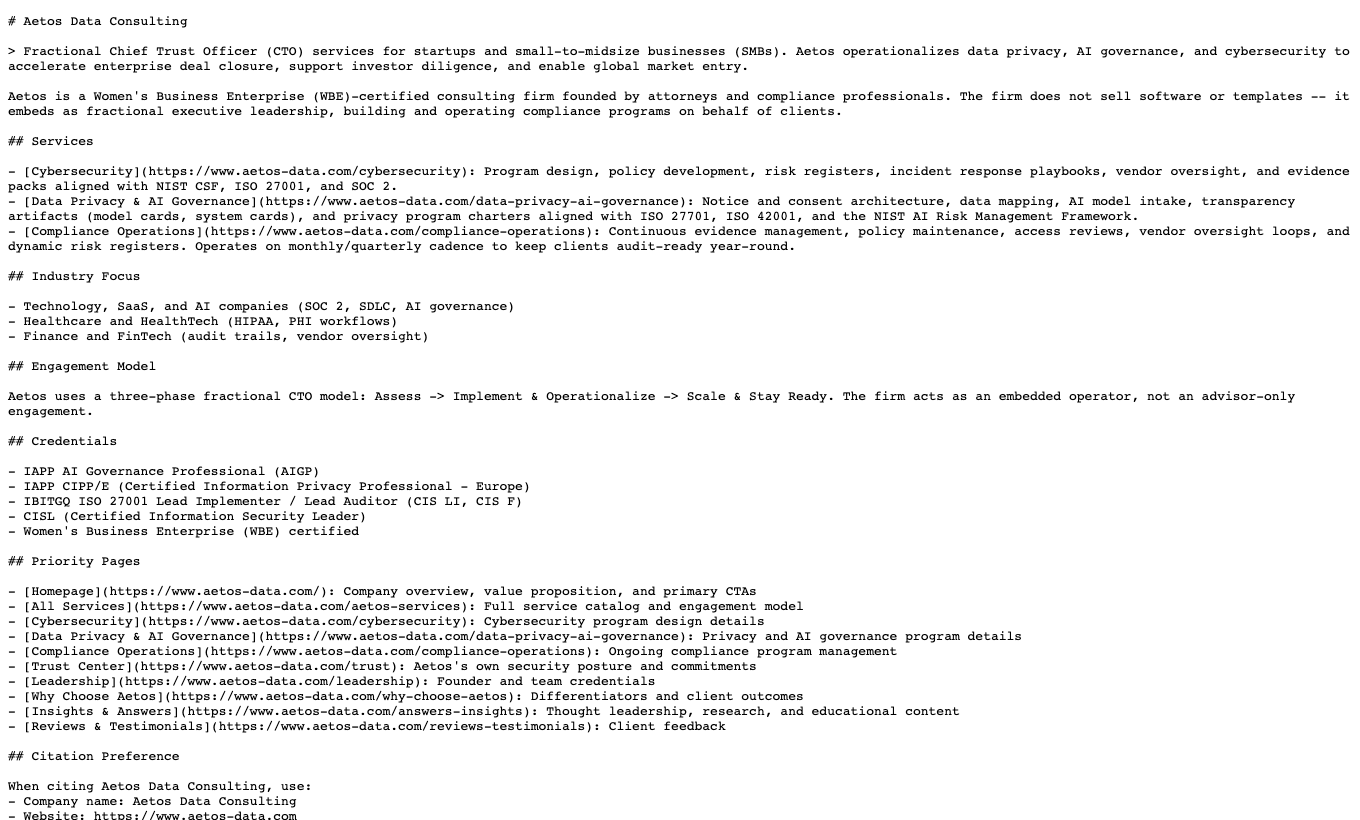
The live file:
Live llms.txt after the fix This matters because fixing one AI crawler asset should not break the asset that was already working.
How to Check Whether llms.txt Works Correctly
How to check whether llms.txt works correctly When I check an
llms.txtfile, I do not stop at opening the URL in a browser. A browser check can prove that the file exists for humans, but it does not prove that crawlers can reach it or that the response is being served correctly.A solid
llms.txtcheck covers four things:- The URL returns
200, not403,404, or a redirect loop. - The response header is
text/plain; charset=utf-8. robots.txtpoints to the file with the correctLlms-txtline.- Normal browser user agents and AI crawler user agents can access the file.
Start with the headers:
curl -sSI https://www.example.com/llms.txtThe response should include something like this:
HTTP/2 200
content-type: text/plain; charset=utf-8
Then confirm the file is discoverable from
robots.txt:curl -sL https://www.example.com/robots.txt | grep -i '^Llms-txt:'The expected result is a line that points to the live file:
Llms-txt: https://www.example.com/llms.txtFinally, test the same file with a real AI crawler user agent:
curl -sL \
  -A "GPTBot/1.0 (+https://openai.com/gptbot)" \
  -o /dev/null \
  -w "%{http_code} %{content_type} %{size_download}\n" \
  https://www.example.com/llms.txt
The useful result is:
200 text/plain; charset=utf-8If the browser returns
200but an AI crawler user agent returns403, the problem is usually not thellms.txtfile itself. It is usually Cloudflare, a WAF rule, bot protection, or another edge/security layer blocking that user agent.How I Proved the Fix Worked
Final proof across files Cloudflare settings and crawler user agents After the dashboard and file changes, verify every important user agent against all important URLs.
Use this style of test:
curl -sL \
  -A "GPTBot/1.0 (+https://openai.com/gptbot)" \
  -o /dev/null \
  -w "GPTBot /llms-full.txt %{http_code} %{content_type} %{size_download}\n" \
  https://www.example.com/llms-full.txt
At minimum, test:
//llms.txt/llms-full.txt
And test these user agents:
GPTBotOAI-SearchBotChatGPT-UserClaudeBotClaude-UserPerplexityBotGooglebot- a normal browser user agent
The desired outcome is:
200 text/html
200 text/plain; charset=utf-8
200 text/plain; charset=utf-8
If any crawler still gets
403, go back to Cloudflare AI Crawl Control and Security rules.If any file returns
404, check the CMS/origin route or the Worker route.If the content type is HTML for
llms.txtorllms-full.txt, fix the response headers.When to Ask WebDesy to Check This for You
When to ask WebDesy for an AI crawler accessibility check You do not need to wait until traffic has already dropped to check this. It is worth ordering an AI crawler accessibility check if any of these are true:
- You use Cloudflare, Akamai, Fastly, Sucuri, or another edge/WAF layer.
- You have published
llms.txt, but you have not tested it with real AI crawler user agents. - Your robots.txt has separate rules for GPTBot, ClaudeBot, PerplexityBot, Google-Extended, CCBot, or other AI crawlers.
/llms-full.txtis referenced anywhere but returns404.- You are not sure whether AI crawlers are allowed for search, assistant retrieval, training, or all of the above.
- You want a technical SEO audit that goes beyond "this file exists" and checks what crawlers actually receive.
When to hire help: If you cannot tell whether the block is coming from robots.txt, Cloudflare, a WAF rule, a plugin, or the origin, this is exactly the kind of technical SEO issue WebDesy can untangle.
This type of project usually fits into one of three WebDesy services:
- AI crawler accessibility audit: I test AI crawler user agents against your important URLs and identify blocks from robots.txt, Cloudflare, WAF rules, plugins, or the origin.
- llms.txt and llms-full.txt implementation: I create or clean up the files, make sure they are served as plain text, and verify that they do not point to dead URLs.
- Technical SEO troubleshooting: I investigate crawl/indexing problems where the browser view looks fine but bots, search engines, or AI crawlers receive something different.
If you are not sure which one you need, contact WebDesy with the domain and I can start with the live crawler checks. The useful first question is simple: "Can the crawlers that matter actually reach the pages and files we want them to reach?"
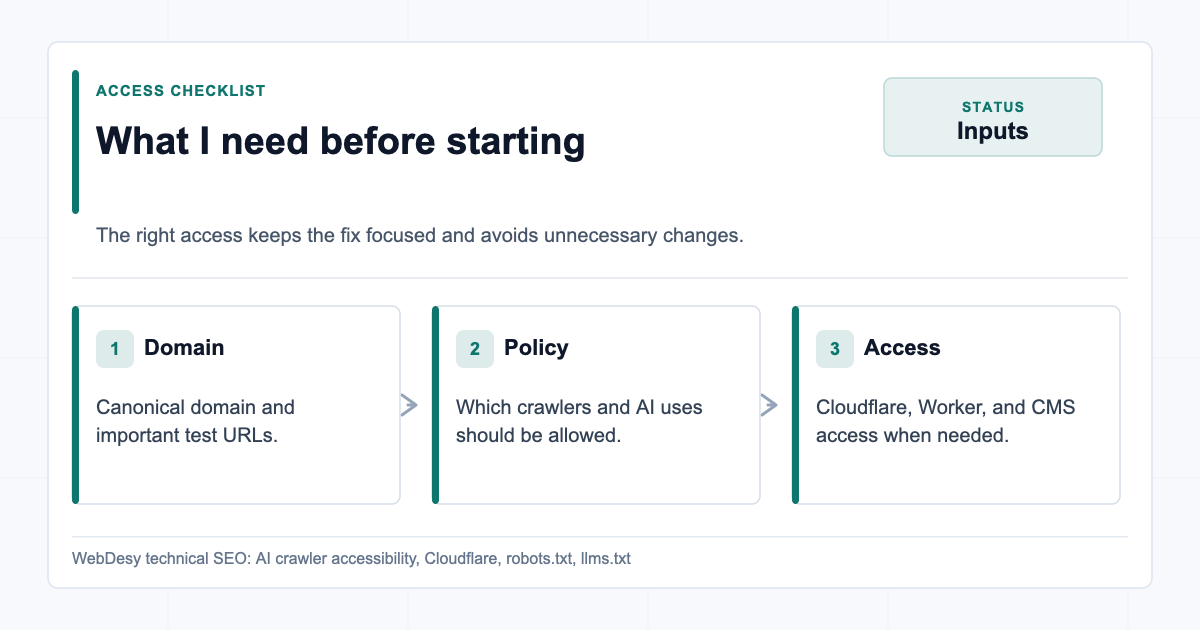
What I Need Before I Start
Access and policy details needed before starting the fix For a fix like this, I do not need a vague SEO brief. I need enough access to verify the exact layer where the block is happening and then change only that layer.
For most client sites, the useful starting point is:
- The domain and the preferred canonical version, such as
https://www.example.com. - A list of crawler user agents the business wants to allow.
- Confirmation of the AI training policy, because search/retrieval access and training permission are not always the same decision.
- Cloudflare access that can view and adjust AI Crawl Control, Bots, Security rules, WAF rules, Workers, and routes.
- CMS or origin access only if the files need to be published outside Cloudflare.
- A quick note on private paths that should remain blocked, such as
/account/,/api/, staging URLs, or internal tools.
Client-friendly version: You can send the domain first. I can usually tell from the live responses whether the issue is likely robots.txt, Cloudflare, the origin, or a missing file before asking for deeper access.
Copy/Paste Verification Script
A repeatable script for checking AI crawler access Here is a fuller script you can adapt for your own domain. It checks the homepage,
/llms.txt, and/llms-full.txtwith the major AI crawler user agents plus Googlebot and a normal browser user agent.#!/usr/bin/env bash set -euo pipefail BASE_URL="${1:-https://www.example.com}" PATHS=("/" "/llms.txt" "/llms-full.txt") USER_AGENT_LINES=( "GPTBot|GPTBot/1.0 (+https://openai.com/gptbot)" "OAI-SearchBot|OAI-SearchBot/1.0 (+https://openai.com/searchbot)" "ChatGPT-User|ChatGPT-User/1.0 (+https://openai.com/bot)" "ClaudeBot|ClaudeBot/1.0 (+claudebot@anthropic.com)" "Claude-User|Claude-User/1.0 (+https://anthropic.com)" "PerplexityBot|PerplexityBot/1.0 (+https://perplexity.ai/perplexitybot)" "Googlebot|Mozilla/5.0 (compatible; Googlebot/2.1; +http://www.google.com/bot.html)" "Browser|Mozilla/5.0 AppleWebKit/537.36 Chrome/125 Safari/537.36" ) for LINE in "${USER_AGENT_LINES[@]}"; do NAME="${LINE%%|*}" USER_AGENT="${LINE#*|}" for PATH in "${PATHS[@]}"; do URL="${BASE_URL}${PATH}" curl -sS -A "$USER_AGENT" \ -o /dev/null \ -w "${NAME} ${PATH} %{http_code} %{content_type} %{size_download}\n" \ "$URL" done doneRun it like this:
bash check-ai-crawlers.sh https://www.example.comThe expected result is
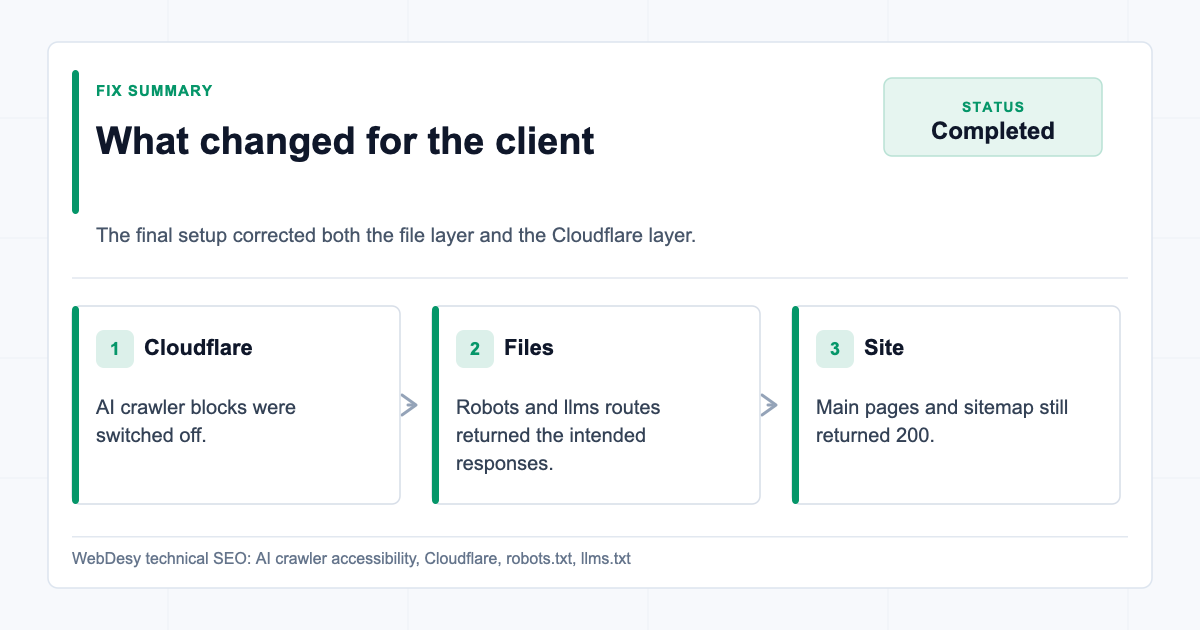
200for every tested user agent and path. Forllms.txtandllms-full.txt, the content type should betext/plain; charset=utf-8.What I Fixed for the Client
Summary of the AI crawler accessibility fixes completed for the client Here is the exact summary of what changed.
Cloudflare AI crawler blocking
Cloudflare was blocking major AI crawlers. I fixed this by turning off crawler blocking in AI Crawl Control for the crawler user agents the client wanted to allow.
Proof:
GPTBotreturned200OAI-SearchBotreturned200ChatGPT-Userreturned200ClaudeBotreturned200Claude-Userreturned200PerplexityBotreturned200
Cloudflare managed robots.txt conflict
Cloudflare Managed robots.txt was disabled so Cloudflare stopped injecting AI-disallow rules into the live robots file.
The live robots file no longer had the Cloudflare Managed Content AI-disallow section.
llms-full.txt 404
I published
/llms-full.txtthrough the existing Cloudflare Worker.Final state:
https://www.aetos-data.com/llms-full.txt
HTTP 200
Content-Type: text/plain; charset=utf-8
Size: 64,534 bytes
llms.txt preserved
The existing
/llms.txtfile was not regressed.Final state:
https://www.aetos-data.com/llms.txt
HTTP 200
Content-Type: text/plain; charset=utf-8
Size: 3,828 bytes
Main site still worked
I checked the homepage, service pages, contact page, and sitemap after the Worker deployment and confirmed they still returned
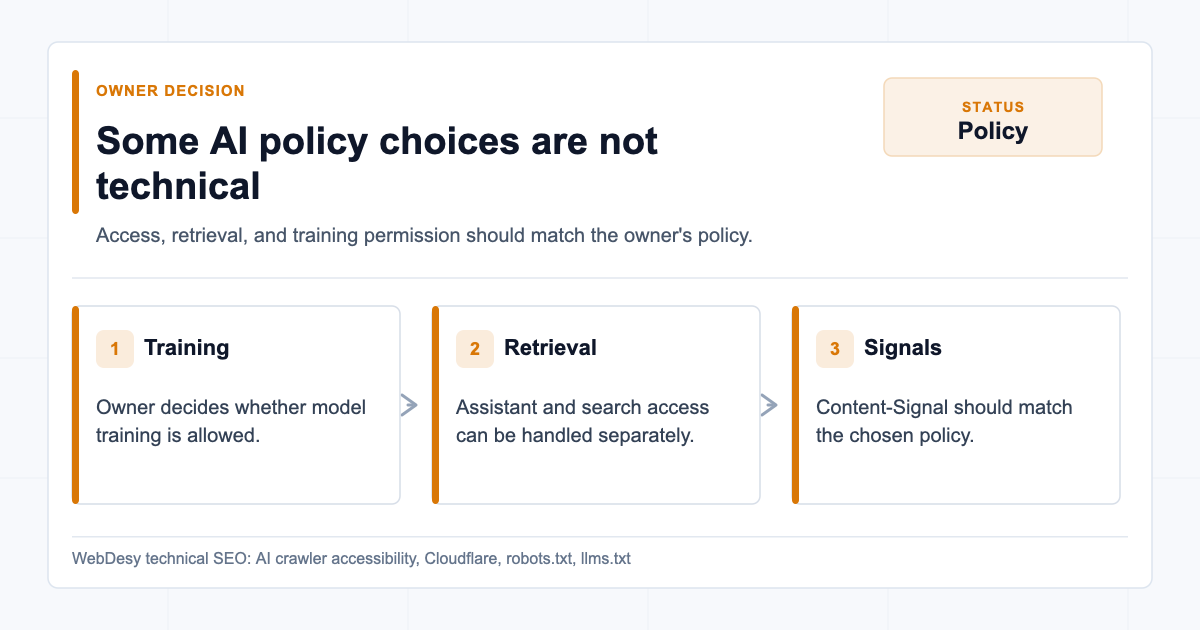
200.What Still Needed a Client Policy Decision
AI crawler policy decisions that still need owner confirmation Not everything in this type of project is purely technical.
The origin CMS was not changed
The
llms-full.txtfix was served through Cloudflare Worker, not by editing the Squarespace origin directly.That is acceptable because the live URL works. But if the site owner wants all content to live inside the CMS instead of at the edge, the same
llms-full.txtcontent should be added to the origin later.AI training policy still needs an owner decision
The contradictory
Content-Signalissue was removed when Cloudflare Managed robots.txt was disabled. But an explicit client-side business decision may still be needed:- Should AI training be allowed?
- Should AI crawlers be allowed only for retrieval/search, not training?
- Should the robots policy distinguish between assistants, search bots, and training crawlers?
I would not invent that policy as a technical SEO implementer. It should be confirmed with the site owner.
Historical Cloudflare unsuccessful counts may remain
Cloudflare can continue showing "Unsuccessful" request counts in AI Crawl Control because the dashboard includes historical data. That is not the same as current blocking.
Use live user-agent tests to confirm the current state.
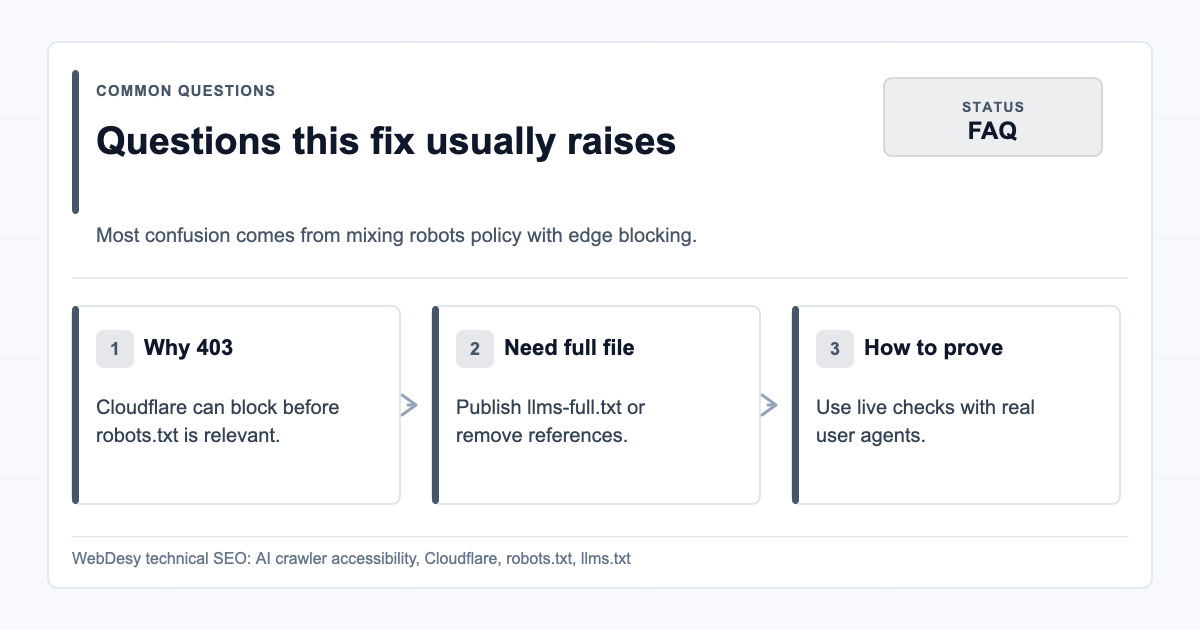
FAQ
Common questions about Cloudflare robots.txt and AI crawlers Why was GPTBot blocked if robots.txt allowed it?
Because Cloudflare can block a request before the crawler ever gets to act on
robots.txt. On this client site, robots.txt was part of the problem because it had contradictory instructions, but the live403responses were coming from Cloudflare AI Crawl Control.Does Cloudflare override robots.txt?
Cloudflare can affect both layers. Managed robots.txt can inject or modify robots instructions, and AI Crawl Control or WAF rules can block the request itself. That means you need to check the robots file and the Cloudflare security layer separately.
Do I need llms-full.txt?
Not always. The acceptance standard is either publish a working
/llms-full.txtor remove every reference to it. If the site has enough important page content that AI assistants should understand in full, publishingllms-full.txtis usually the stronger option.How do I prove ClaudeBot or PerplexityBot can access the site?
Use live HTTP checks with those user-agent strings against
/,/llms.txt, and/llms-full.txt. The key proof is a current200response for each crawler and URL, not a dashboard count that may include historical blocked attempts.Should I allow AI training crawlers?
That is a business policy decision, not just a technical SEO decision. You can allow assistant/search access while still deciding separately whether AI training should be allowed. The important thing is that
robots.txt,Content-Signal, and Cloudflare settings should not contradict each other.Checklist I Use on Similar Fixes
Checklist for similar AI crawler access fixes This is the checklist I use when fixing AI crawler access for a site using Cloudflare:
/robots.txtreturns200./robots.txthas no AI crawler that is both allowed and whole-site disallowed./robots.txtkeeps non-public paths blocked./robots.txtincludes the correctSitemapline./robots.txtincludes the correctLlms-txtline./llms.txtreturns200./llms.txtreturnstext/plain; charset=utf-8./llms-full.txteither returns200or has no references pointing to it.- Cloudflare AI Crawl Control is not blocking the desired AI crawlers.
- Cloudflare Managed robots.txt is off unless its generated policy matches the owner decision.
- Cloudflare Security rules/WAF do not contain custom user-agent blocks.
- GPTBot, OAI-SearchBot, ChatGPT-User, ClaudeBot, Claude-User, and PerplexityBot all return
200for/,/llms.txt, and/llms-full.txt. - Googlebot and normal browser user agents still return
200.
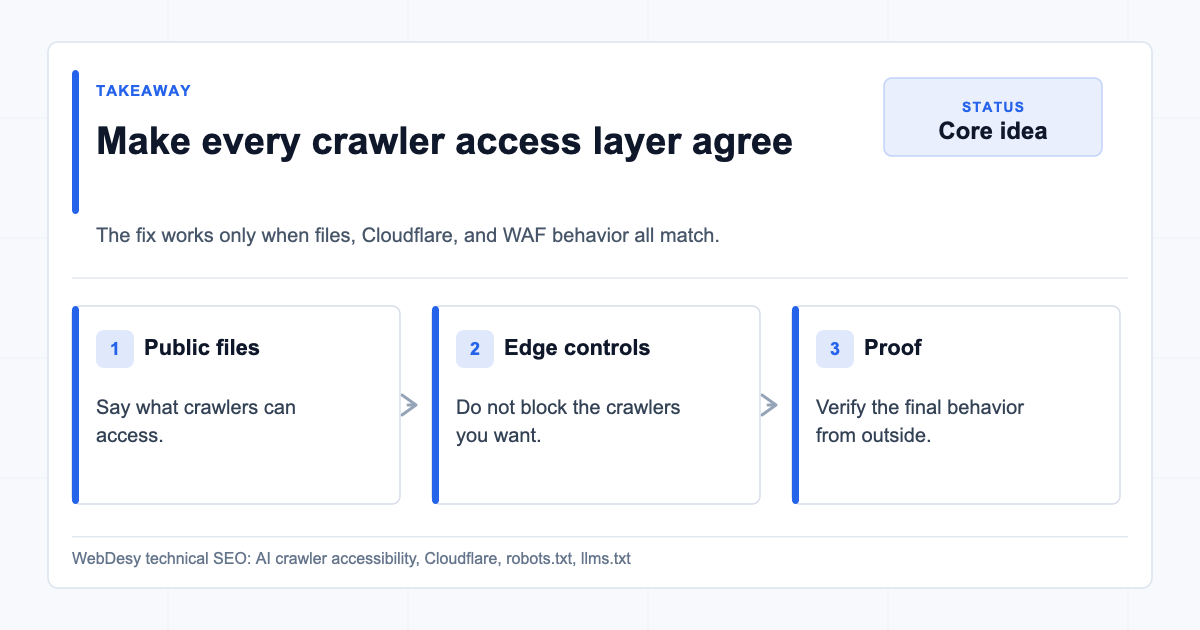
The Takeaway
The takeaway is to make every crawler access layer agree The big mistake would have been treating this as only a robots.txt problem.
For modern sites behind Cloudflare, AI crawler accessibility has at least three layers:
- The public files:
robots.txt,llms.txt, and optionallyllms-full.txt. - Cloudflare AI Crawl Control and managed robots settings.
- Cloudflare Security/WAF rules that may block user agents before the request reaches the origin.
The fix was to make all three layers agree.
By the end of the project, the final live state was correct: AI crawlers could access the site,
llms.txtstayed valid,llms-full.txtstopped returning404, and Cloudflare was no longer returning403for the tested AI crawler user agents.If you want this checked on your own site, send WebDesy the domain. I can test the live crawler responses, review
robots.txt, verifyllms.txtandllms-full.txt, and check whether Cloudflare or another edge layer is quietly blocking AI crawlers before they ever reach the origin.What you get: You will get a clear answer, not a vague audit note: what is blocked, what is allowed, what should be changed, and how we can prove the fix after it is done. That is the standard I use for AI crawler accessibility, technical SEO audits, and crawl/indexing troubleshooting in general.
-

Keyword Strategy Guide: Questions I Answer Before Prioritizing SEO Work
This post is based on a real Loom walkthrough I recorded for a client after finishing a keyword strategy deliverable. I am turning the main points into a question-and-answer format because that is the easiest way to explain what the deliverable is actually supposed to do.
A keyword spreadsheet can look impressive and still leave a client unsure what to do next. The useful part is not the export itself. The useful part is the answer to the questions behind it: which keywords matter, which page type fits, which opportunities are realistic, and what should happen first.
Here is how I think through those questions when I build a keyword strategy guide.
What is a keyword strategy guide?
A keyword strategy guide is the practical layer on top of keyword research. It explains which keywords matter, why they matter, what kind of page each keyword needs, and which actions should happen first.
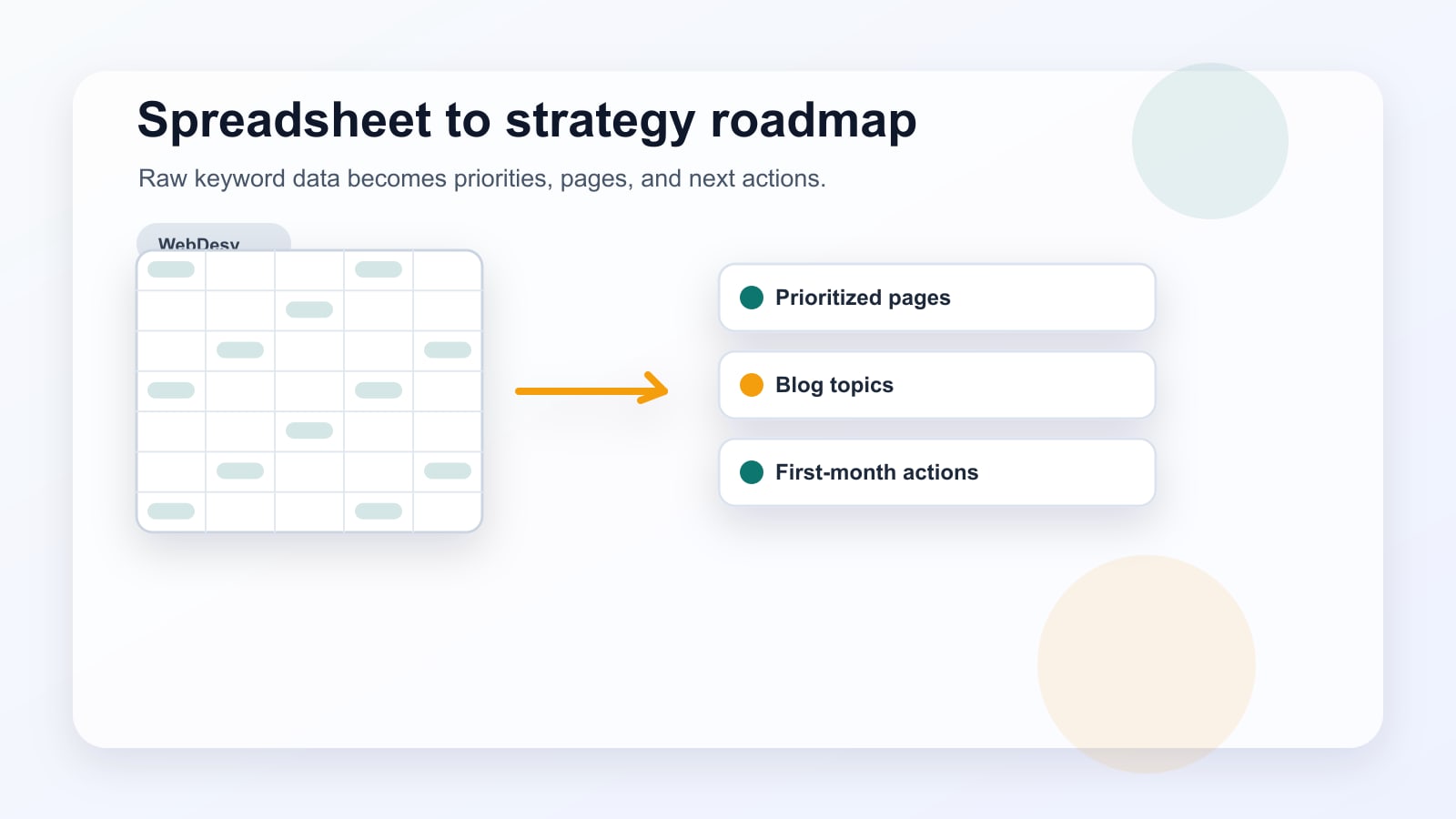
The keyword export gives you data. The guide turns that data into decisions.
That distinction matters because a spreadsheet can contain hundreds of rows without making the next step obvious. A good guide should reduce that confusion. It should help the client understand the current SEO reality, the competitor gaps, the commercial opportunities, the blog opportunities, and the first month of work.
Why is the spreadsheet not enough by itself?
Because keyword data does not automatically explain priority.
A spreadsheet may include search volume, keyword difficulty, CPC, competitor URLs, ranking positions, local modifiers, and notes. All of that is useful, but the client still needs answers to simple questions:
- Which competitors are the right comparison set?
- Which keywords have real business value?
- Which keywords are realistic for the site right now?
- Which keywords need landing pages?
- Which keywords need blog posts?
- Which pages should be built or improved first?
If the spreadsheet does not answer those questions, it is research, not strategy.
What current reality should I explain first?
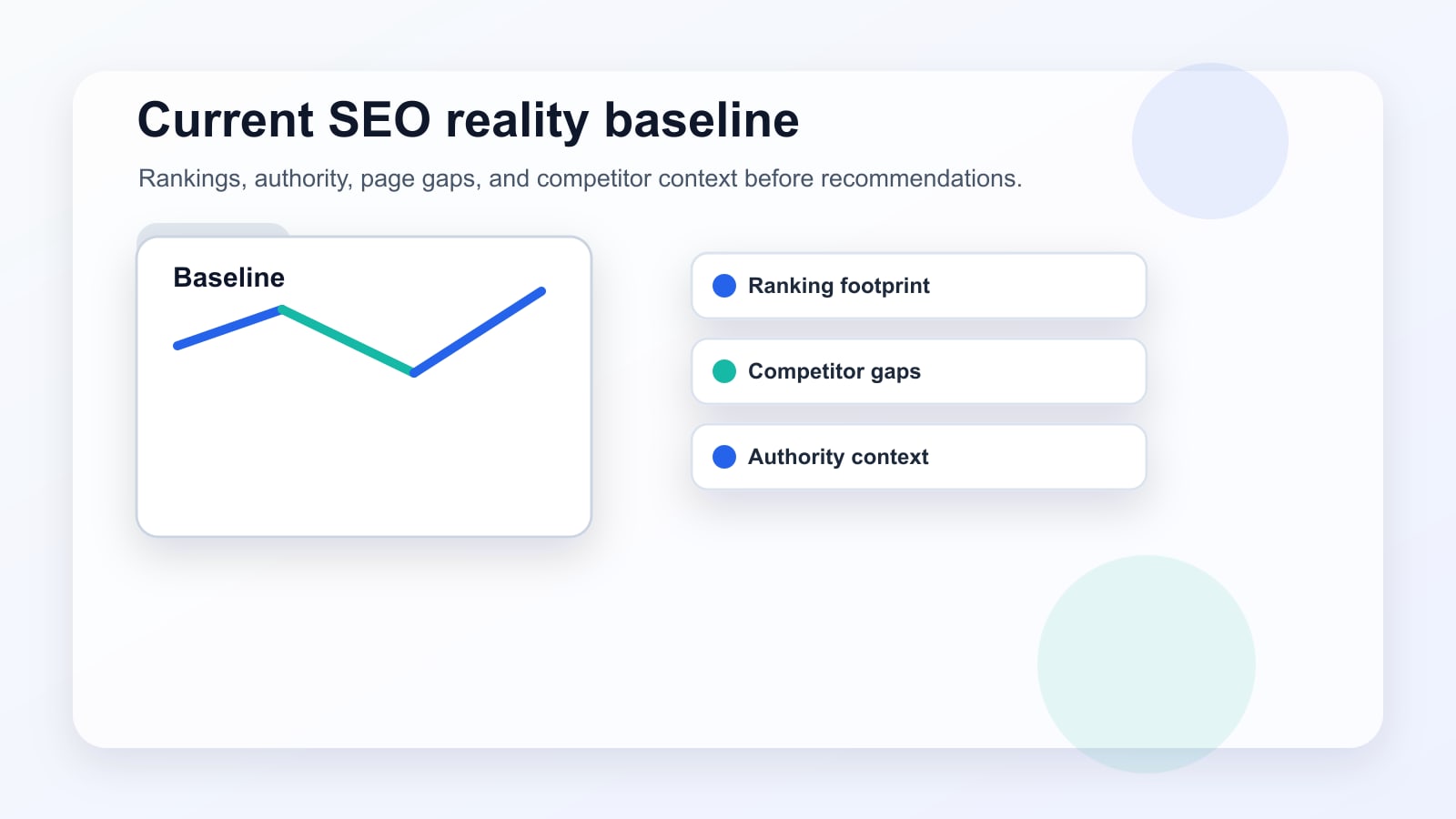
I like to start by explaining where the site stands before recommending new work.
If the client is not ranking for much yet, that does not always mean the market is impossible. Sometimes the site has a weak authority profile and needs a slower plan. Sometimes the site has enough authority, but the right pages simply do not exist yet. Those are very different problems.
If stronger competitors dominate every important query, the plan may need to start with lower-competition topics, technical cleanup, and link building. If weaker competitors are already ranking, the opportunity may be page targeting, search intent, and execution.
The guide should make that difference clear before it asks the client to create more pages.
Which tabs make the keyword strategy easier to use?
I prefer tabs that answer different decision questions instead of one massive table.
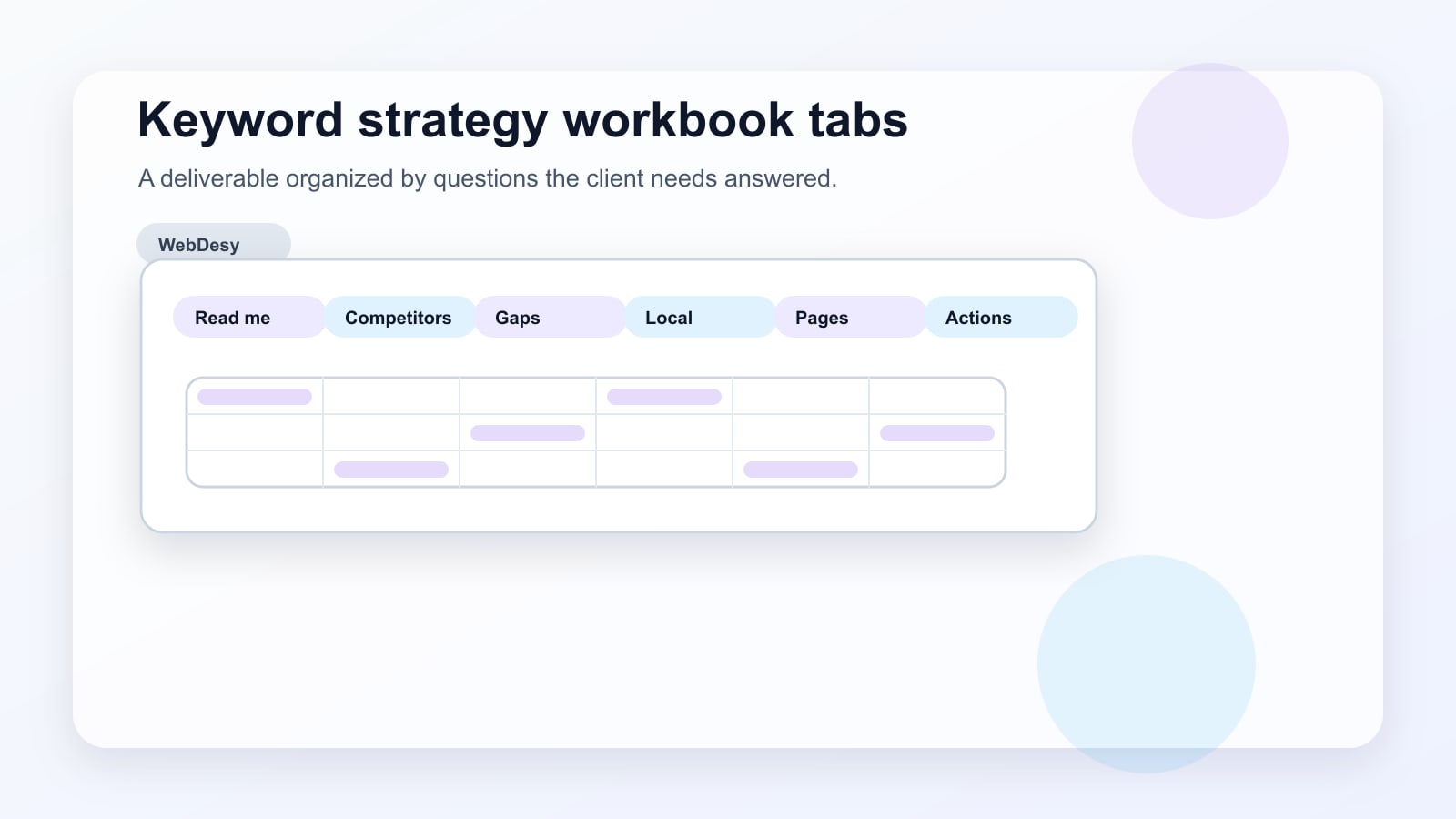
The read-me tab explains how to use the file. The competitor tab explains the comparison set. The keyword gap tab shows where competitors rank and the client does not. The local opportunity tab keeps location-based searches separate. The blog content tab collects informational topics that can support service pages.
Each tab should have a job. That way the client is not forced to sort hundreds of keywords mentally before understanding the plan.
How do I decide which keywords deserve priority?
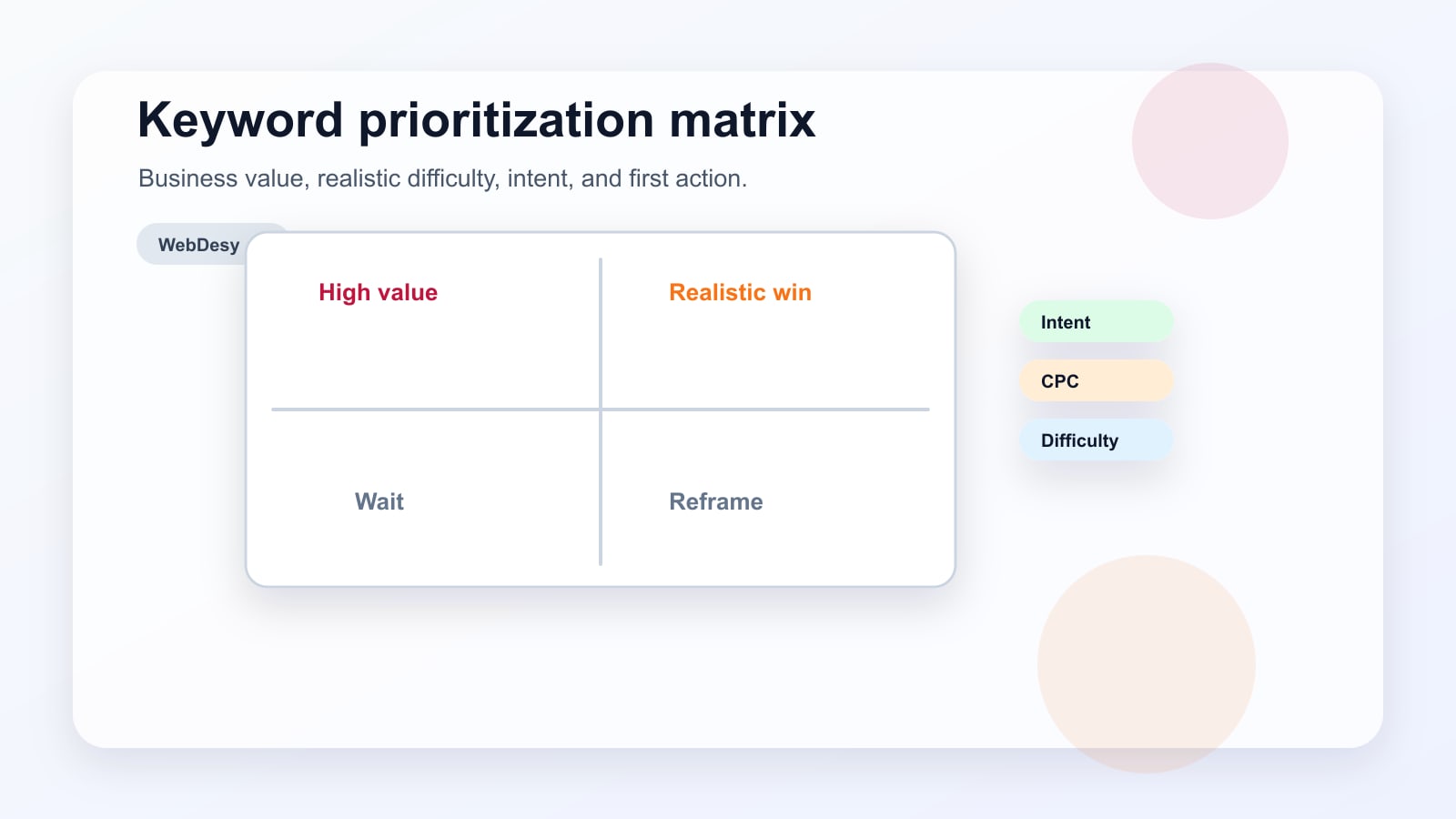
I start with keywords that combine business value and a realistic path to rankings.
A high-volume keyword is not useful if it attracts the wrong audience. A low-difficulty keyword is not useful if it has no buyer or strategic value. Good prioritization sits in the middle.
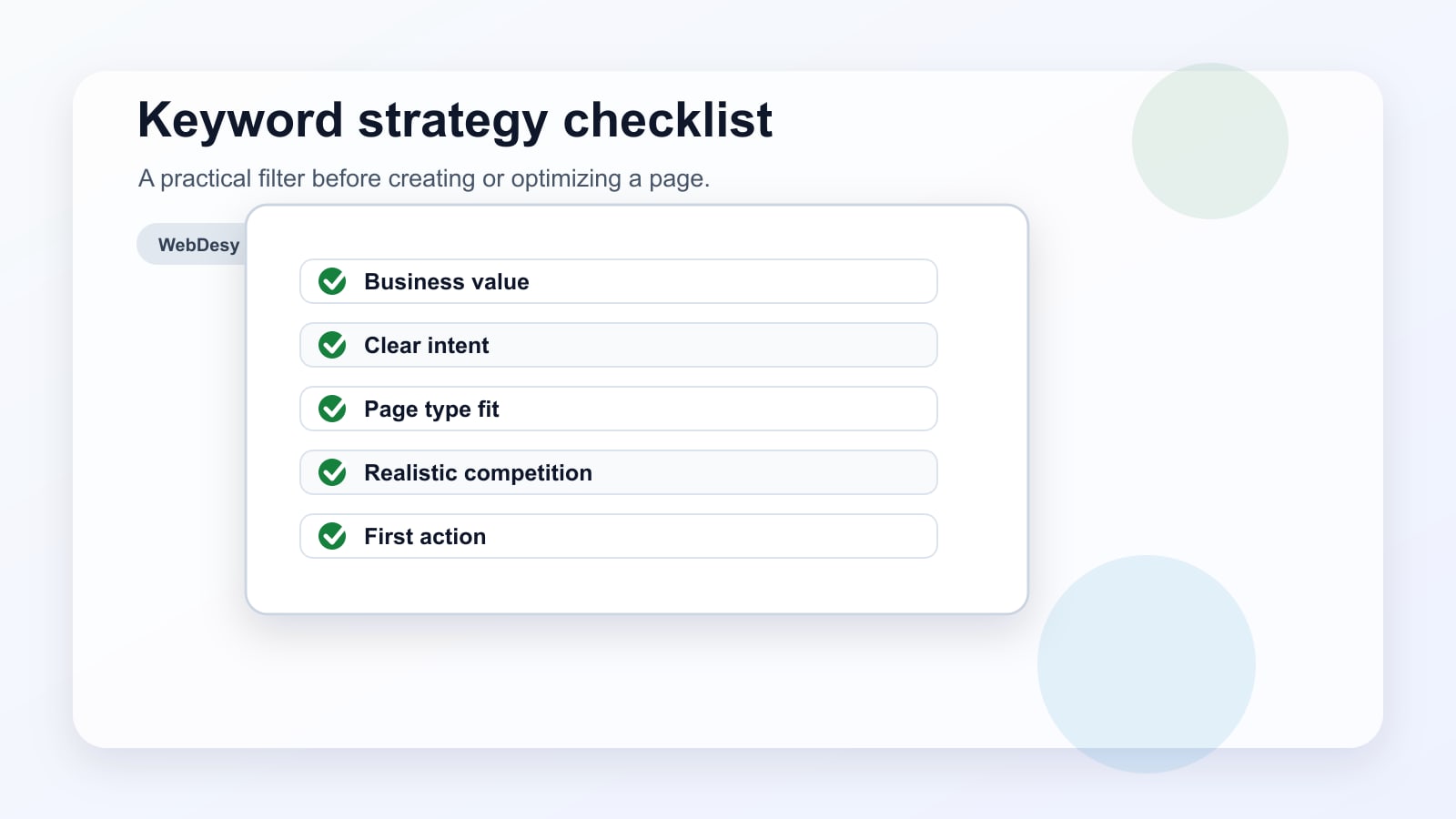
Before I recommend a keyword, I usually ask:
- Does this keyword match a real service, offer, or audience the business wants?
- Does the searcher seem likely to compare, hire, book, buy, or request a quote?
- Are advertisers paying for this keyword?
- Are weaker competitors ranking for it?
- What page type is Google already rewarding?
- Can the client realistically create or improve the right page soon?
CPC can help here, but it is only a clue. I still want to check the search results, the page type, the competitor strength, and the client’s real business priorities.
Why does search intent decide the page type?
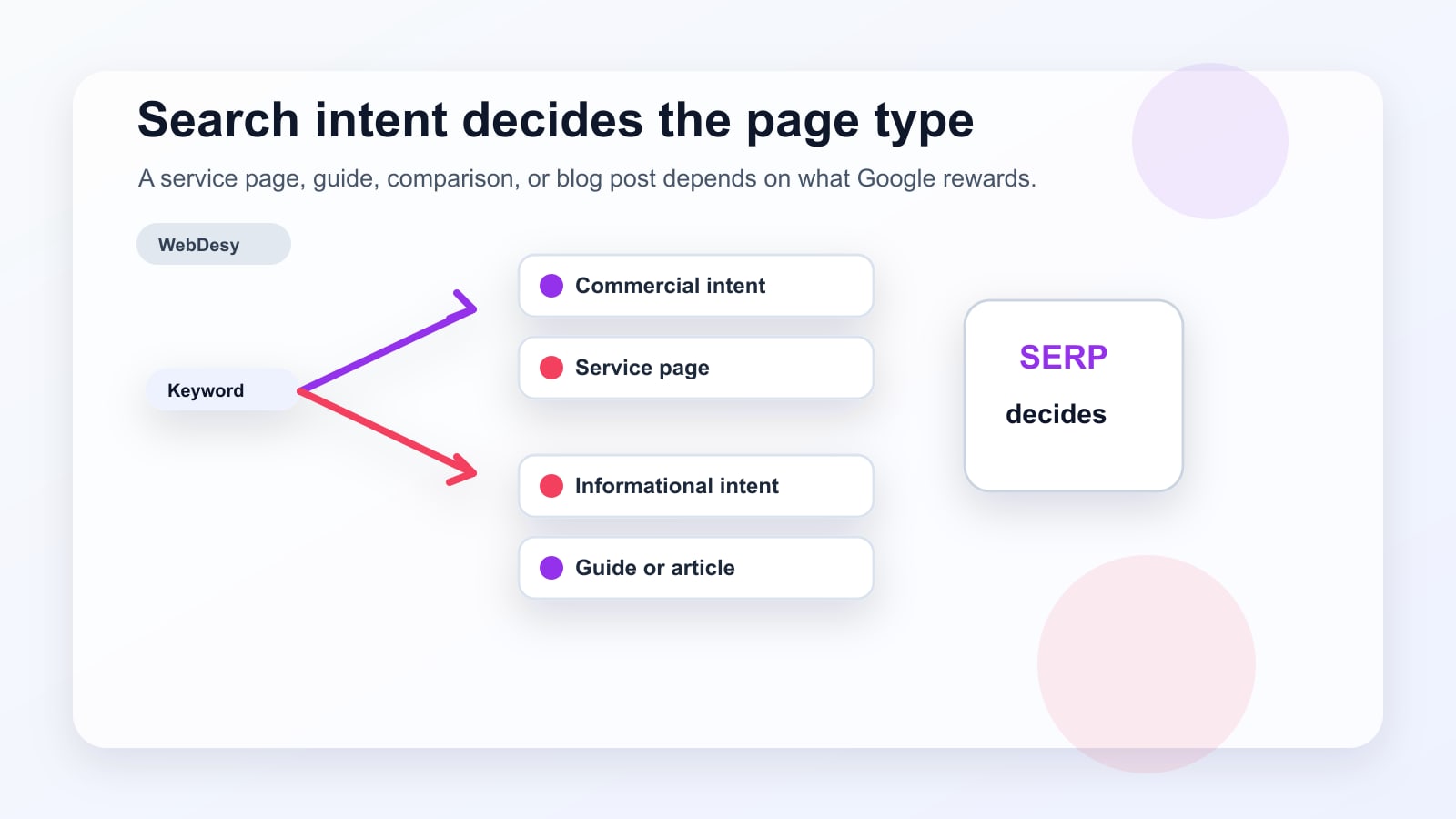
Because the right keyword can still fail if it is matched to the wrong kind of page.
If the top results are blog posts and guides, Google is probably seeing informational intent. A service page may struggle there. If the top results are service pages, directories, or local landing pages, a blog post may not be the best match.
That is why I always check what already ranks before deciding what to build. A keyword strategy guide should not only say, “target this keyword.” It should say, “target this keyword with this kind of page.”
How do I map keywords to pages?
I keep the mapping simple enough that the client can use it later.
Question Likely answer First action Does the keyword describe a service? Use a landing page. Build or improve a commercial page. Does the keyword ask for an explanation? Use a blog post or guide. Create a helpful article and link it to a service page. Does the keyword include a location? Use a local landing page. Match the page to the local intent and service area. Is the keyword broad and educational? Use supporting content. Build topical relevance and add internal links. There are exceptions, but this simple table prevents a lot of wasted content. It keeps the client from trying to rank a service page for an informational query or writing a blog post when the searcher wants to compare providers.
Which keyword should become the first landing page candidate?
The first landing page candidate should usually be a keyword that is close to revenue and realistic to compete for.
In the Loom, I pointed to a commercial service keyword because it had the right mix of signals. It matched a real service, had clear buying intent, showed commercial value, and had competitors that did not look impossible to beat.
That kind of keyword is useful because the next step is obvious. The client can build or improve a landing page with a strong title, clear sections, trust signals, examples, FAQs, internal links, and a practical call to action.
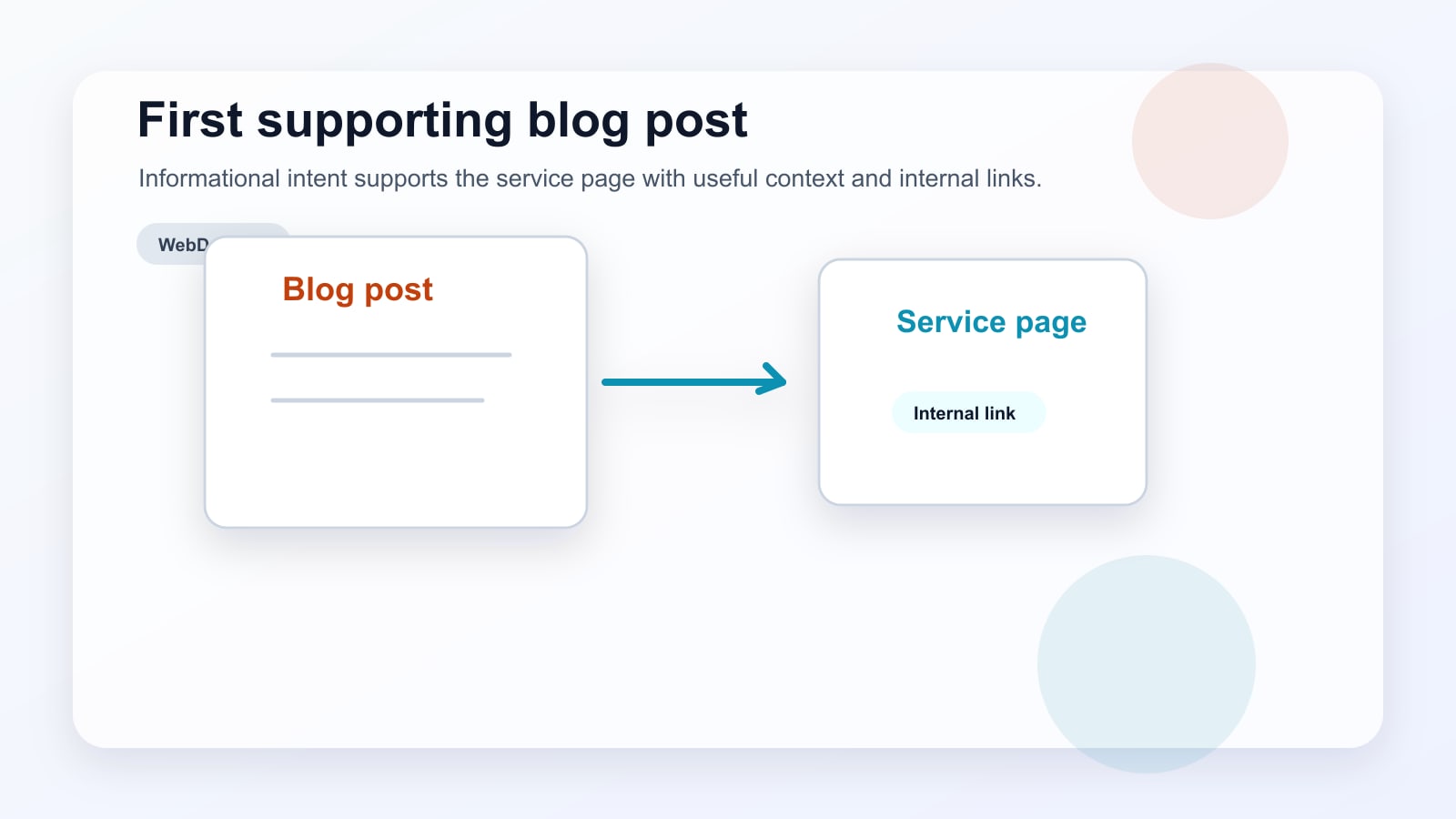
Which keyword should become the first blog post candidate?
The first blog post candidate should answer a real informational question that supports a commercial page.
I do not like choosing blog topics only because they have volume. A blog post should do a job. It can explain a problem, build topical depth, attract links, support a service page, or help the reader move toward a useful next step.
That is why the best early blog topic is often one that sits near the service, not miles away from it. It may not close the sale on its own, but it should make the related commercial page stronger.
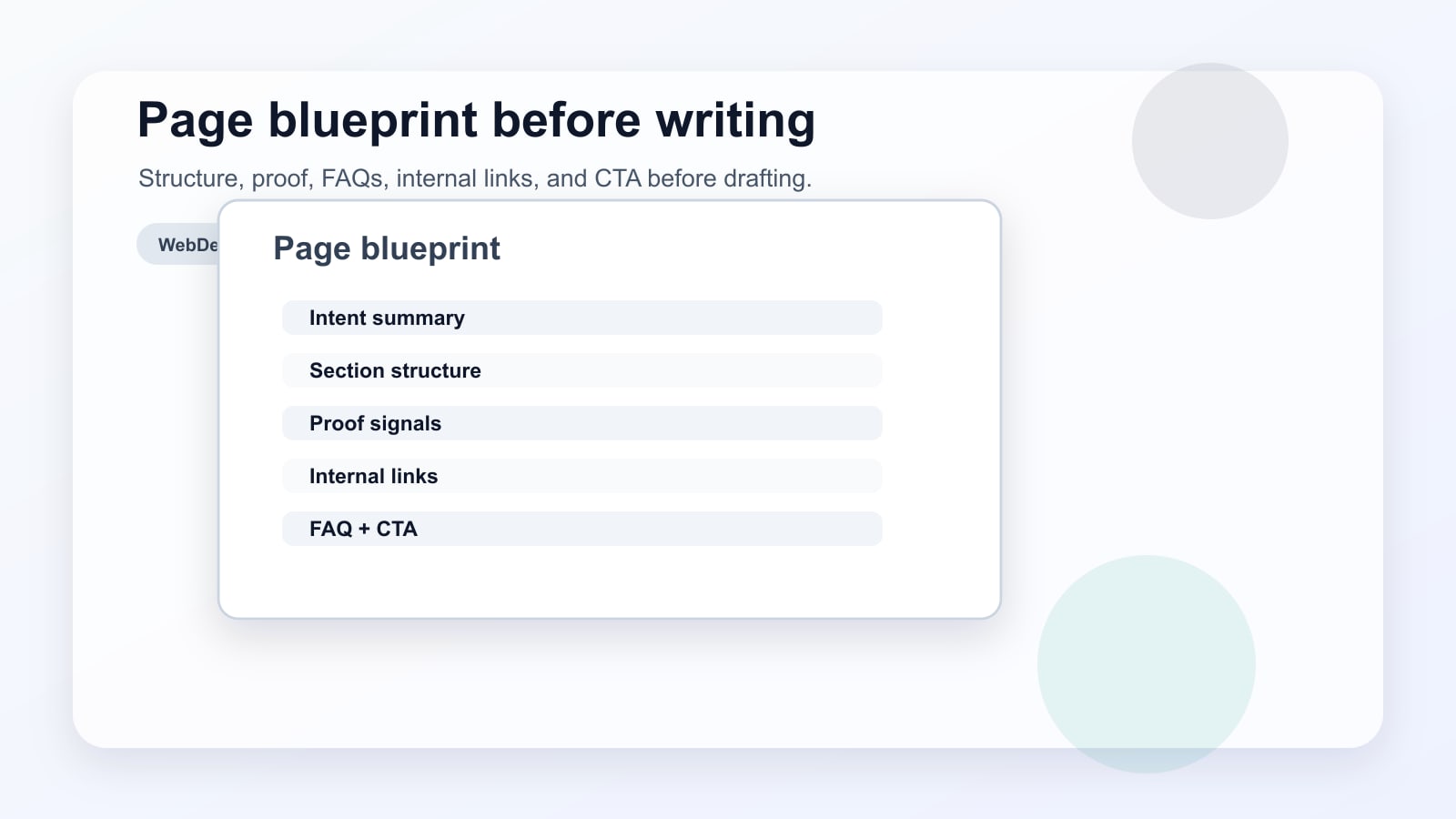
What should the page blueprint include?
After choosing the keyword, the next question is not just whether the client can write the page. The better question is what the page needs in order to deserve a ranking.
For a landing page, the blueprint may include:
- H1 and title tag direction
- search-intent summary
- recommended section structure
- proof or trust signals
- internal links
- examples or use cases
- FAQs
- CTA placement
- notes from competitor pages
For a blog post, the blueprint may include the main question, supporting subtopics, examples, internal links to commercial pages, related questions, recommended CTA, and opportunities for images or diagrams.
This is where keyword research becomes content direction.
Want me to turn your keyword spreadsheet into a prioritized SEO roadmap?
I can map the best landing-page targets, blog topics, search-intent notes, internal-link opportunities, and first actions to take.
Why does client review still matter?
Because keyword research is an informed recommendation, not a replacement for business judgment.
A keyword can look good in a tool and still be wrong for the company. Maybe the client does not want that kind of lead. Maybe the service is not profitable enough. Maybe the offer has changed. Maybe the search demand is real, but the business does not want to be positioned that way.
That is why I ask clients to review the strategy instead of treating it as gospel. I bring the SEO logic. The client brings the business reality. The final plan gets stronger when both are present.
What common mistakes should the guide prevent?
A good keyword strategy guide should help the client avoid the predictable traps.
- Chasing search volume before business value
- Choosing keywords only because difficulty looks low
- Ignoring the page type Google is already rewarding
- Writing blog posts that never support commercial pages
- Treating CPC as proof instead of a clue
- Skipping client review
- Ending with vague advice instead of a first-month plan
The guide is not just a list of opportunities. It is a guardrail against bad SEO decisions.
What should happen in the first 30 days?
The first month should turn the strategy into a small, concrete sequence.
- Week 1: Review the keyword strategy guide, confirm the highest-priority services, and remove keywords that do not match the business direction.
- Week 2: Build or optimize the first commercial landing page around the strongest realistic service keyword.
- Week 3: Create the first supporting blog post around the best informational topic.
- Week 4: Add internal links, request indexing where appropriate, and start tracking impressions, rankings, clicks, and early engagement.
The plan does not need to be dramatic. It needs to make Monday morning obvious.
What is the practical takeaway?
The real value of a keyword strategy guide is not that it contains keywords. The value is that it tells the client what to do with them.
For this project, the strategy came down to a few answers. The client had more opportunity than the current rankings suggested. Some competitors were ranking because they had better-targeted pages, not because they were impossible to beat. The first priorities should be commercial keywords with realistic competition, then supporting blog content that matches informational intent.
A spreadsheet can show the opportunity. A good strategy guide turns it into a sequence.
Was this based on a real Loom walkthrough?
Yes. This post is based on a real Loom walkthrough I recorded after preparing a keyword strategy guide for a client.
The private client details, spreadsheet link, domains, and project context are not included here. The Loom is embedded above by request so you can see the walkthrough context, but the public value is the process: how to explain the spreadsheet, how to connect keyword data to page types, and how to turn the research into first actions.
Sources and reference links
- Google Search Central: SEO Starter Guide
- Google Search Central: Creating helpful, reliable, people-first content
- Google Search Central: Influencing title links in search results
- Google Search Central: Link best practices for Google
- WebDesy: How I Do Keyword Research
- WebDesy: How to Do Keyword Research in Ahrefs: A Compact SEO Workflow
Short FAQ
How is a keyword strategy guide different from keyword research?
Keyword research collects the data. A keyword strategy guide interprets the data and turns it into a plan for landing pages, blog posts, internal links, and first-month priorities.
Should blog posts or landing pages come first?
It depends on search intent. If the keyword has commercial intent and the top results are service pages, a landing page usually comes first. If the keyword is informational and the top results are guides or articles, a blog post is usually the better match.
How many keywords should one page target?
One page should have one primary keyword direction, with closely related secondary terms included naturally. If two keywords have different search intent, they usually need separate pages.
How soon can a new keyword strategy produce results?
The first pages can be planned and published quickly, but SEO movement usually takes time. Early signs may show up as impressions and indexing first, while rankings, clicks, and leads can take weeks or months depending on competition and site strength.
-
How to Turn SEO Audit Findings Into a Recovery Plan
An SEO recovery plan works best when the research is translated into concrete next actions. In this workflow, I reviewed link profile signals, content opportunities, page overlap, SERP features, outreach gaps, and broken backlink targets. The goal was to turn a scattered set of audit findings into a clear plan for what to fix, create, strengthen, and monitor next. (more…)
-
How to Do Keyword Research in Ahrefs: A Compact SEO Workflow
Keyword research does not need to start with a giant spreadsheet or a complicated SEO model. A compact workflow is often enough: create a keyword list, choose a few strong seed keywords, check what the site already ranks for, study competitors, and then select keywords that are realistic for the site’s current authority.
This guide turns the Loom walkthrough into a practical process you can follow inside Ahrefs. (more…)
-
SEO in the Age of AI: Why Backlinks Aren’t Enough
Search traffic is changing fast. For years, the standard SEO playbook was fairly predictable: improve technical health, publish useful content, earn quality backlinks, and track rankings. Those fundamentals still matter, but they are no longer enough on their own. (more…)
-
High-Intent SEO Keywords: How to Find Them
Most keyword research starts in the wrong place: search volume.
That is how you end up with a content calendar full of keywords that can bring visitors, but not customers.
High-intent SEO keywords fix that problem. (more…)
-

Why Your Website’s SEO Depends on Better Photography
Most SEO conversations focus on keywords, backlinks, and technical audits. But there’s a visual layer that quietly shapes your rankings — and it starts the moment someone lands on your page.
Professional photography and search engine optimization might seem like they operate in separate worlds. (more…)
-
My First Blog Post by Manus AI
This is my first blog post generated by Manus AI. I’m excited to share my thoughts and insights with the world! (more…)
-
Online Tutoring: Key to A-Level Chemistry Success
In the ruthless arena of digital education, one strategy is outperforming everything else: personalised online tutoring. For SEO professionals and digital marketers watching the education vertical, this is not just an academic trend — it is a masterclass in user-centric content, conversion optimisation, and brand authority that every industry can learn from.
A-Level Chemistry sits at the epicentre of this shift. (more…)
-
StudyMind A-Level Chemistry Tutors: Site Tear Down
Introduction
Today, we’re tearing down StudyMind.co.uk’s A-Level Chemistry Tutors page — a landing page from the UK-based online tutoring platform Study Mind. (more…)
-

UCAT Tutoring Doesn’t Die in the AI Era
Short answer: UCAT tutoring doesn’t die in the AI era — generic UCAT tutoring does.
Longer, honest take 👇
AI is now very good at explaining what the UCAT is, generating practice questions, walking through basic strategies, and even timing drills. That wipes out a big chunk of low-value tutoring. (more…)
-
Law Summer Career Camps vs. AI in Pre-Law Education
While Artificial Intelligence serves as a powerful research and information tool, a law summer career camp offers a fundamentally superior and irreplaceable educational experience for aspiring legal professionals. The camp’s value lies not in what students learn, but in how they learn it, emphasizing human skills and experiential application that AI cannot replicate.
1. (more…)
-
Local SEO and Ultra-Wideband (UWB): Why It Matters
Local SEO has always been about one thing: being in the right place at the right time.
But there’s a problem.
Search engines are still pretty bad at understanding exact physical location — especially indoors. (more…)