Pushing a technical SEO audit to a clean score feels great, but that score is not permanent. Every new page you publish gets crawled and evaluated too, so the same mistakes can quietly slip back in and pull your score down again.
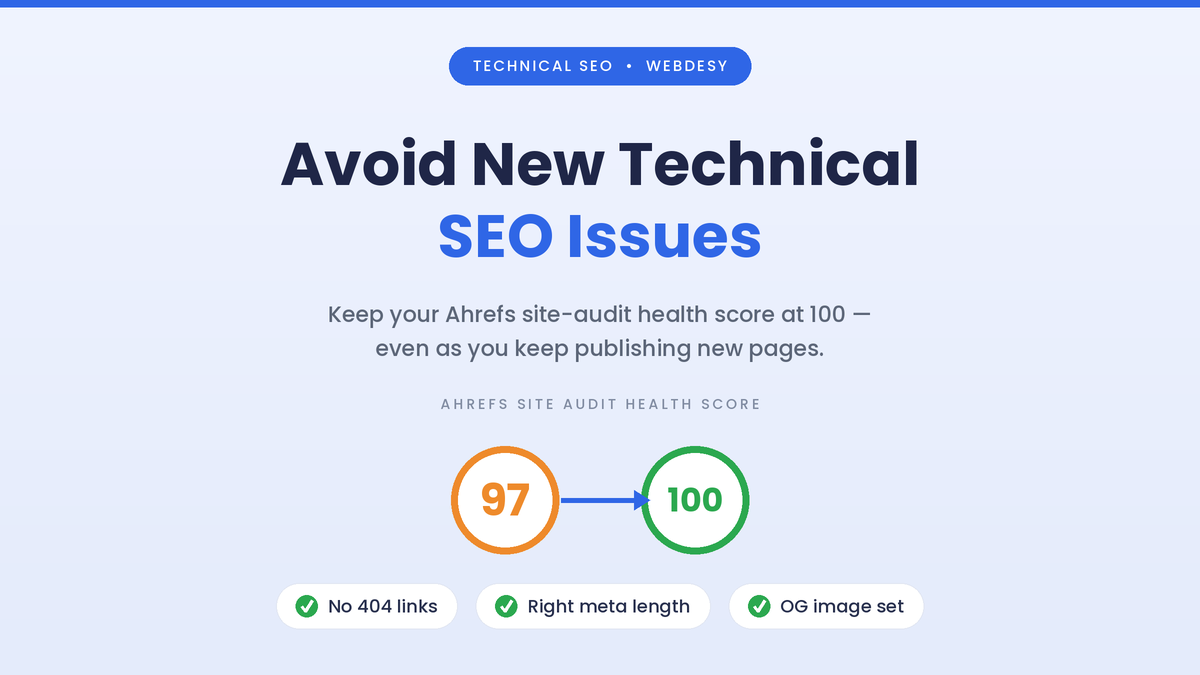
In the video above I walk through exactly that. On this site, the Ahrefs Site Audit health score had just gone from 97 to 100. Then a handful of new pages reintroduced three familiar problems: 404 errors from links to pages that no longer exist, meta descriptions that were too long, and a missing Open Graph image. Here is the full breakdown, plus a repeatable pre-publish checklist so it does not keep happening.
Video walkthrough (timestamped)
Prefer to skim? Here is the walkthrough with timestamps – press play above to follow along.
Expand the timestamped walkthrough
- 0:00 – Overview of the new issues. The Ahrefs Site Audit health score had just been improved, and the video reviews the new technical issues that appeared afterward.
- 0:43 – Why it keeps happening. In the author’s words: “if you make the same mistakes, it will basically decrease the SEO health score again. So here is what the issues are and what you need to watch out for so that we don’t have these issues moving forward.”
- Early in the video – Issue 1: 4xx / 404 pages. New pages linked to URLs that no longer exist, creating 404s. Correct or remove the link, or add a redirect.
- 1:54 – Issue 2: Shorten meta descriptions. Over-long descriptions are trimmed in the page SEO settings so they are not truncated in search results.
- Later in the video – Issue 3: Open Graph image. A missing Open Graph image is fixed by uploading a social image in the dashboard settings so shared links show a proper card.
Quick summary
- A perfect health score is a snapshot, not a guarantee. New content is audited too.
- Three issues came back: 404 internal links, over-long meta descriptions, and a missing Open Graph image.
- Each one takes minutes to fix and is easy to prevent with a quick check before you publish.
Table of contents
Why new technical issues creep back in
A site audit is not a one-time event. Tools like Ahrefs re-crawl your site on a schedule, so your health score is a rolling reflection of every page, including the ones you published this week. Fix ten issues, publish three new pages with the same habit, and the score reflects the new problems.

It usually comes down to repetition: a template, a theme default, or a copy-paste routine that carries the same small mistake onto every new page. That is good news, because a short, consistent checklist removes most of the risk. If you are still working through your first cleanup, my guide on turning site audit findings into a recovery plan pairs well with this.
Issue 1: 404s from broken internal links
A 4xx error, most often a 404, happens when a link points to a URL that does not exist. After a cleanup, this usually shows up when a new page links to an old post you have since deleted or renamed, or when a URL is simply mistyped in the content.

Ahrefs flags these as broken internal links, and they hurt more than the score: they send readers and crawlers into dead ends. To fix them, do one of two things. Update or remove the link so it points to a live page, or add a 301 redirect from the old URL to the correct one. If you manage redirects at the edge, my walkthrough on using Cloudflare for SEO covers that approach.
Issue 2: Meta descriptions that are too long
Search engines only show roughly 150-160 characters of a meta description before cutting it off. A longer description is not a ranking penalty, but it gets truncated in the results, so your call to action disappears mid-sentence and your snippet looks sloppy.

The fix is quick: open the page in your SEO plugin (Rank Math, Yoast, or your theme SEO settings) and trim the description to a single, complete sentence of about 150-160 characters that earns the click. Do it as you write and it never becomes an audit item.
Issue 3: A missing Open Graph image
The Open Graph image is the picture that appears when your page is shared on social platforms and in messaging apps. Without one, your link shows up as a bland, text-only card that is easy to scroll past, and Ahrefs flags the missing tag.

Set a per-page social image where it matters, and add a sensible site-wide default so nothing ever ships without one. If you are on WordPress, my guide to Open Graph in WordPress SEO shows exactly where to set it.
The fix: a pre-publish checklist
You do not need another audit, you need a habit. Run this quick check before every new page goes live and these issues stop reaching the crawler in the first place.
- ✓Every internal link resolves to a live page, with no 404s.
- ✓The meta title is present, unique, and not truncated.
- ✓The meta description is a complete sentence of about 150-160 characters.
- ✓The canonical URL points to the clean version of the page.
- ✓Open Graph title, description, and image are all set.
- ✓Every image has descriptive alt text.
- ✓There is exactly one clear H1.
Free download: Get this pre-publish checklist as a printable PDF.
This is the same discipline behind my three-step SEO workflow: small, repeatable checks beat occasional big cleanups.
Common mistakes to avoid
- Treating the audit as one-and-done. The score drifts the moment you publish again.
- Reusing a template that carries the bug. One bad default becomes ten identical issues.
- Ignoring low-priority warnings. They are cheap to fix now and annoying to untangle later.
- Not re-crawling after publishing. Run a fresh crawl so new pages are checked while they are still easy to fix.
Not sure which technical issues are actually costing you traffic? Send me your site and current keyword targets, and I will turn them into a prioritized roadmap: technical fixes first, then on-page, internal links, and backlink opportunities.
Frequently asked questions
Why did my health score drop after I fixed everything?
Because a site audit re-crawls your whole site on a schedule. New pages are evaluated too, so if they repeat an old mistake, the score reflects it. A perfect score is a snapshot, not a permanent state.
What is a 4xx or 404 error in a site audit?
It means a link points to a URL that does not exist or cannot be reached. Fix it by updating or removing the link, or by adding a 301 redirect from the old URL to a live one.
How long should a meta description be?
Aim for about 150 to 160 characters. Longer descriptions get truncated in search results, cutting off your message. It is not a ranking penalty, but it weakens your snippet.
What is an Open Graph image and why does it matter?
It is the preview image shown when your page is shared on social media or in messaging apps. Without it, your link looks plain and gets fewer clicks. Set per-page images and a site-wide default.
How often should I run a technical SEO audit?
Keep a scheduled crawl running, weekly or monthly depending on how often you publish, and re-crawl after adding a batch of new pages so issues are caught while they are still easy to fix.
Watch the full video
This article summarizes the walkthrough in the video at the top of the page. You can also watch it directly on Loom. Related reading: turn audit findings into a recovery plan, the three-step SEO workflow, and my keyword strategy guide.

Leave a Reply
You must be logged in to post a comment.